Reads your sketch
Start a clip from pencil work, digital inks, storyboard frames, scribbles or painted concepts — the art becomes the visual base.


Feed this sketch to video AI generator a drawing or a storyboard panel and get a moving concept back. Upload it, describe the movement, and test the idea without drawing in-between frames.
Drop the drawing into image slot one. Clear silhouettes and specific motion prompts tend to give you more controlled results.
Set published source drawings beside their sketch to video AI generator output and see how linework, shapes, characters and layout survive the jump into motion.
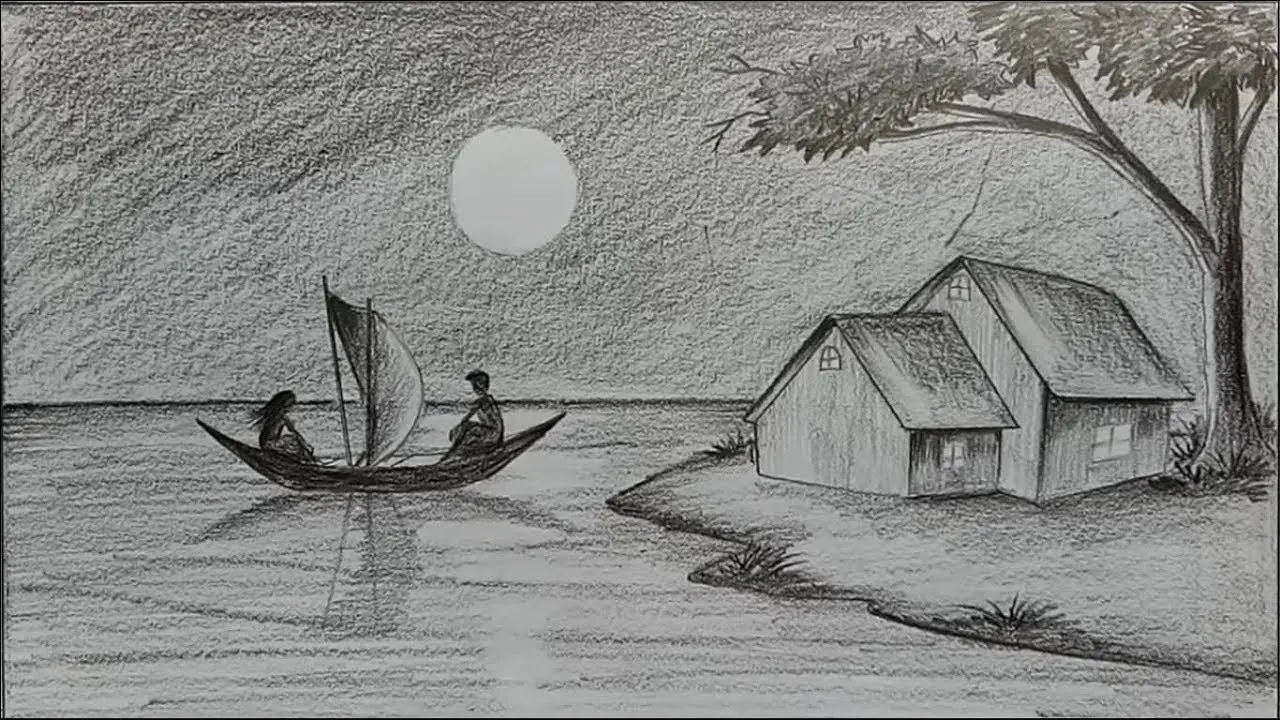 Source sketch
Work out blocking, camera moves, mood and timing with the sketch to video AI generator, then refine the generated clip before you commit to a full production pipeline.
Seedance 2.0 Mini is the easy default; each compatible sketch to video AI generator model below strikes its own balance between staying true to the image, cinematic motion, stylisation and frame control.
The sketch to video AI generator keeps the backbone of your drawing's composition and adds movement, depth, mood and the feeling that time is passing.
Start a clip from pencil work, digital inks, storyboard frames, scribbles or painted concepts — the art becomes the visual base.
Spell out what the character does, how the surroundings move, what the camera does and how fast, instead of settling for stock animation.
Keep the hand-drawn feel or push toward anime, 3D, live-action realism, claymation, illustration or some other treatment.
Try out scenes and pitch moments in motion before you sink hours into finished assets, keyframes or frame-by-frame animation.
A sketch to video AI generator session starts with legible artwork, adds a focused motion brief, and gives you a result you can rework like a living concept frame.
Pick artwork with an obvious subject and layout. Bold silhouettes and clear space between shapes make the scene easier for the model to read.
Describe the subject's action, the camera move, any background motion, the style you want, and the areas of the sketch that must hold still.
Watch the motion, then tweak the wording, the reference image, the length or the model to tighten fidelity and timing.
A sketch to video AI generator converts first-draft visual ideas into moving concepts that teammates, clients and viewers grasp at a glance.
Try out gestures, expressions, how a costume moves and a character's attitude from one character sketch.
Present a product design or a box concept in motion before any 3D modelling starts.
Give storyboard panels camera and subject motion for pitches, previs and sequence planning.
Turn posters, editorial pieces, comics, album covers and social art into short motion loops.
Explore mood, blocking and camera movement straight from rough production-design drawings.
Show how a first sketch grows into a finished AI clip and explain each choice along the way.
These sketch to video AI generator examples pair real drawings with their results, plus workflow material from Adobe and PixVerse picked for exactly this task.
Spend sketch to video AI generator credits on quick motion tests, several style directions, or a polished high-resolution take of the concept you pick.
It uses your drawing as the jumping-off point for an AI video and adds motion, camera behaviour, depth and, if you ask, a change of style from a text prompt.
Pencil drawings, ink linework, tablet sketches, storyboard frames, scribbles, concept art, turnaround sheets and any other legible still artwork all work.
It handles image-guided video and is an inexpensive place to start rapid concept iteration. Switch models whenever a shot calls for another kind of movement or more fidelity.
Not at all, though the main subject and its outline should read clearly. Tangled, overlapping lines can produce surprise objects or odd movement.
Yes. Ask the model to keep the pencil, ink, marker, watercolour or line-art character and to avoid photorealism.
Yes. Describe the materials, light, setting, lens and level of realism you want, and let the drawing guide the composition and where the subject sits.
Name the elements that should move and say plainly what stays still. Precise camera instructions also stop the whole frame wobbling.
You can animate one storyboard panel at a time, treating each as a single shot. For longer scenes, render the shots one by one and cut them together.
The model interprets your lines instead of rigging them precisely. Cleaner shapes, a sharper prompt and a model known for image fidelity all reduce drift.
No. They come from published sketch-to-video case studies plus material released by Adobe and PixVerse, with each source logged in the project documentation.
That depends on your source artwork, the model you chose, your plan and the provider's terms. Check those rights before you publish anything commercial.
Open the sketch to video AI generator, drop in a drawing, direct the action, and turn an early idea into a video concept you can share.
Animate my sketch