A frame at each end
Fix the opening composition and the image you want to finish on, rather than gambling on how the clip ends.


This AI start and end frame video generator joins two images you choose into a single continuous shot. Add the picture it opens on and the one it closes on, then explain the movement that carries one into the other.
Image one becomes the opening frame and image two the closing frame. How well it works depends on how the images fit together, the prompt, the length and the model.
Watch a start and end frame video generator trace the whole route: a fixed opening, generated motion in the middle, and a planned final composition.
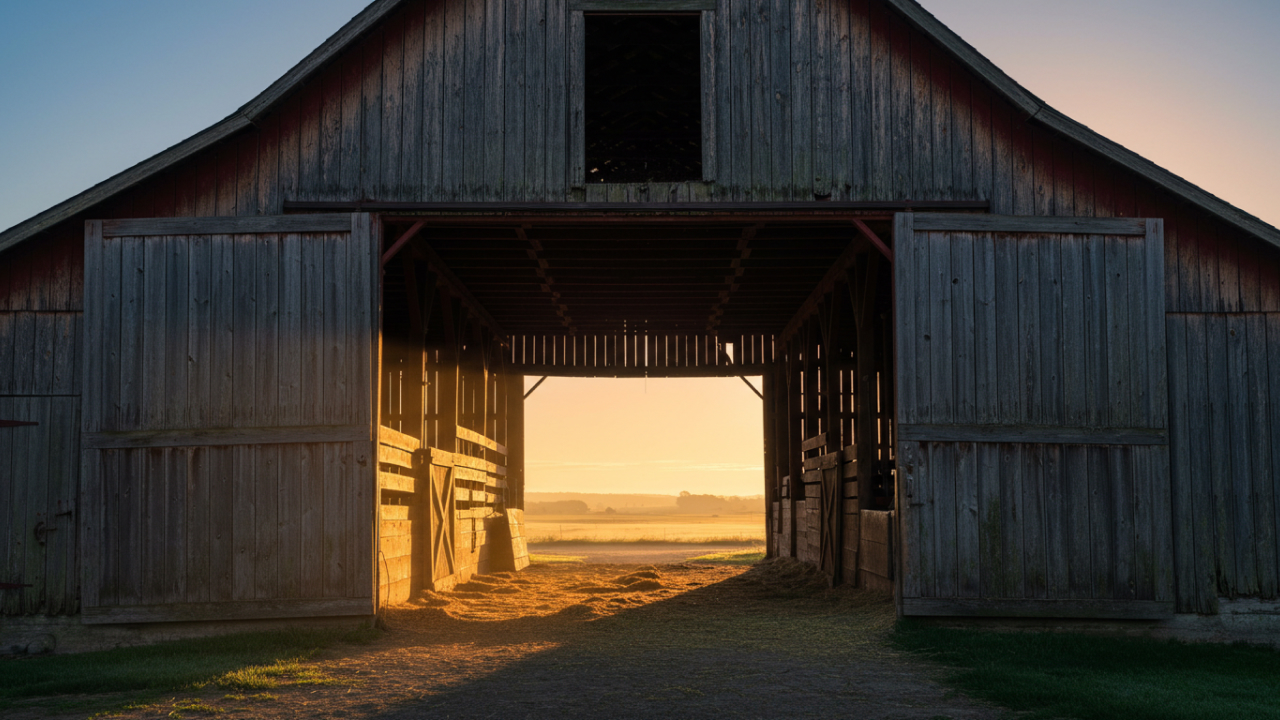
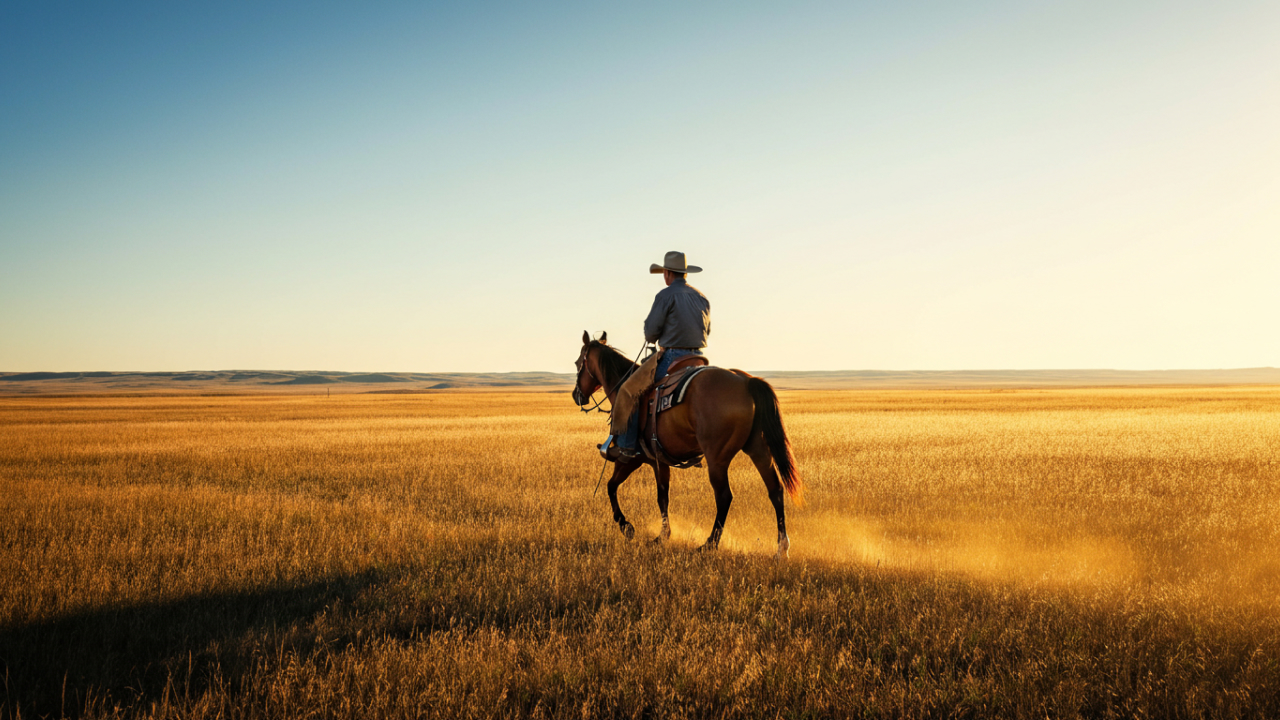
A start and end frame video generator hands the model a visual target, so reveals, morphs, packshots and cuts between locations are far easier to art-direct than free-form generation.
Line up every model in this start and end frame video generator that accepts native frames-to-video input, then go with the motion, audio, resolution and style behaviour the shot calls for.
Set both ends of the shot in the start and end frame video generator and let AI work out the movement, camera path and continuity that join them.
Fix the opening composition and the image you want to finish on, rather than gambling on how the clip ends.
Say how the subject, the camera, the light or the whole scene should change on the way from one image to the other.
Make camera moves, transformations, reveals, morphs, jumps through time and scene-to-scene links in one workflow.
Choose length, aspect ratio, resolution and audio within whatever the selected model supports.
All the start and end frame video generator asks for is a pair of images that belong together and a clear line on the journey from one to the other.
Pick two images the model can plausibly link: the same subject, related places, or an intentional before-and-after change.
Cover the camera move, what the subject does, the transition style, the pacing, and what must stay the same throughout.
Preview the in-between, then change the prompt, length, model or either end image until the transition does what you intended.
Reach for the start and end frame video generator whenever the closing composition counts just as much as the opening — from product reveals to unbroken action.
Begin on a moody setup and land on a crisp, deliberate hero shot of the product.
Carry a character or object from one material, period, art style or visual finish into a different one.
Steer push-ins, pull-backs, orbits and moves through foreground objects toward an end point you already know.
Join separate locations through motivated movement, matching shapes, shifting light or cinematic morphs.
Fix the starting and landing pose for running, dancing, sport or staged character moves.
Lead a brief ident, a title card or a logo animation to an exact final graphic layout.
Published start and end frame video generator examples from the model makers. Where MiniMax did not release its inputs, the boundary images were openly extracted from its official outputs.
Pick a start and end frame video generator credit plan for the odd concept test, steady social output or high-resolution campaign work.
It is a workflow for AI video that treats one image as the first frame and another as the target last frame, then generates the movement and visual change that connect them.
Your first upload is used as the opening composition. The second is the composition the generated clip has to end on.
Veo 3.1 Fast takes native first-and-last-frame input and strikes a good balance of transition quality, speed, resolution options and optional sound.
The same ratio and similar framing generally give a cleaner transition. If they are very different, crop them to compatible layouts before you render.
Yes. An obvious visual link, a transition instruction or a shared subject helps the model join unrelated scenes more smoothly.
The subject's action, the camera move, the transition method, the pacing, how the light changes, and any detail that has to stay constant from first frame to last.
Yes. Use the two states — before and after — as your frames, then explain how the material, the subject, the location or the style should change.
The frames steer the end points, but generative models can shift small details. Consistent subjects and compatible layouts improve how closely it sticks.
Some models support vertical video. Choose one that offers 9:16 and upload portrait-orientation images at both ends for the most reliable framing.
No. Google DeepMind and MiniMax published them. Where each asset came from, and any cropping or frame extraction we did, is recorded next to the files.
Yes. Using one clip's final frame as the next clip's first frame is a handy way to build longer sequences that flow together.
Open the start and end frame video generator, set the first and final image, and let the chosen model build the journey from one to the other.
Fill the gap between frames