Animation from text
Write a scene from nothing: who is in it, what they do, the art direction, the camera move, the lighting and the timing.


This AI animation generator turns a prompt or a still picture into an animated clip — glossy 3D cartoons, hand-made clay, felt and puppet looks, pixel art or bold graphic illustration.
Generate from text alone or put an image in the first slot. How consistent the style stays depends on how specific the prompt is, the source design, the motion and the model.
Official style demos showing how an AI animation generator deals with different media, motion language, lighting, surface texture and character design.
 First frame
Give the AI animation generator a full brief — medium, character design, motion, camera, light and texture in one go — instead of leaning on a vague style tag.
Hailuo 2.3 Standard is the default; each compatible AI animation generator model below has its own strengths in image fidelity, stylised motion, prompt adherence, length, audio and resolution.
Explore characters, media and movement with the AI animation generator — no rigging, no painting every frame, no setting up a 3D scene the old way.
Write a scene from nothing: who is in it, what they do, the art direction, the camera move, the lighting and the timing.
Begin with an illustration, a character design, a product image or a concept frame and give it deliberate motion.
Ask for 3D cartoon, anime, claymation, felt, puppets, pixel art, ink, black and white, papercraft or a hybrid look.
Set the model, aspect ratio, resolution, length, audio and prompt detail to suit wherever the clip will be shown.
The AI animation generator does its best work when you settle the visual language first, then give the scene one simple, easy-to-read action and a clear camera instruction.
Describe the core scene, or upload a picture whose character, framing, colours or drawing style should carry through.
Name the medium, how materials should look, what the subject does, the camera, the pace, the light and what must stay the same.
Watch the clip, then remove clashing instructions, sharpen the style wording, or try another model for a fresh take.
An AI animation generator is handy for quick visual explanations, playful posts, character design, concept work and stylised production tests.
Make lively, rounded characters with warm family-film lighting and clear, readable actions for short scenes.
Put together retro game moments, looping backdrops, sprite-style characters and nostalgic social clips.
Try wooden, cloth or stage-puppet motion with hand-crafted sets and tactile materials.
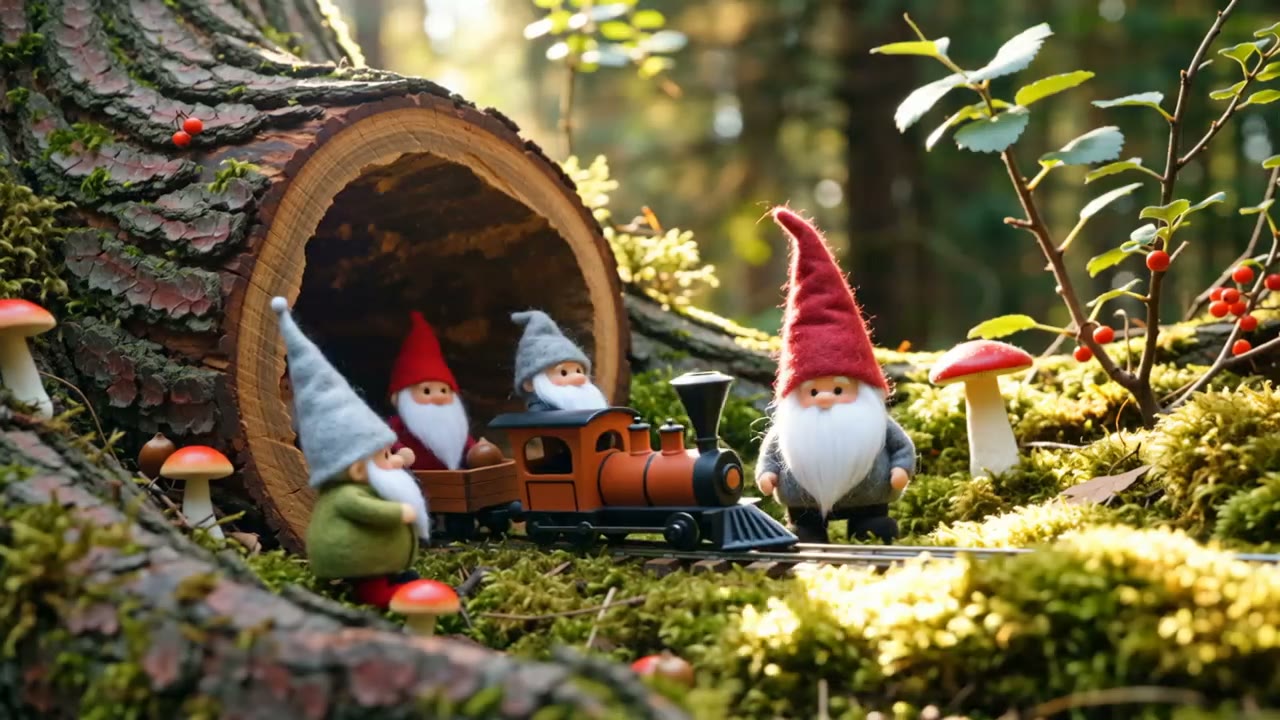
Generate stop-motion style scenes with thumbprints, sculpted shapes, tiny sets and that stepped, frame-by-frame feel.
Build soft, hand-sewn worlds with visible stitching, fuzzy layers and the charm of a bedtime story.
Go for bold black-and-white shapes, inky textures, tight palettes and punchy high-contrast motion for eye-catching pieces.
Each AI animation generator clip in this set is taken from the official Wan prompt guide and shows the animation style named in its caption.
Put AI animation generator credits toward fast style tests, several motion takes, and higher-quality renders of the ideas worth finishing.
It produces a moving clip from text, an image or both, reading your instructions for the subject's action, the camera, the visual style, the materials, the light and the timing.
Hailuo 2.3 Standard handles both text-to-video and image-to-video with lively, physically believable motion, which makes it a versatile place to begin animation work.
Yes. Upload the character as the first image and describe one clear action. A clean full-body or waist-up pose usually gives the model better motion cues.
Try 3D cartoon, anime, claymation, felt, puppets, pixel art, hand-drawn, ink, watercolour, papercraft, black and white, and plenty of mixed-media looks.
Describe the materials, shapes, rendering approach, colours, lighting and way of moving together. Do not cram unrelated style references into one short prompt.
Ask for a repeating action and a locked-off camera. A perfectly seamless loop may still need a quick trim afterwards.
The result can mimic that look, but it is rendered as video, not handed over as editable drawn frames or a layered animation file.
That depends on the model. Hailuo 2.3 does not offer audio generation here, while certain other models support native audio.
No. The six clips are official Wan examples released by Alibaba Cloud, used here because each one clearly matches its animation style.
Start with one simple action over a short length. Brief, focused shots are easier to direct, and you can cut them together into a longer piece later.
That depends on the rights to your inputs, your plan, the model provider's terms and local rules. Check them before you publish or deliver client work.
Open the AI animation generator, describe the world, pick the medium, and make an animated shot from text or a source image.
Make an animation