Google's newest image model

Nano Banana 2.1 AI Image Generator

Nano Banana 2.1 is the latest Flash image model from Google DeepMind, and it pulls ahead of every earlier Nano Banana release on layout design, character consistency and true-to-life photography. Write a prompt, add reference images if you have them, and render at 1K, 2K or 4K for posters, product scenes, explainers and portraits.

  • Newest Google Flash image model
  • Render at 1K, 2K or 4K
  • Credits back on failed jobs
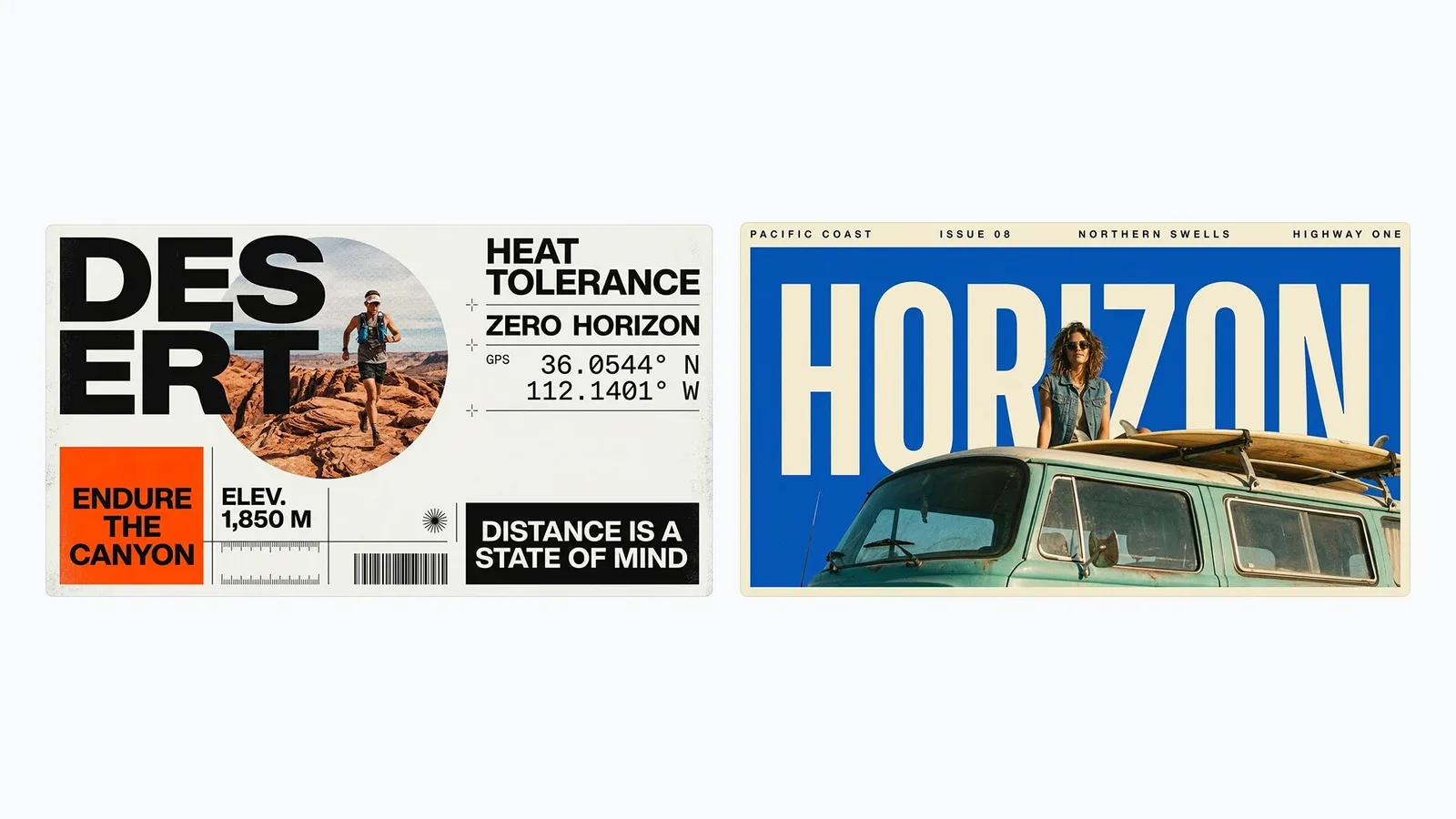
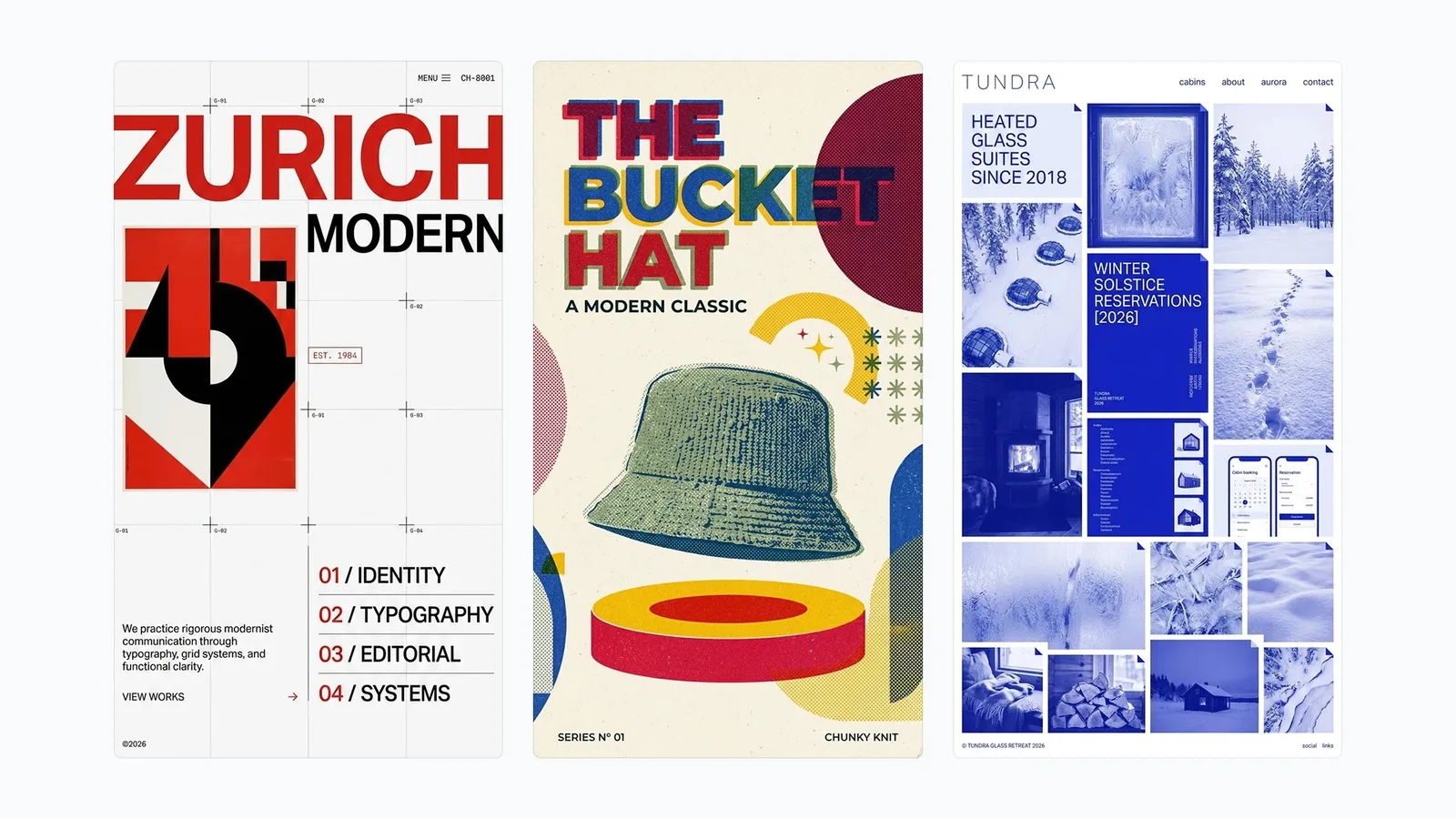
Google DeepMind sample from Nano Banana 2.1: a pair of editorial travel posters packed with bold typography

Create an image with Nano Banana 2.1

Say what the image is and where it will appear, then spell out the subject, layout, exact wording, lighting and finish. Only attach a reference when it has a specific role, and choose the ratio and resolution your destination calls for.

Loading the generator…

Nano Banana 2.1 starts selected. You can still open the model picker to run the same prompt through Nano Banana Pro, GPT Image 2.5 or any other image model.

What's different in Nano Banana 2.1

Released in October 2026, Nano Banana 2.1 refreshes Nano Banana 2 (Gemini 3.1 Flash Image). Google says it beats all previous Nano Banana models without giving up Flash speed or Flash pricing.

Google DeepMind highlights four improvements in Nano Banana 2.1: stronger visual design, mask-based editing, more reliable subject consistency and photos that look less artificial. The Gemini API docs fill in the specifics — higher image quality and realism at every resolution, cleaner text rendering, more precise infographic layouts and characters that hold steady over several rounds of edits.

Learn More

Nano Banana 2.1 also removes a known flaw in Nano Banana 2: repeating tile patterns in extra-wide and extra-tall panoramic ratios at 2K and 4K. On the API side, Gemini Nano Banana 2.1 takes up to 14 reference images, keeps as many as four characters and ten objects consistent, can ground prompts in Google Web and Image Search and lets developers set a thinking level. Google cut the API price for a 1K image to roughly half of what Nano Banana 2 cost, so bulk iteration gets cheaper too.

On MuseGen, Nano Banana 2.1 works as a quick text-to-image and reference-driven generator with five uploads, seven standard aspect ratios and 1K, 2K or 4K output. Every example on this page is taken from Google's official Nano Banana 2.1 model page, and each was chosen to show one upgrade clearly: tight poster typography, fashion casting from many references, illustrated explainers and soft natural light on a portrait.

Nano Banana 2.1 on MuseGen at a glance

This page loads with Nano Banana 2.1 already selected. The facts below describe what the built-in generator offers today, which is a subset of the full Gemini API.

Input
Prompt, plus 5 images max

Work from text alone, or attach references for a face, product, location or look.

Resolution
1K, 2K or 4K

Draft at 1K, then re-render the keeper at 2K or 4K when detail matters.

Aspect ratios
7 canvas sizes

Everything from square 1:1 to widescreen 16:9 and vertical 9:16.

Credit cost
2 or 3 credits

A 1K image is 2 credits; 2K and 4K are 3 credits each.

Four Nano Banana 2.1 upgrades you can see

Every card matches one of Google's announced improvements with an official Nano Banana 2.1 sample that demonstrates it.

Official Nano Banana 2.1 sample of Swiss-style editorial spreads with strict grids and heavy type

Stronger visual design

Nano Banana 2.1 respects grids, display type and editorial hierarchy far more carefully. These Swiss-style spreads hold strict alignment, varied type sizes and intentional white space rather than sliding into a stock poster look.

Start with Nano Banana 2.1
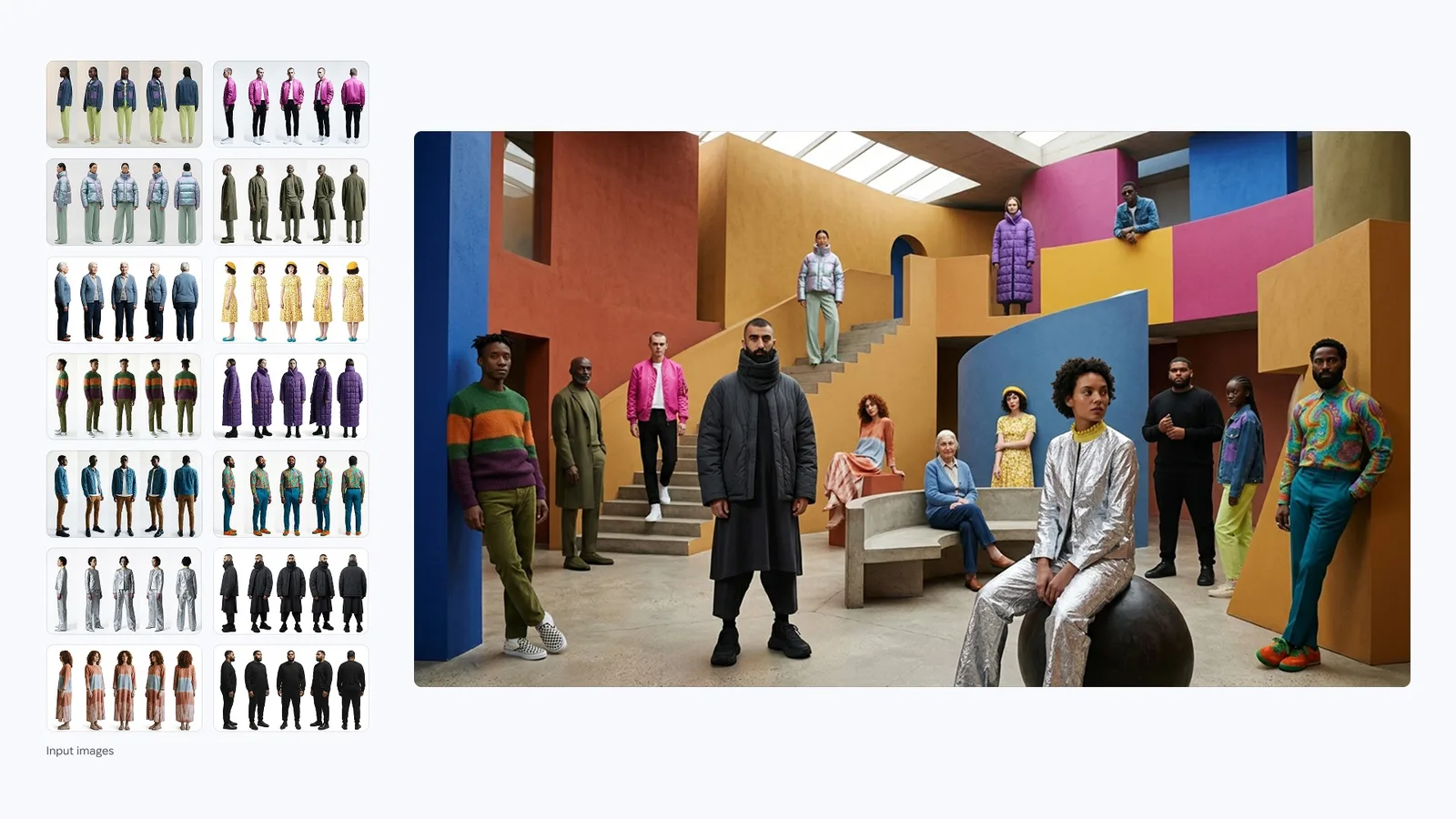
Official Nano Banana 2.1 sample staging models from a reference outfit grid inside a single geometric set

Consistent subjects across references

Supply a sheet of outfits and each look stays identifiable when the models share one scene. Google lists support for four consistent characters and ten consistent objects in one Nano Banana 2.1 request.

Start with Nano Banana 2.1
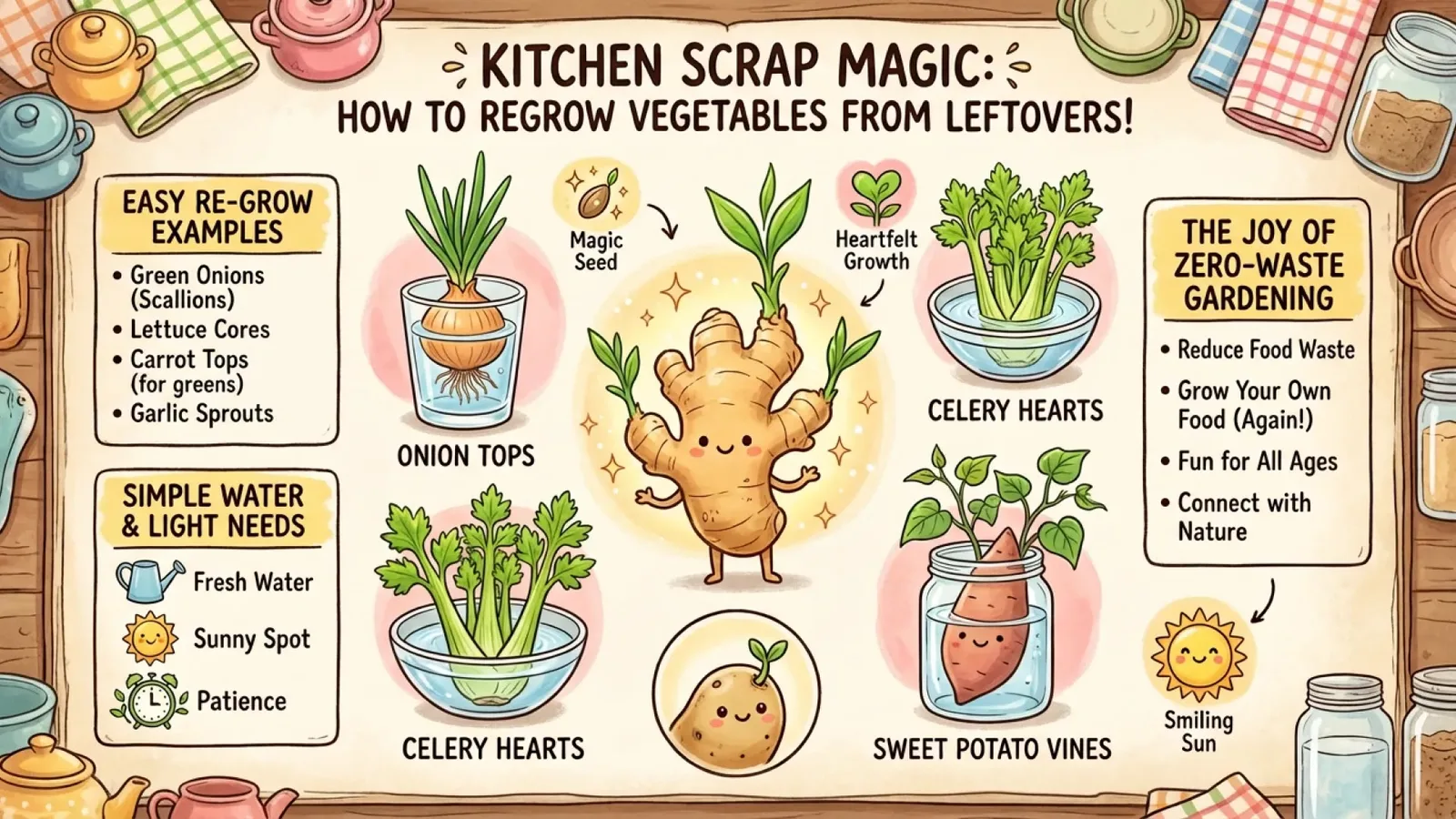
Official Nano Banana 2.1 illustrated guide to regrowing vegetables from kitchen scraps

Cleaner text and infographics

Headings, labels and callouts sit where they should, with fewer spelling slips. This illustrated regrowing guide shows the better infographic accuracy — titled panels, legible lists and an obvious reading path.

Start with Nano Banana 2.1
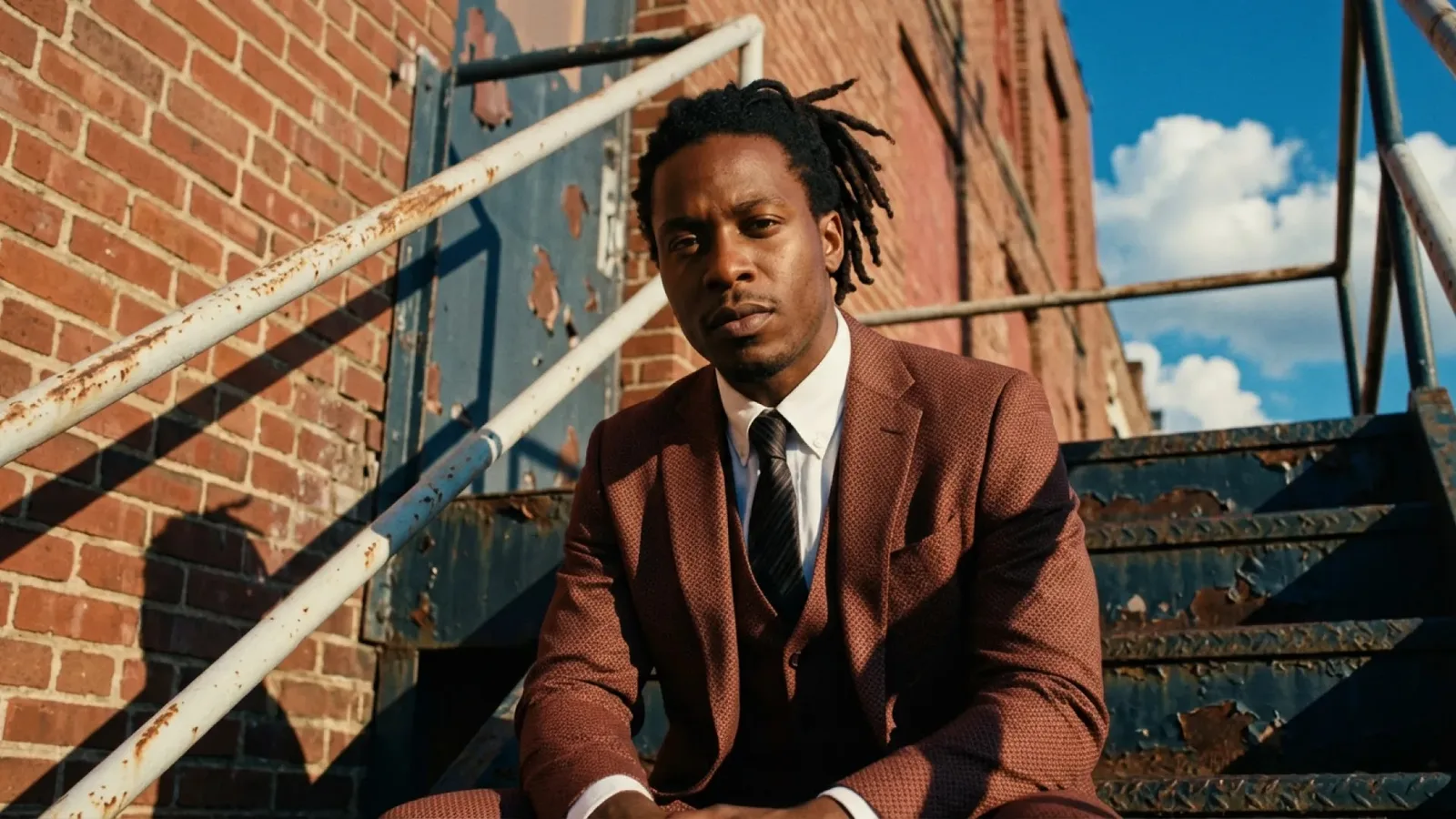
Official Nano Banana 2.1 photoreal portrait of a man in a textured three-piece suit on metal stairs

Photos that look natural

Skin, cloth texture and angled sunlight feel less synthetic than older Nano Banana results. The portrait on worn industrial stairs keeps convincing shadows, suit detail and direct eye contact at full size.

Start with Nano Banana 2.1

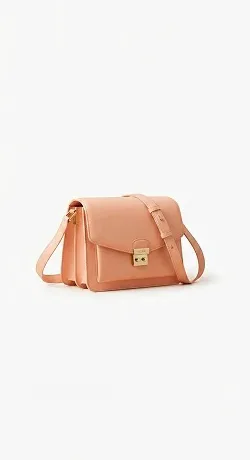
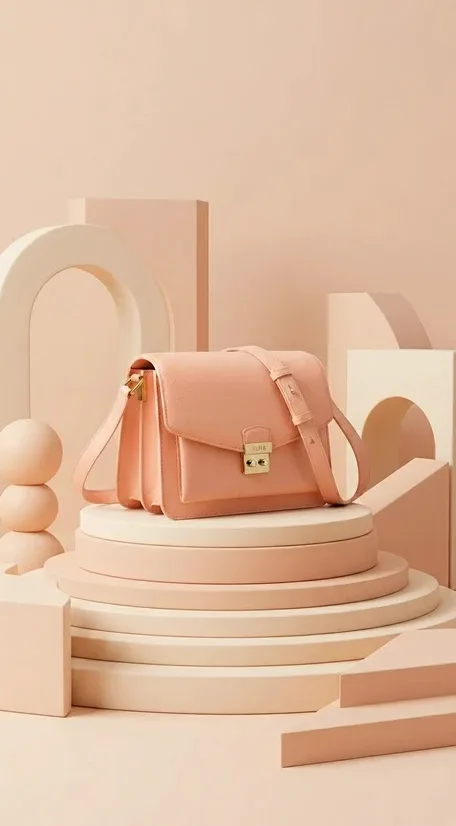
Move a product into a new scene and keep every detail the same

Nano Banana 2.1 is as much an editor as a generator. Google's sample turns a flat catalog photo of a shoulder bag into a styled pedestal set, and the strap, gold clasp, stitching and leather tone all match the original.

Plain catalog shot of a peach leather shoulder bag before editing with Nano Banana 2.1
Original catalog shot
Nano Banana 2.1 result showing the same peach shoulder bag on a tiered cream pedestal among geometric shapes
Restaged pedestal scene

Set the uploaded peach shoulder bag on a tiered cream pedestal framed by soft geometric arches and spheres. Leave the bag's silhouette, strap, gold clasp, stitching and leather color untouched. Warm peach monochrome palette, gentle studio lighting, vertical hero-shot framing.

Where Nano Banana 2.1 fits your work

Reach for it when design-quality output has to arrive fast: event artwork, how-to graphics and print pieces that once called for a slower model or a round in a design app.

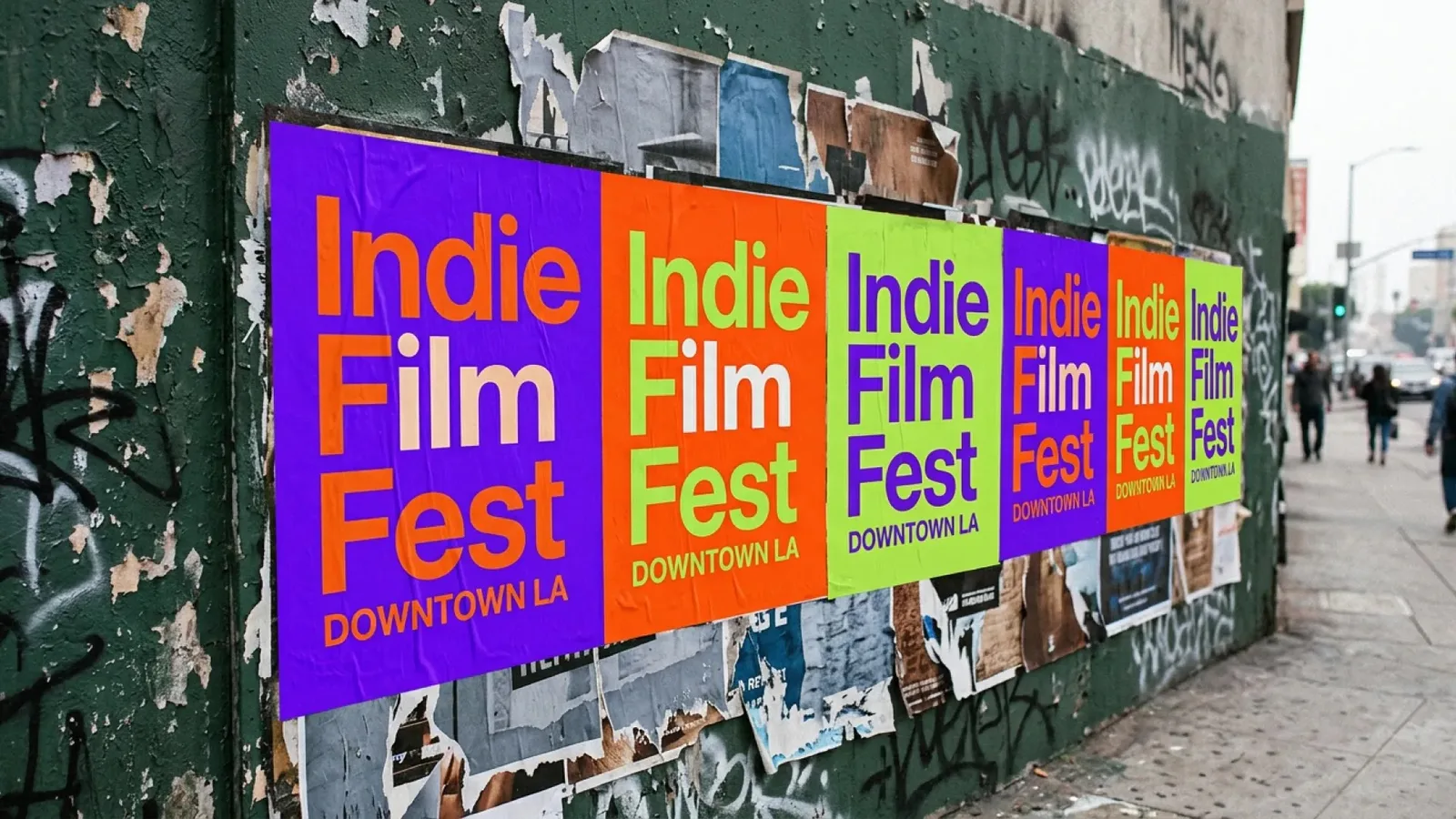
Official Nano Banana 2.1 sample of repeated Indie Film Fest posters covering a city wall

Event posters and wild postings

Produce a run of matching posters and preview them on the street. Put the event name, dates and venue in quotes so the same text appears on every sheet.

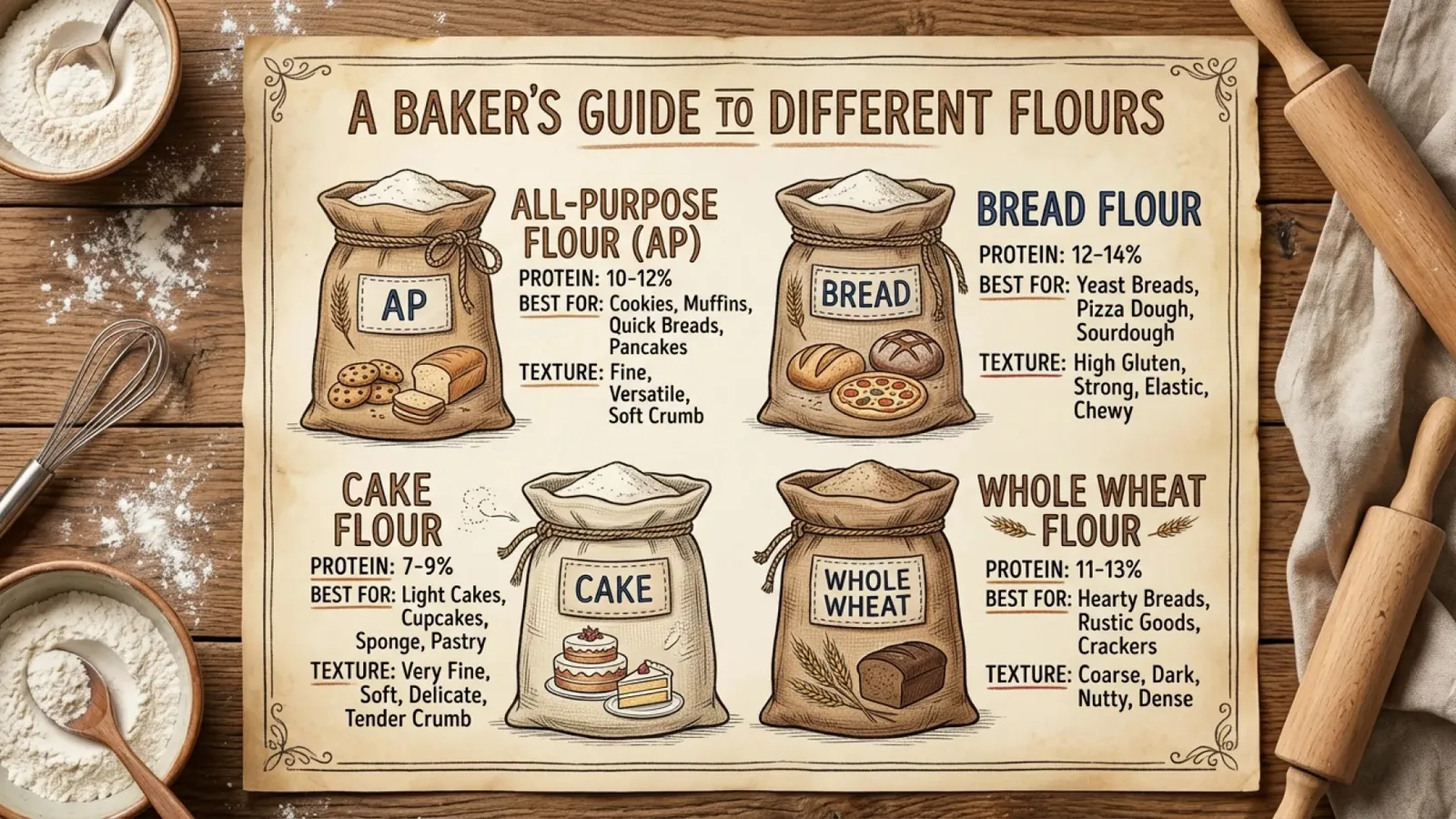
Official Nano Banana 2.1 infographic comparing baking flours with labeled sacks

Explainers and learning guides

Convert notes into a labeled visual guide for lessons, articles or carousel posts. Keep sections brief and fact-check every claim before it goes live.

Official Nano Banana 2.1 sample of a Happy Birthday card with bold yellow lettering

Cards and print mockups

Lay out cards, invites and packaging with chunky hand-lettered type, then show them as real printed objects for shop listings and previews.

Write Nano Banana 2.1 prompts for layout-ready images

Nano Banana 2.1 sticks closely to organized briefs. Open with the format and where it will run, then the layout, exact copy, reference roles and finish, so every revision only changes what you asked for.

Prompt formula

Format and placement + grid or layout + main subject + what each reference controls + exact wording in quotes + type and color palette + lighting and finish + what to keep or avoid.

Sample editorial poster prompt

Vertical 9:16 retro travel poster for a coastal highway trip. Strict three-column grid, giant chunky headline 'COAST' in the top left, tiny mileage and altitude notes in a narrow sans-serif, halftone primary colors with an abstract wave shape bleeding off the right edge. Screen-print texture, no punctuation in the headline, no text other than the words given.

01

Name the grid, not only the mood

The design gains in Nano Banana 2.1 show most when you specify columns, alignment, type scale and margins. 'Swiss grid, flush-left, giant headline' works better than 'clean modern poster'.

02

Assign each reference a role

Say which upload sets the face, outfit, product or location, and list the traits that must not change. Drop any image that adds nothing new.

03

Quote short copy

Wrap headlines and labels in quotation marks and break long explainers into a few titled blocks. Proofread at full size and correct one block per pass.

Nano Banana 2.1 in three steps

Explore cheaply at 1K, settle the composition, then render the final at the size the destination needs.

01

Write your brief

State the asset type, audience and canvas, then describe the subject, layout, exact copy and finish in plain, specific terms.

02

Attach references and set output

Add up to five images when a face, product or style must carry over, then pick the aspect ratio and 1K, 2K or 4K.

03

Check and refine

Look over text, hands, faces and product details, run one targeted variation, and re-render the best result at 2K or 4K once it is right.

Nano Banana 2.1 settings and credit costs

MuseGen has no separate quality setting for Nano Banana 2.1; resolution is what controls both detail and price.

SettingOptionsBest for
Resolution1K, 2K, 4K1K for quick drafts; 2K or 4K for print, hero banners and fine typography.
Aspect ratio1:1, 2:3, 3:2, 3:4, 4:3, 9:16, 16:9Choose the final canvas up front so layout, copy and white space are composed for it.
Reference inputOptional, 5 images maxUse for identity, products, places or style, and say what each image governs.
Credits2 at 1K, 3 at 2K/4KYou see the total before generating, and failed jobs are refunded automatically.

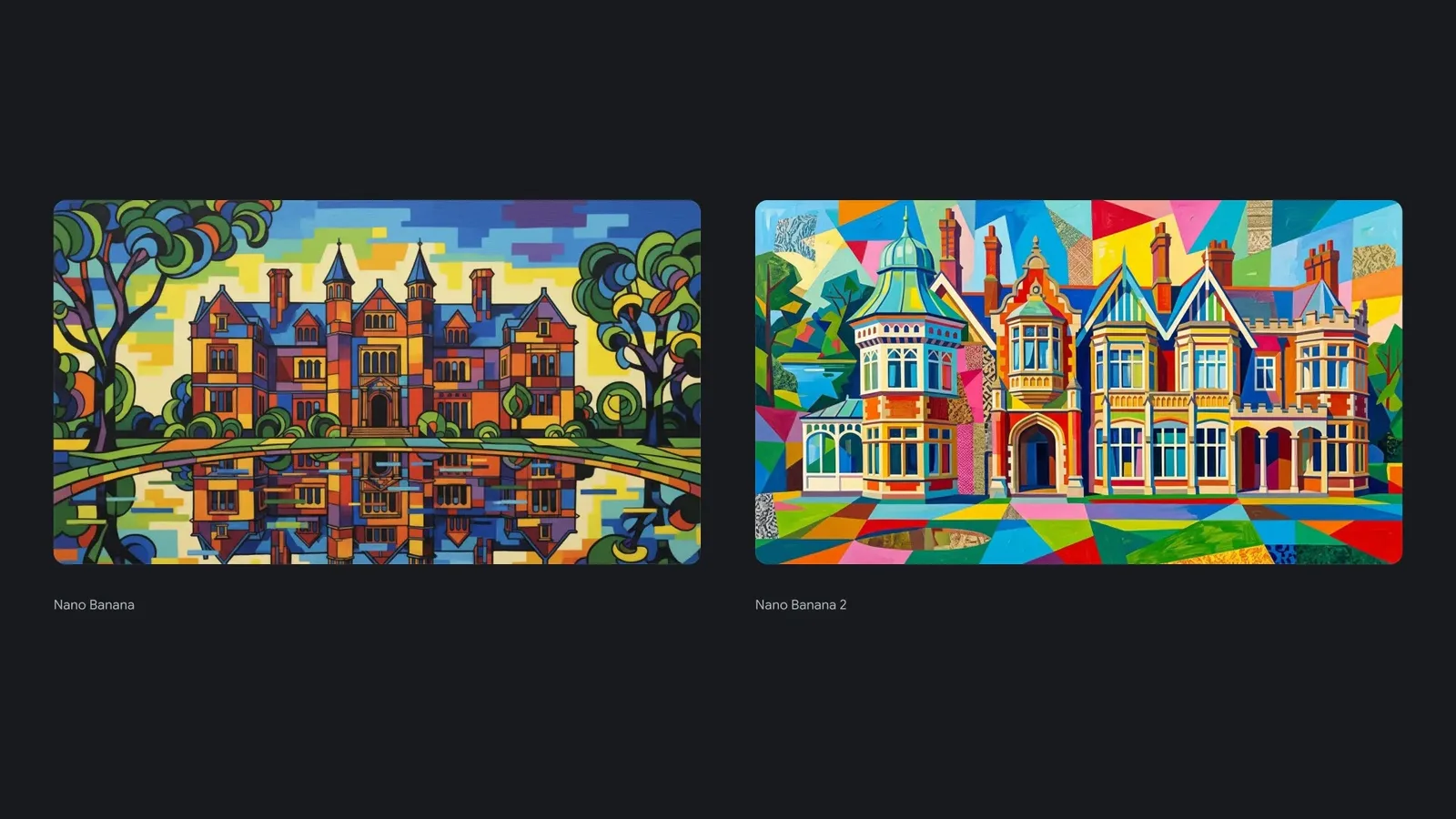
Nano Banana 2.1 compared with Nano Banana 2

Nano Banana 2.1 is a straight upgrade inside the same Flash tier. This is what moved, based on Google's model page and Gemini API docs.

AreaNano Banana 2.1Nano Banana 2
Visual designTighter grids, clearer type hierarchy and editorial layouts — the headline upgrade of this release.Solid layouts, though design-heavy posters often took a few extra attempts.
RealismHigher image quality and a more natural look at 1K, 2K and 4K.Strong quality for a Flash model, but some photo prompts looked visibly synthetic.
Consistency and editingSteadier characters across multi-turn edits, mask-based editing and up to 14 API references.Reference-based consistency, no mask-based editing.
Text and infographicsBetter text rendering and more accurate infographic layouts.Fine with short text; busy layouts needed more proofreading.
Panoramic formatsAPI fix for tiling artifacts at 1:4, 4:1, 1:8 and 8:1 at 2K and 4K.Extreme wide or tall formats could repeat tiles at high resolution.
Google API priceAround $0.034 per 1K image on the paid tier, about half the old price.About double the 2.1 API price per 1K image.

Review before you publish

Nano Banana 2.1 is a real improvement, yet any generated image is a draft until a person has checked it.

  • The generator here covers prompt and reference-image creation only; Google Search grounding, thinking levels and mask painting are not exposed as controls.
  • MuseGen offers seven aspect ratios and five references, below the full Gemini API limits for Nano Banana 2.1.
  • Check every headline, label, translation, date and number before an image goes public.
  • Zoom in on faces, hands, logos, reflections and small text at full size, particularly at 4K.
  • Results are flat raster images; recreate final type and reusable brand assets in a design tool if you need editable layers.

Nano Banana 2.1 FAQ

What is Nano Banana 2.1?

Nano Banana 2.1 (API ID gemini-nano-banana-2.1) is Google's newest fast image generation and editing model, launched in October 2026. It builds on Nano Banana 2 with stronger visual design, mask-based editing, better subject consistency and more natural images, all at Flash speed.

How does Nano Banana 2.1 differ from Nano Banana 2?

Google cites higher image quality and realism at 1K, 2K and 4K, cleaner text and infographics, steadier characters across multi-turn edits and no more tiling artifacts in extreme panoramic ratios. Its API price per 1K image is also about half that of Nano Banana 2.

Is Nano Banana 2.1 better than Nano Banana Pro?

Each has its own role. Nano Banana 2.1 is the quicker, cheaper Flash option and now handles most day-to-day design and photo tasks. Nano Banana Pro is still Google's premium choice for the most complex scenes, deepest world knowledge and advanced localization.

Can I edit my own photos with Nano Banana 2.1?

Yes. Upload a reference, describe the edit and name what must stay fixed — the face, product shape, logo, colors or framing. MuseGen lets you attach up to five reference images per generation.

Which resolutions does Nano Banana 2.1 offer?

Nano Banana 2.1 renders 1K, 2K and 4K images, with 1K as Google's default. On MuseGen a 1K image costs 2 credits and 2K or 4K costs 3 credits.

Can Nano Banana 2.1 render readable text?

Yes — better text rendering and infographic accuracy are part of the release. Keep copy brief, put exact wording in quotation marks and still proofread every label, especially long passages or less common languages.

How many reference images does Nano Banana 2.1 accept?

The Gemini API takes up to 14 reference images and keeps up to four characters and ten objects consistent. The MuseGen generator accepts up to five references per run for now.

Does Nano Banana 2.1 support mask-based editing?

Mask-based editing is one of Google's listed 2.1 upgrades. The generator on this page does not have a mask brush yet, so describe in the prompt which area should change and which should stay.

Where else can I use Nano Banana 2.1?

Google shipped Nano Banana 2.1 in the Gemini app, Google AI Studio, Flow and the Gemini API, and it is generally available on Google Cloud. On MuseGen you can use it next to other image models in one place.

Sources and image credits

Features, specs and pricing are drawn from Google DeepMind and the Gemini API docs. Every showcase image is an official sample from Google DeepMind's Nano Banana 2.1 model page.

Try Nano Banana 2.1 on your next image

Draft at 1K, compare a few targeted variations, then render the best one at 2K or 4K.

Start with Nano Banana 2.1