Film-style photography
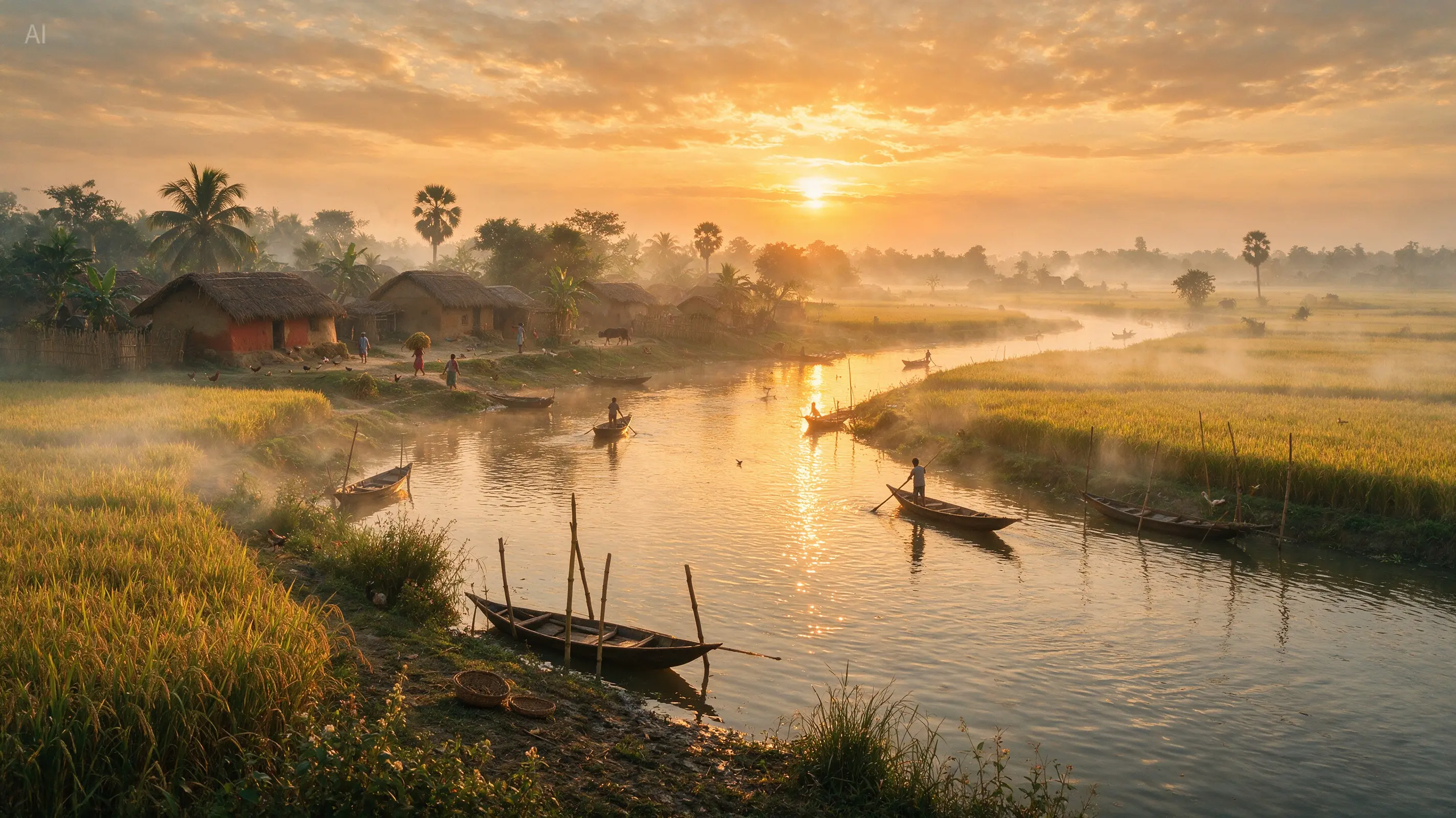
Spell out the place, the hour and the light to get a convincing photographic scene. In this official Seedream example, a riverside village, paddy fields and morning haze become one unified golden-hour landscape.


Go from a written idea to a finished picture with a text to image AI generator. Explain the subject and the look, pick a model and a size, and create from words alone — a reference image is purely optional.
You need an account to generate, and credits vary with the model you choose and the resolution and quality you set. References are optional here. Credits for failed tasks are returned automatically.
A good prompt goes beyond naming a thing. It hands the text to image model enough to decide on composition, materials, colour and mood. These directions show how far a clear prompt can reach without pushing every idea into one look.
Spell out the place, the hour and the light to get a convincing photographic scene. In this official Seedream example, a riverside village, paddy fields and morning haze become one unified golden-hour landscape.
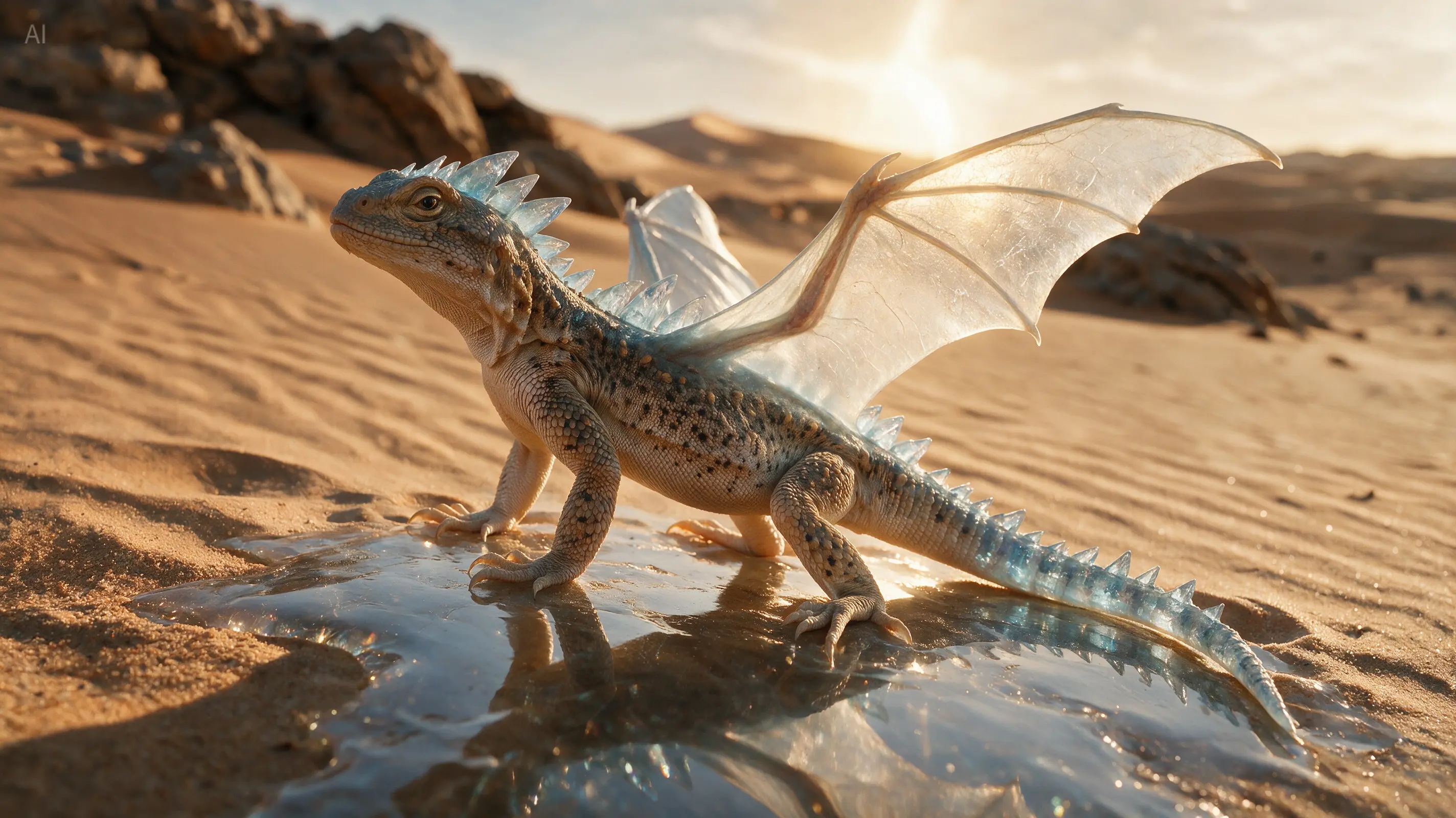
Pair a familiar animal with an unusual material and daylight. The crystal dragon keeps believable reptile anatomy while gaining see-through wings and stone-like detailing.
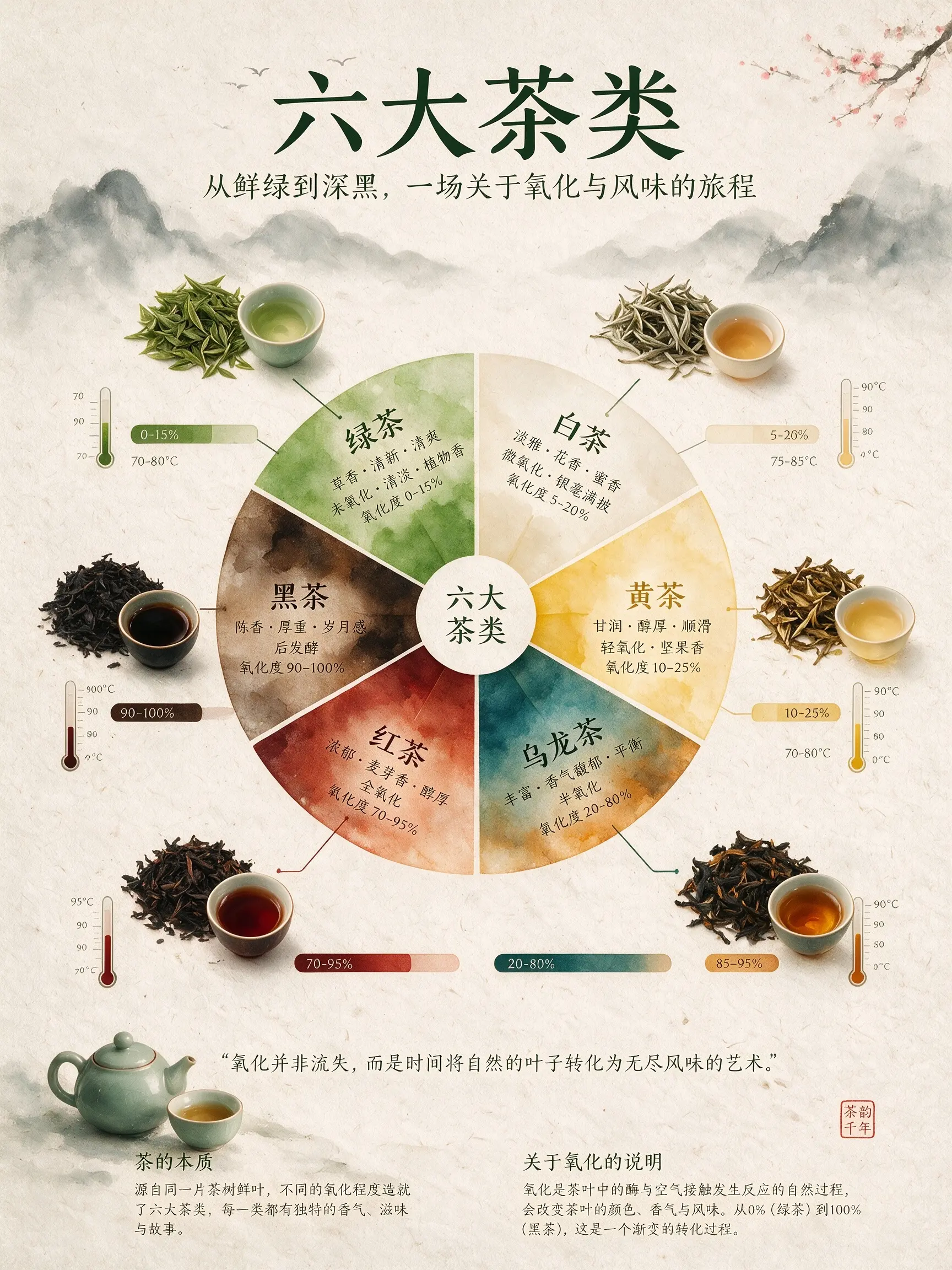
Instead of asking for a generic poster, a prompt can set the hierarchy, the illustrations, the labels and the visual system. This official Seedream example lays out six kinds of tea as a complete infographic.
MuseGen brings GPT Image 2, the Nano Banana family and Seedream 5.0 Pro together in one generator. Sketch the idea with a quick, inexpensive draft, then step up to a higher-resolution or more refined model once the composition works. Each model's description spells out the real difference before any credits are spent.
A solid text to image workflow lets you steer the output before you generate and polish it once you have a first version. These controls keep image generation useful long after the first reveal.
Make square shop tiles, upright stories, tall posters and wide banners without cutting one master image down for every channel. The ratios on offer change with the model, so you only ever see options that will work.
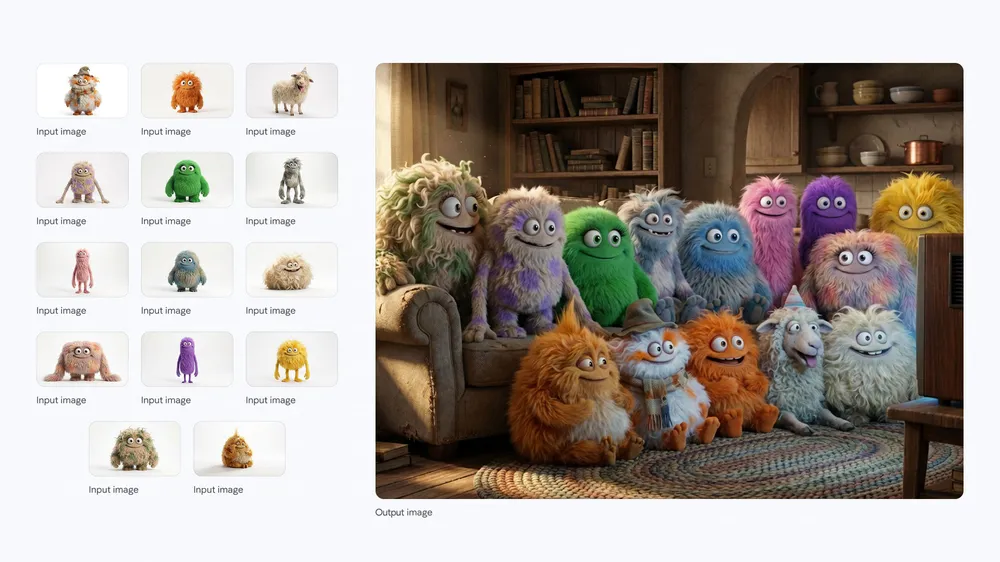
Use 1K while exploring and go higher for images that need space for type, retouching or large-format use. Resolution and quality options always match what each image model can genuinely produce.
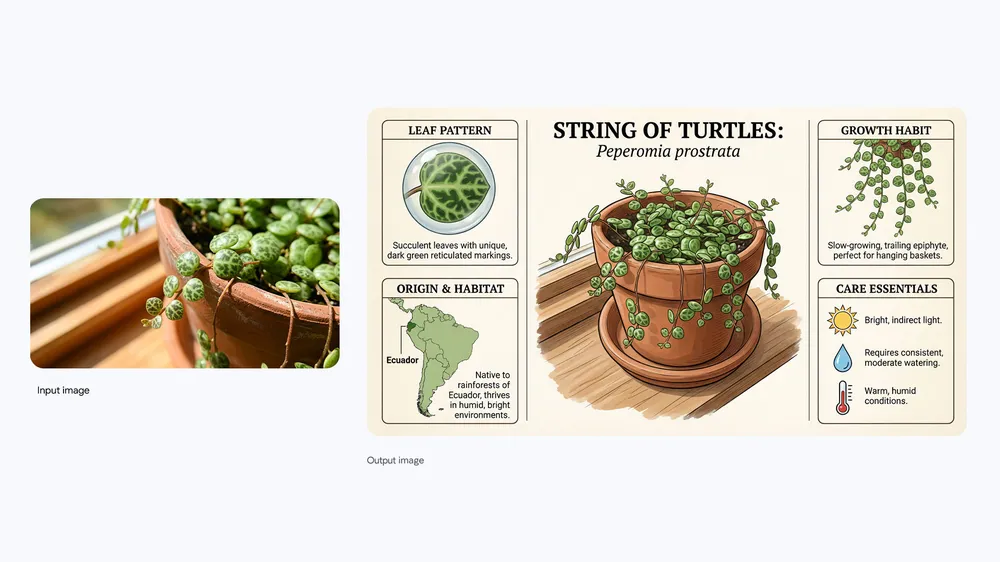
Words can carry the whole image, or you can attach as many as five references for colour, material or layout. Uploading stays optional, so an empty canvas never turns into an extra hoop to jump through.
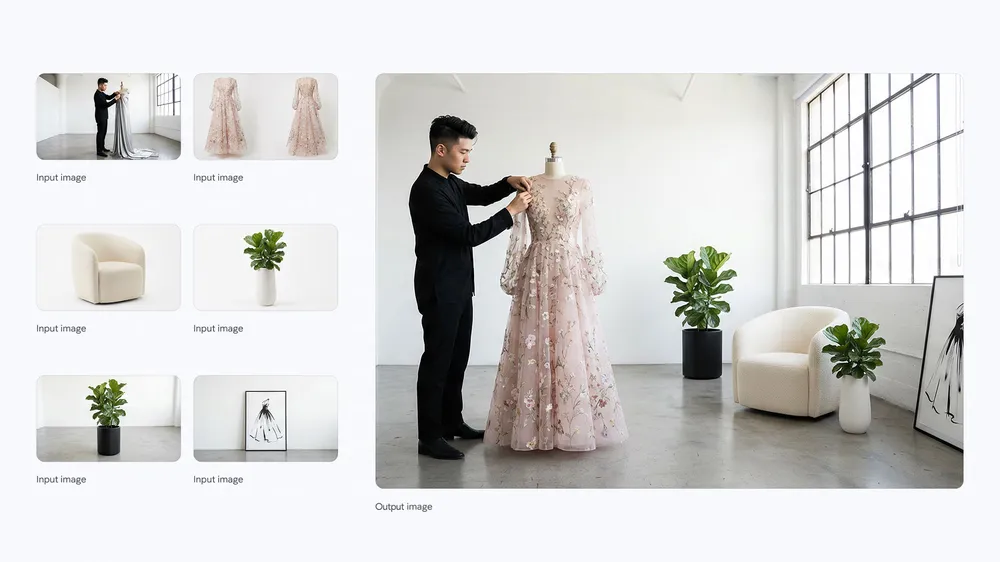
Each finished image stays linked to the prompt and settings behind it. Reopen an earlier result, borrow its direction, line up the variants and keep the one that fits, rather than retyping a prompt you half remember.
The first attempt stays simple, with plenty of room for careful iteration afterwards. The best image generation results usually come from three deliberate steps, not one giant prompt.
Lead with the subject, then add the setting, framing, light and treatment. A prompt like “matte black wireless earbuds on wet slate, cool rim light, high-end product photo” tells the model exactly what matters.
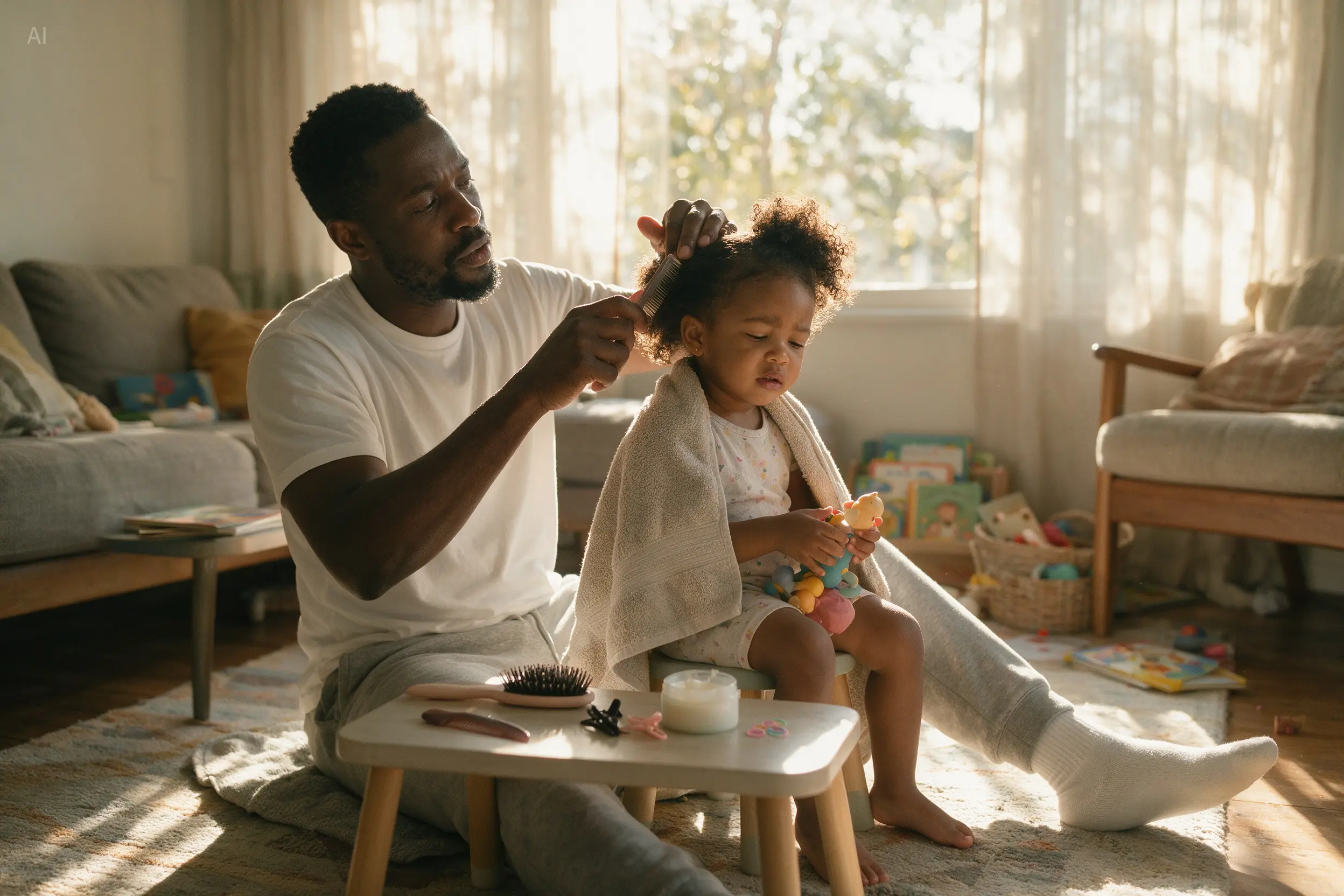
Choose the model, frame shape, resolution and quality that suit where the image will be used. Test the direction on a cheaper setting, then raise the resolution once subject and framing are right.
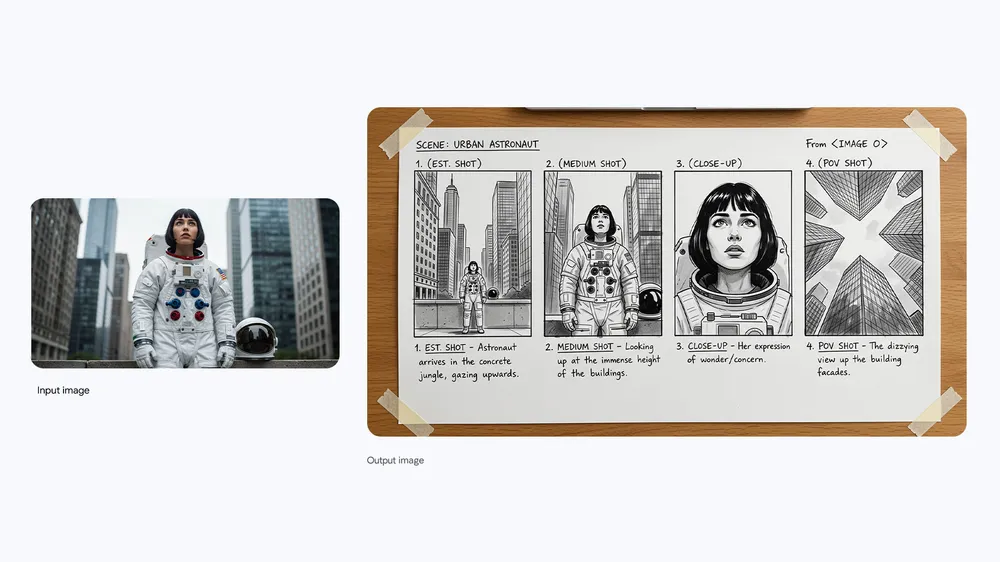
Look at what came back, keep what works and adjust a single instruction per round. Naming the precise problem works better than tacking extra adjectives onto a prompt that is already crowded.
Text to image generation pays off most when the image has somewhere to go. These everyday workflows convert a prompt into something creators, marketers and small teams can put to work.
Try out locations, moods and camera language before you plan a shoot or build an environment. A text to image AI generator can turn out several art directions fast, so the team agrees on the brief before production starts.
Develop a creature by mixing instructions for anatomy, materials and surroundings. Name the physical details and the light so it comes across as a single creature, not a pile of fantasy buzzwords.
Lay out an information hierarchy, a theme and the artwork that supports it in one composition. Treat any words the model writes as a first draft and check them before you publish facts.
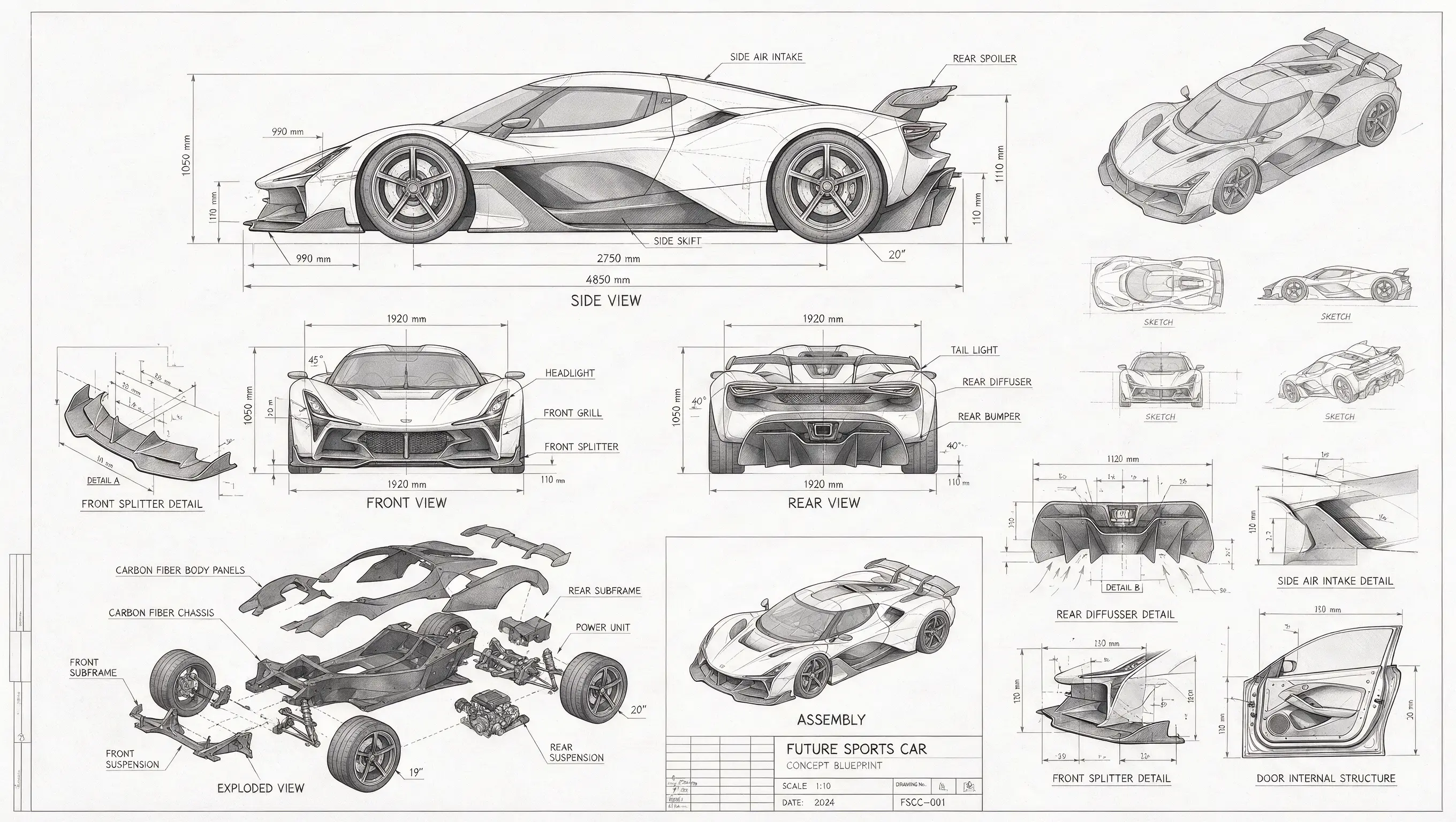
Show a product from multiple viewpoints with notes on parts or materials. Clear viewpoints and drafting-style instructions make technical concepts far more useful than a vague request for something futuristic.
Go past one hero subject by describing every character, where each one stands and the space they share. The prompt can manage the group layout as precisely as each individual's look.
Turn a topic into a visual explainer with captions, diagrams and clear sections. Generated concepts can set the visual system while a person reviews the final wording and the facts.
Explore genuine prompts and the pictures they produced in the MuseGen gallery. Open a card to see the whole result, copy its prompt, or load it into the generator above as a starting point rather than guessing how the image was described.
Both run on the same image models but start from different material. Go with the route that fits what you already have.
| Decision | Text to Image | Image to Image |
|---|---|---|
| You start with | A written prompt, references optional | One to five uploaded images plus an instruction |
| Ideal for | Fresh concepts, scenes, illustrations and layouts | Restyles, targeted edits and visual continuity |
| Who defines the subject | The model builds it from your words | Your upload fixes the subject, colours or structure |
| How you iterate | Adjust the prompt, ratio, model and quality | Adjust the change and name what must not move |
Before you generate, the credit cost for the chosen model, resolution and quality is on screen. A quick draft can cost less than a high-quality 4K image, and any failed task is refunded automatically.
A text to image AI generator turns a written description into a brand-new image. The model reads what you say about the subject, setting, framing, light and style, and produces pixels that follow those instructions. On MuseGen you also choose the model, aspect ratio, resolution and quality before you generate.
You can explore the whole generator and draft a prompt without paying. Generating requires an account and credits. Sign-up or promotional credits may be on offer as shown in the interface, and the exact cost is printed on the generate button before you submit.
No. The upload is optional on the text to image page. Leave it blank when you want the model to build a scene from words only, and add a reference just when a palette, material, layout or existing visual should steer the result.
Open with the main subject and what it is doing, then add the surroundings, framing, light and medium. Put the important constraints first. A short prompt with a clear camera position and a material description usually beats a long string of vague quality words. Change one thing at a time as you refine.
Pick by task, not by some overall ranking. The Nano Banana options are great for quick exploration, GPT Image 2 brings quality and background controls where available, and Seedream 5.0 Pro is built for controlled creation and visuals with lots of text. The model menu lists current capabilities and credit costs.
Several of the available models go up to 4K. The resolution picker updates as you switch models, so it only shows sizes the active model and provider can really produce. Try the composition at a lower resolution first if you expect to revise the prompt a few times.
Depending on the model, MuseGen offers square 1:1, portrait 2:3 and 3:4, landscape 3:2 and 4:3, vertical 9:16 and widescreen 16:9. Choose the final ratio before generating so the model composes for that frame rather than you losing key details to a crop later.
Yes. Text to image AI works well for product scene concepts, campaign backdrops, social graphics, posters and early layout assets. Do not ask it to copy protected logos or characters, and treat any made-up packaging text as a placeholder to swap for your real brand artwork during design.
Failed tasks are refunded automatically. Longer generations stay tied to your account, so you can leave and come back via your history. If the task finishes but the image misses the brief, rework the instruction and generate again; creative misses are not counted as technical failures.
Commercial use depends on your MuseGen plan, the terms of the chosen model and your rights to any prompt content or references you supply. Generating an image does not give you rights to a trademark, character, likeness or copyrighted work you mention. Check the current terms before publishing client or paid campaign work.
Describe the subject, pick the frame and generate a first image. Add an optional reference when words alone cannot capture the direction.
Create an Image