Every feed format
16:9, 9:16, 1:1, 4:3, 3:4 and 21:9 from a single upload. Reframe an animated still for Stories or a website header without reshooting anything.


Add an image and describe the motion you want. MuseGen turns the still into a 4–30 second clip with native audio — no timeline to learn, no keyframes to set, no editing app to open.
You need an account to generate, and credits depend on the model, length and resolution you pick. Credits for failed tasks come back automatically.
One frame paused, then the same frame in motion. Read the prompt behind it, copy it, or push it straight into the generator at the top.
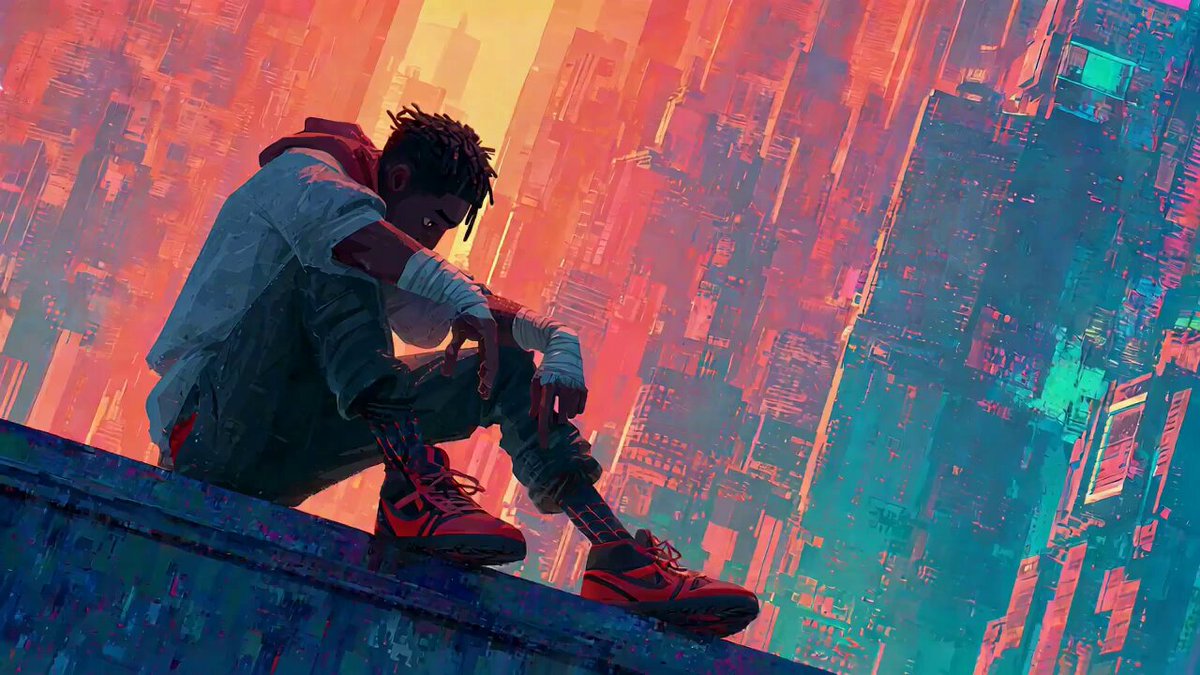 Still
StillUse @ Image 1 as the first frame of the scene. The camera rotates and pushes in. The character suddenly looks up. The character’s facial features should be based on @ Image 2. They begin to roar loudly, full of excitement with a touch of comedic flair, referencing the facial
No prompt tricks, no editing round, no rendering rig. A single image plus one line of direction gives you a finished clip with sound of its own.
Each model listed takes your still as the first frame. Where they differ is camera behaviour, how physically convincing the movement is, and whether audio is generated with the picture — compare them before you pay for a long render.
Four jobs this generator handles that no photo editor can.
16:9, 9:16, 1:1, 4:3, 3:4 and 21:9 from a single upload. Reframe an animated still for Stories or a website header without reshooting anything.
Up to 720p with smooth motion, consistent light and a watermark-free download — the difference between a test and something you put in front of customers.
The model infers depth and mass from one frame, so fabric drapes, hair catches the wind and the camera can glide past things that were never photographed.
A single photograph can fill seven days of posts. Nothing to reshoot, nobody to brief, no extra venue to pay for.
Roughly a minute of effort from upload to clip.
Drop in a photo, packshot, screenshot or drawing. We accept JPG, PNG and WebP, and the upload becomes the opening frame.
Describe the motion and what the camera does — “gentle push-in, curtains swaying”. Then choose length, ratio and resolution.
Watch the progress, run it again if the motion is off, and download the finished clip with no watermark.
Half a dozen jobs an image to video converter finishes faster and cheaper than a shoot.
Make a flat catalogue image spin or slowly push in for a marketplace page or a sponsored post. The item stays exactly as photographed, because your photo is frame one.
Let a scanned old portrait blink, glance or smile. A light camera drift usually does the job — what matters is that the face still looks like that person.
Add a few seconds of life to a portrait or AI headshot for a YouTube header, a community intro or a conference slide.
Set a sketch, comic panel or 3D render moving while it keeps the original linework and colours, instead of being redrawn as a photo.
Glide the camera across a room using one interior photo. A slow dolly feels like a tour and gives the listing a clip that autoplays.
Recycle a picture you have already shared as a vertical clip. One asset, reshaped for the format the algorithm favours, and no new shoot.
All of these were made on MuseGen. Tap any clip and its prompt fills the generator.
All plans unlock image to video on every one of the eight models, and downloads never carry a watermark. Failed renders are refunded on their own.
Opening the generator, uploading a picture and setting every option costs nothing. Rendering uses credits, and each new account gets 15 free credits — plenty for a handful of short animated clips before you decide on buying more.
Looking around the generator, its examples and its prompts requires no account. Starting a render does, since clips run on our servers and are linked to the credits and history on your account.
No. Every plan downloads clean files, the free sign-up credits included.
JPG, PNG and WebP are supported. Upload the sharpest version you own and trim it to the ratio you plan to render — turning a 16:9 photo into a 9:16 clip forces the model to make up the top and bottom, and made-up edges are where glitches show first.
Anywhere from 4 to 30 seconds, depending on which model you choose. Longer clips cost more credits in proportion, so check the motion at 4 or 5 seconds before you render the full length.
Yes — it is one of the most popular uses. Since your photo is the first frame, the product keeps its true shape, colour and packaging rather than being reinvented. Adding a line like “the label stays flat and readable” helps logos and text hold up while things move.
Several models create native audio together with the picture: ambience, effects and speech made in the same pass, not layered on later. You can switch audio off in the settings if you want to add your own soundtrack.
No one model wins every time. Seedance 2.0 Mini is the default for a quick, cheap 480p first pass. Seedance 2.5 is good at longer clips and native audio, Veo 3.1 and Sora 2 excel at realistic physics, Kling V3 at human motion, and Hailuo 2.3 at stylised looks. Render a short test on two or three before you commit.
Short clips usually take a few minutes; longer and higher-resolution ones take proportionally longer. Feel free to leave the page while it renders — the task keeps going and lands in your history when finished.
Yes. Scan or photograph the print at the best resolution you can, then ask for subtle motion — a slight turn of the head, a blink, a slow camera drift. Asking for big movements is what makes a restored photo stop resembling the person.
Paid plans include commercial use. Review the current terms on the pricing page, and remember that clearing rights to anything you upload is still up to you — animating a photo does not give you rights you did not already have.
Run it again with a sharper prompt, not a longer one. Naming one action and one clear camera move fixes most misses; if the subject warps, state what should stay still. Tasks that fail completely are refunded automatically.
Upload a picture, add one line on how it should move, and watch the clip. New accounts get 15 free credits to start.
Put My Image in Motion