

Vikas Editing AI Prompts
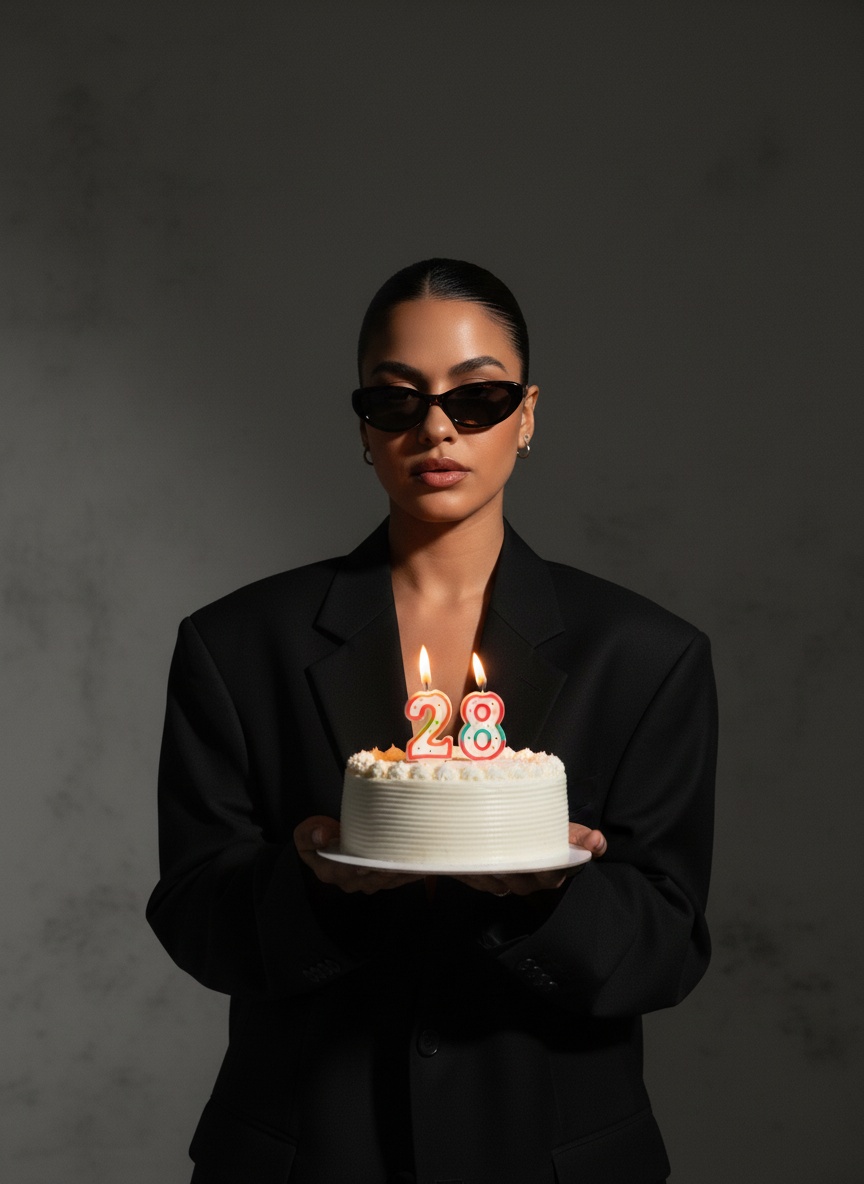
Vikas editing AI prompts turn an ordinary selfie into the moody, cinematic edits that trend on Instagram Reels. Pick a style, upload your photo and generate it here, or open any prompt to copy it into ChatGPT or Gemini.
- Works in ChatGPT & Gemini
- Written to keep your likeness
- No editing app needed
Example Vikas editing images and prompts come from the media.io community and are used with permission. Your result depends on your photo.
Vikas Editing AI Prompts for ChatGPT & Gemini
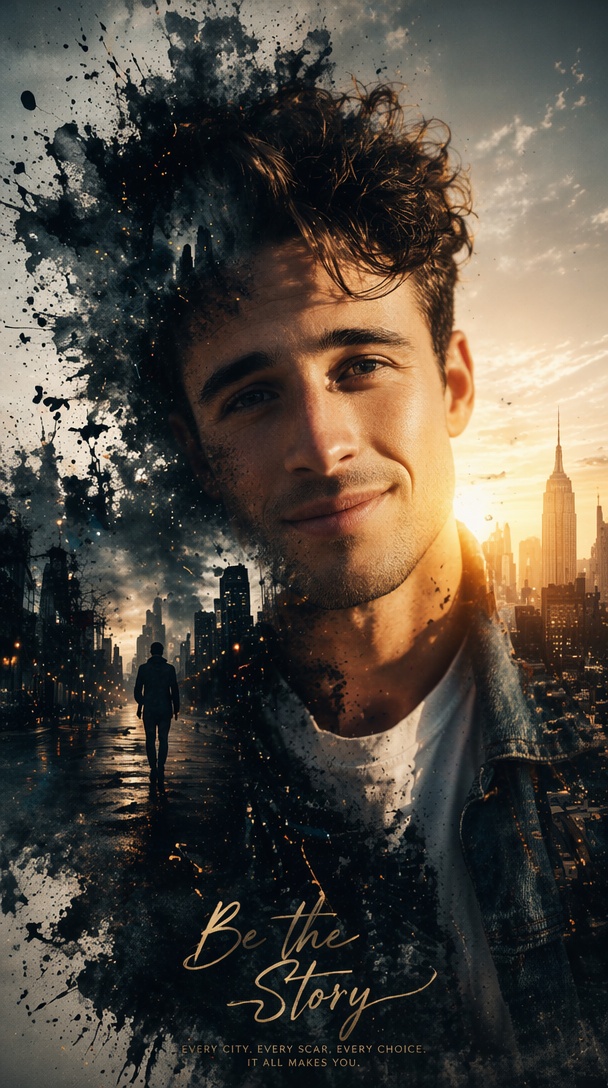
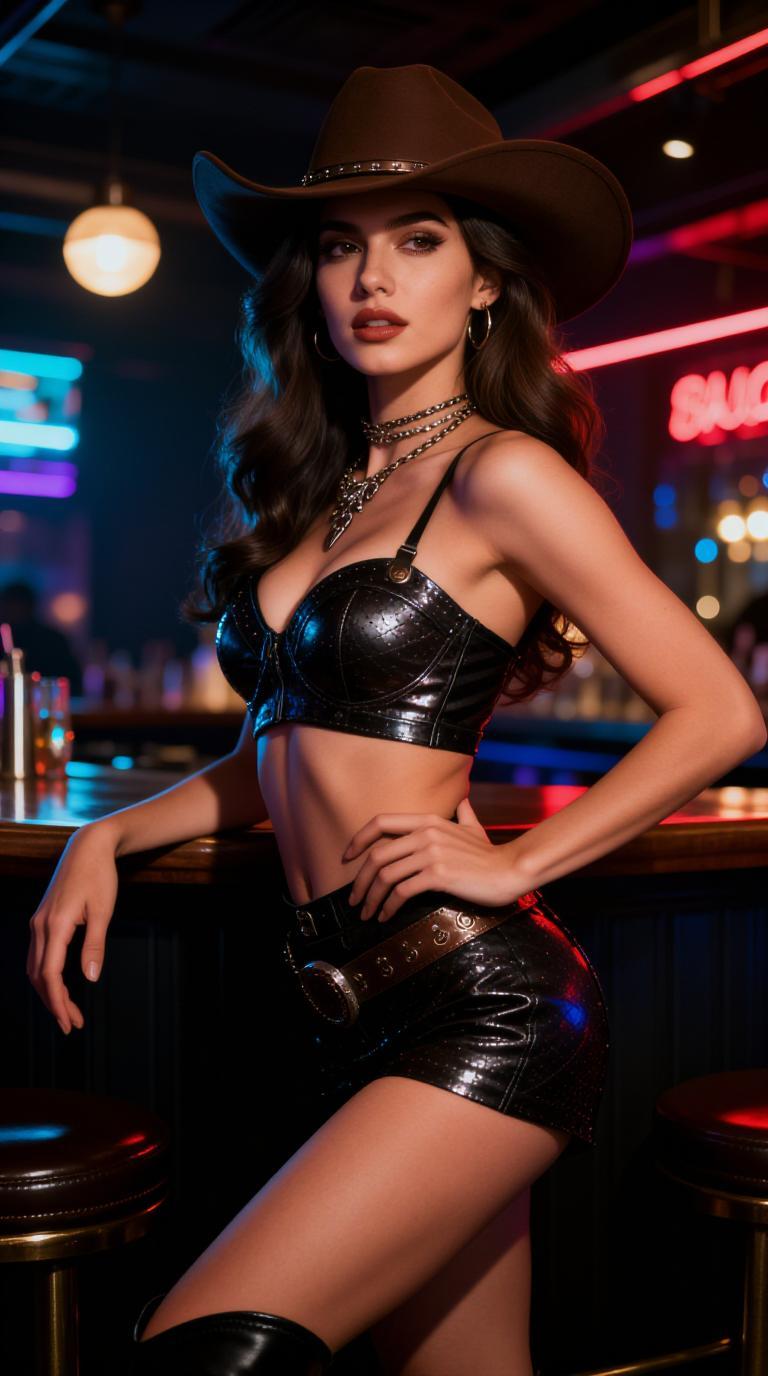
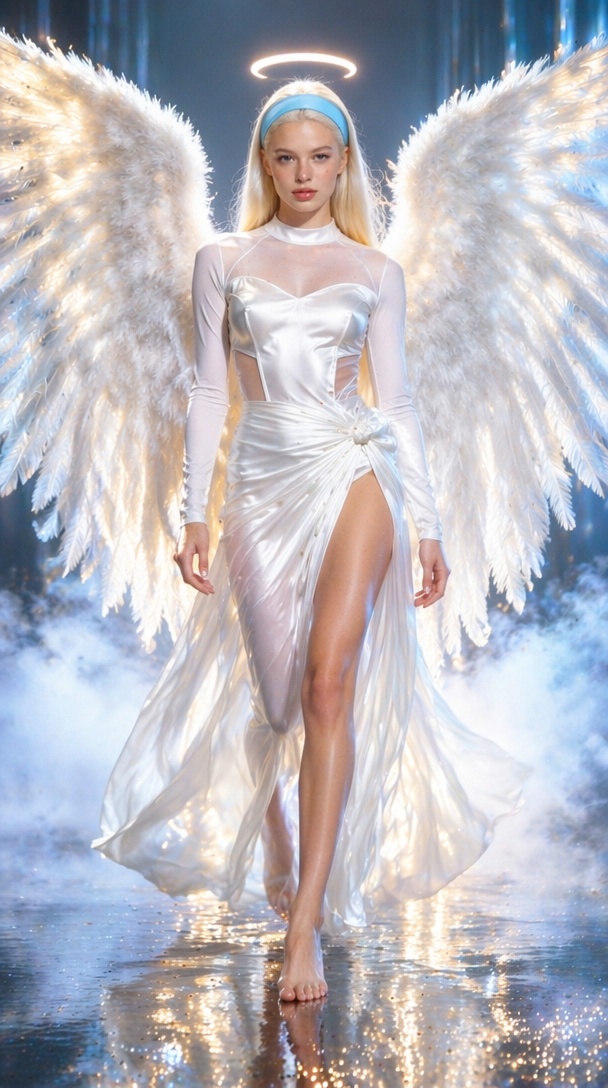
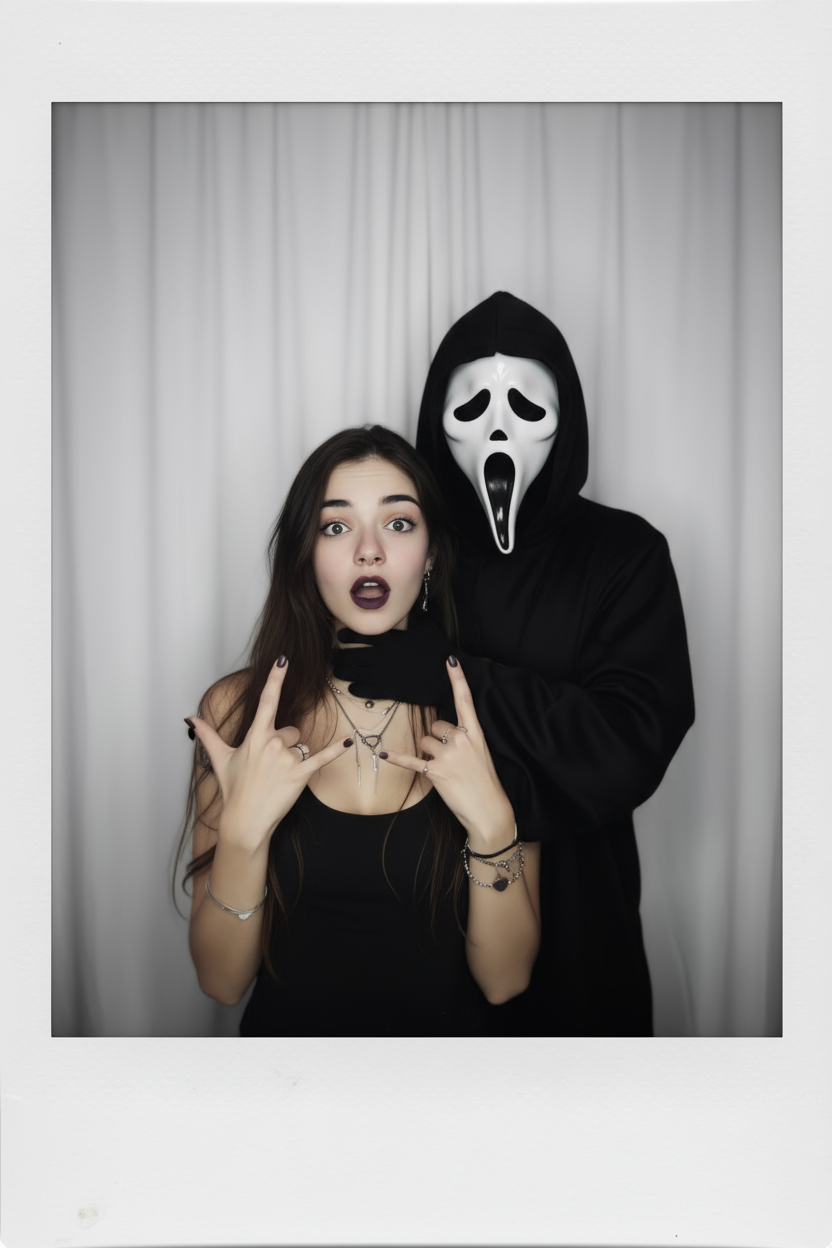
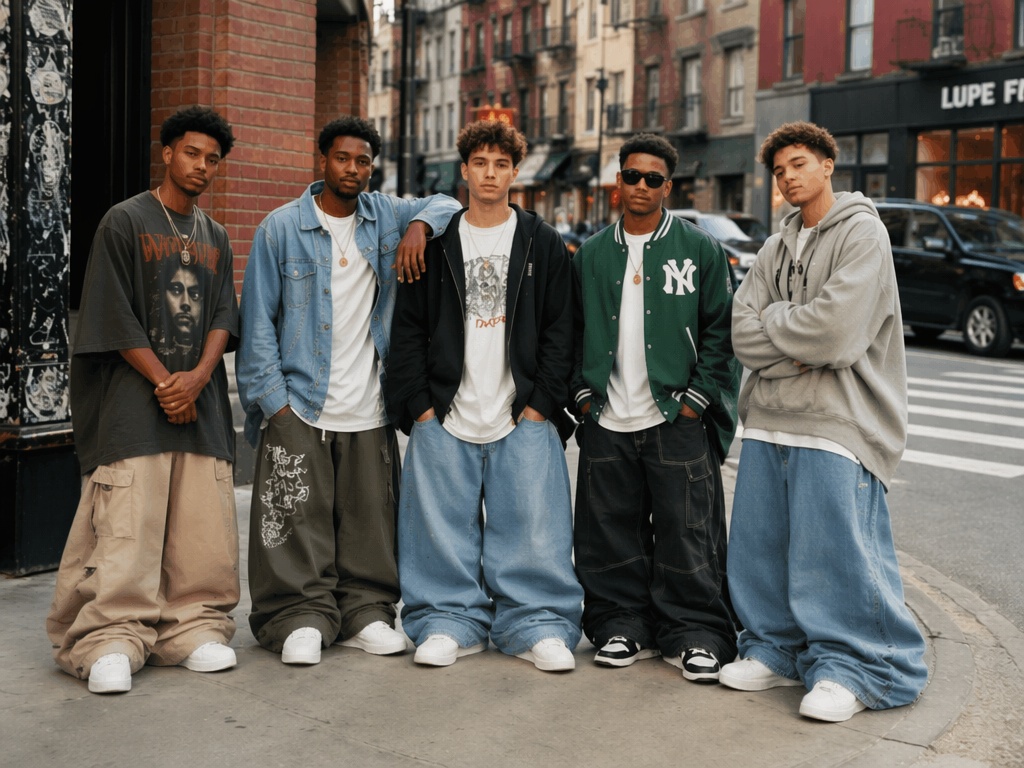
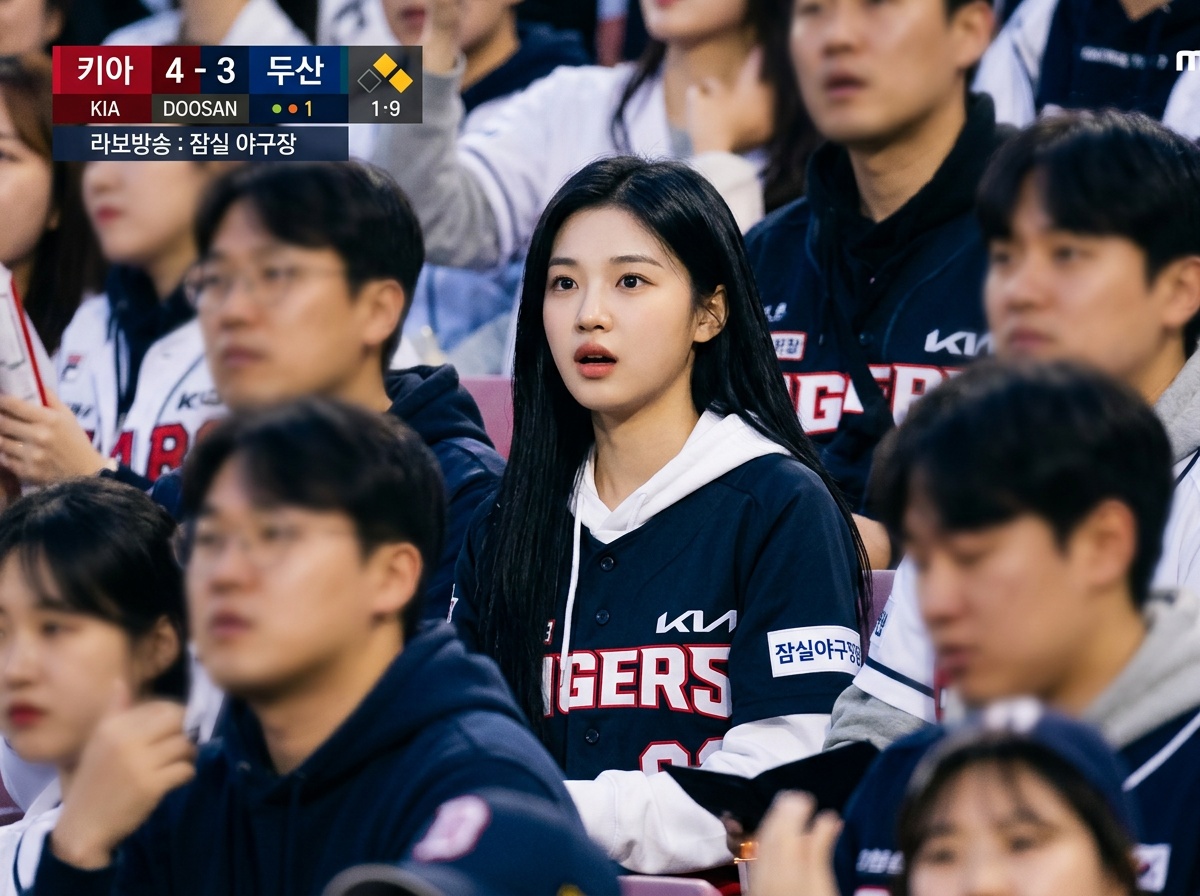
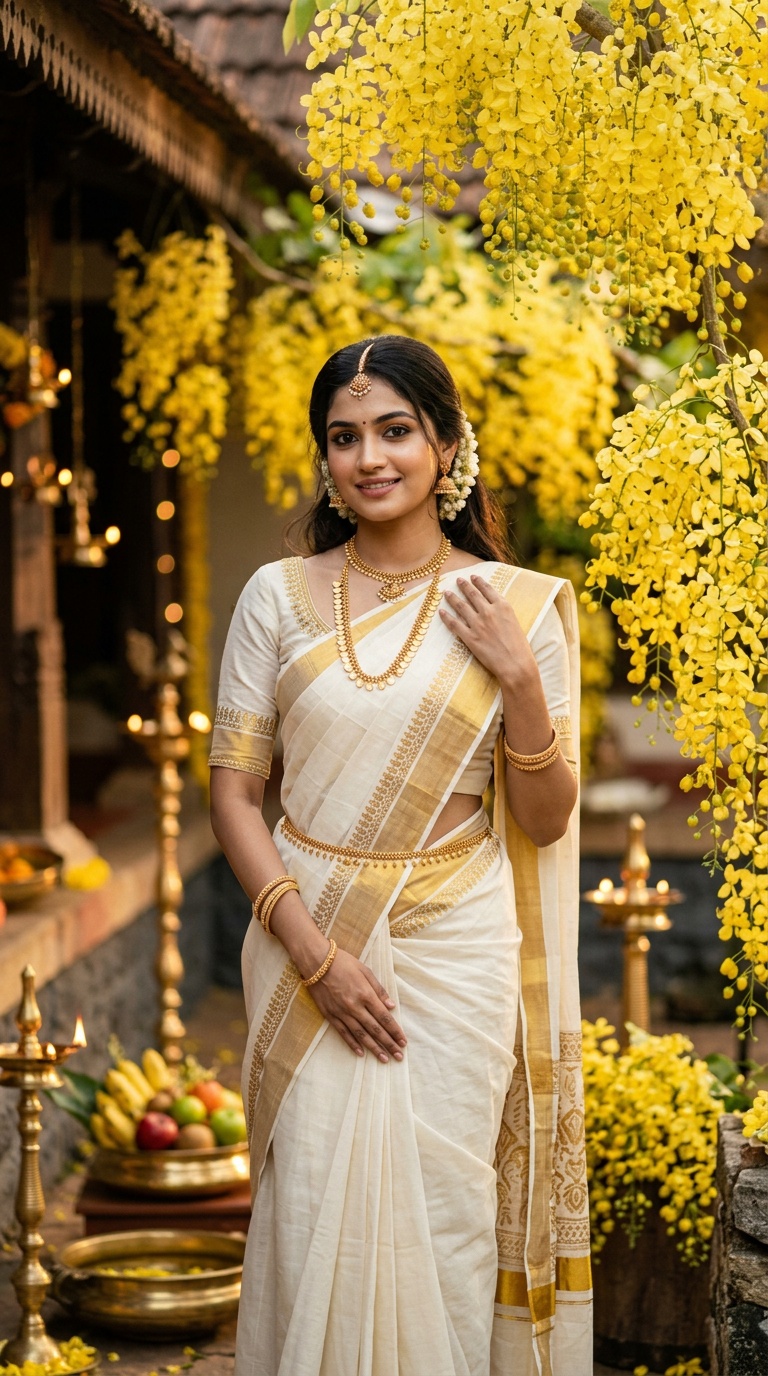
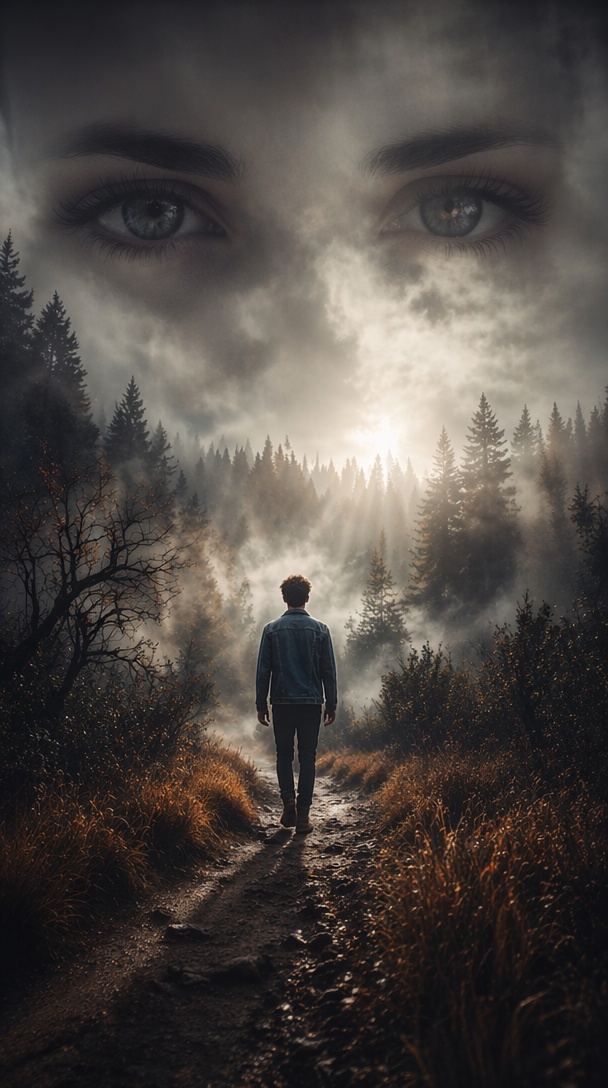
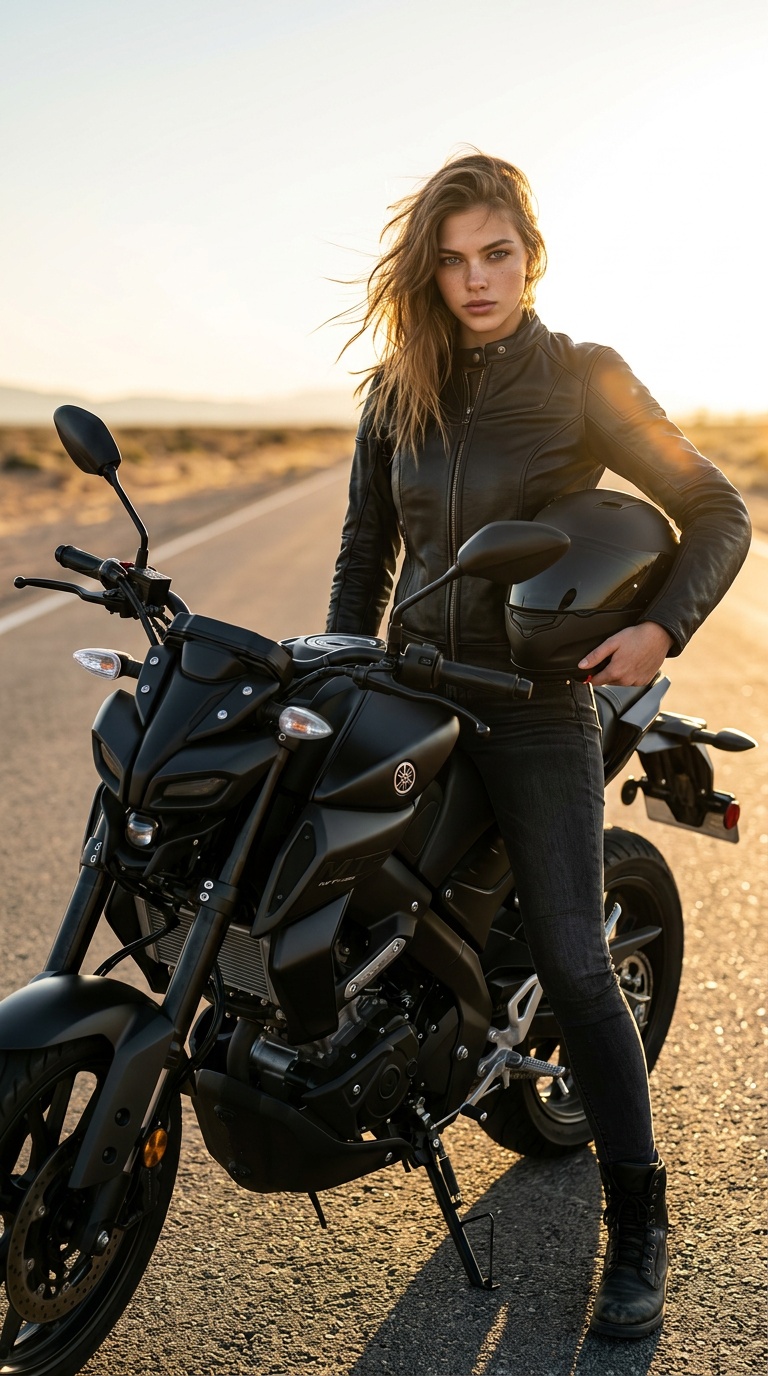
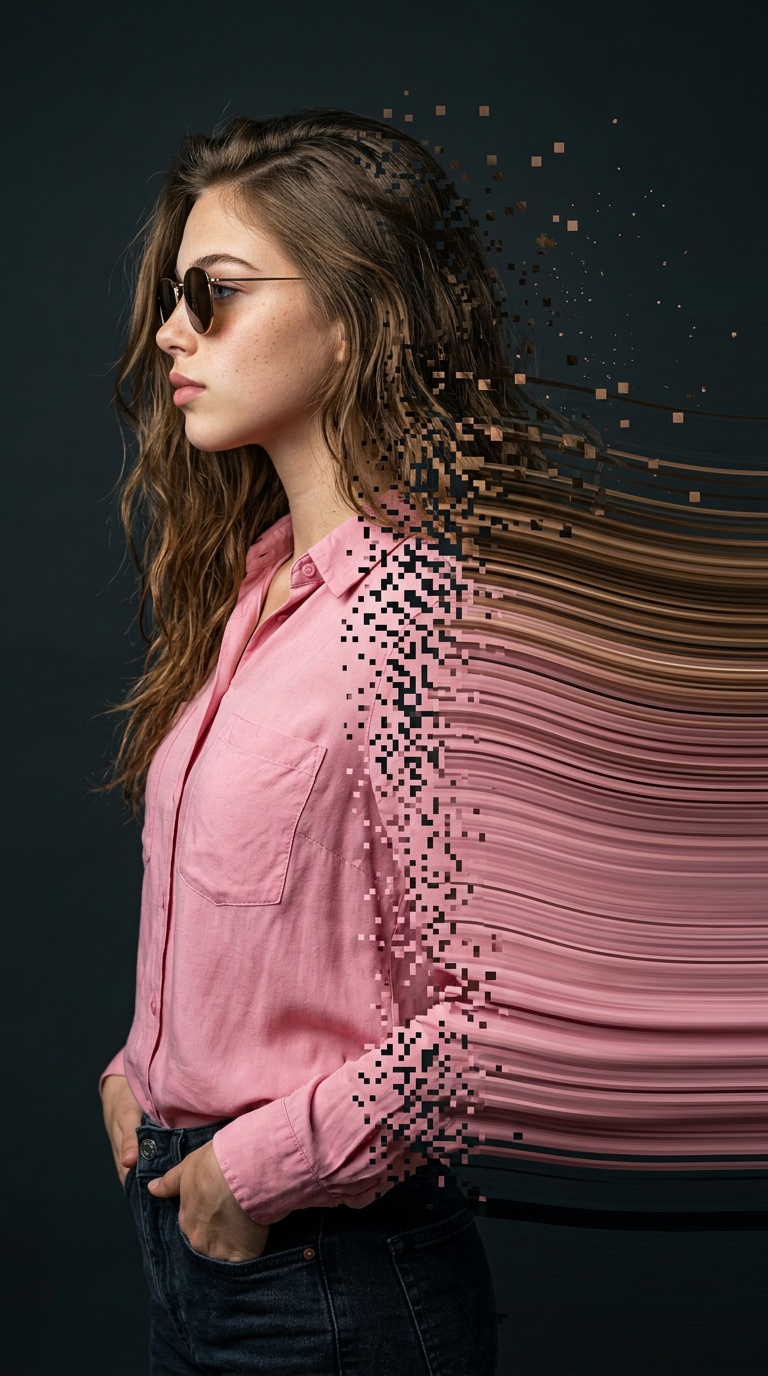
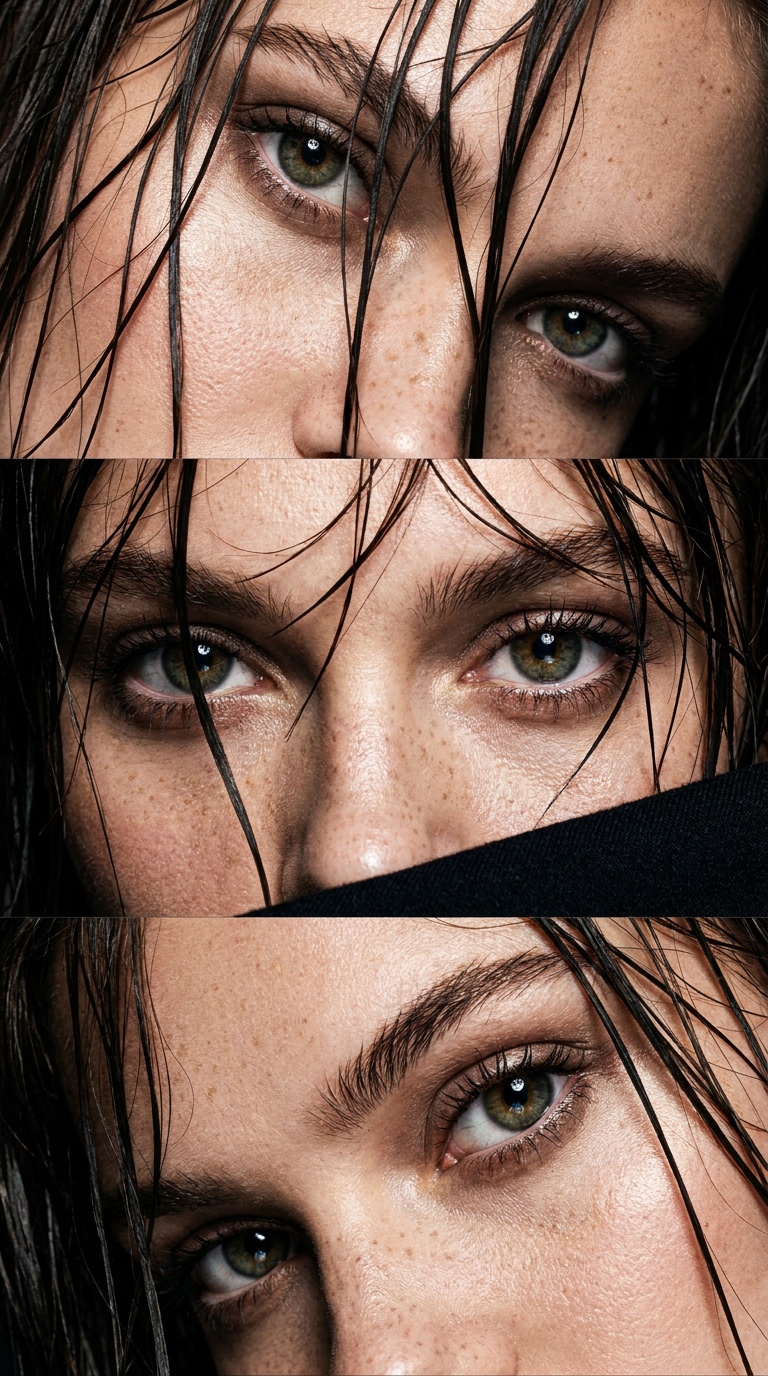
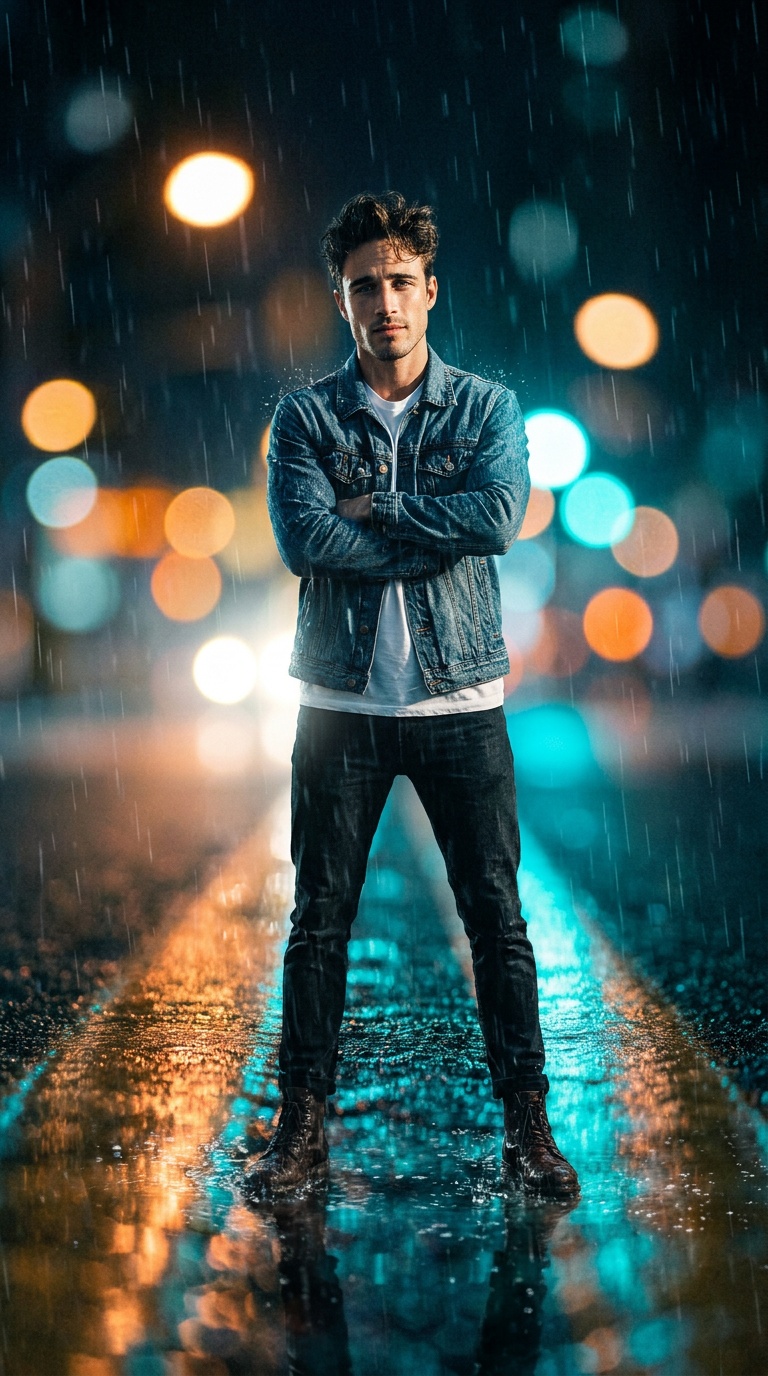
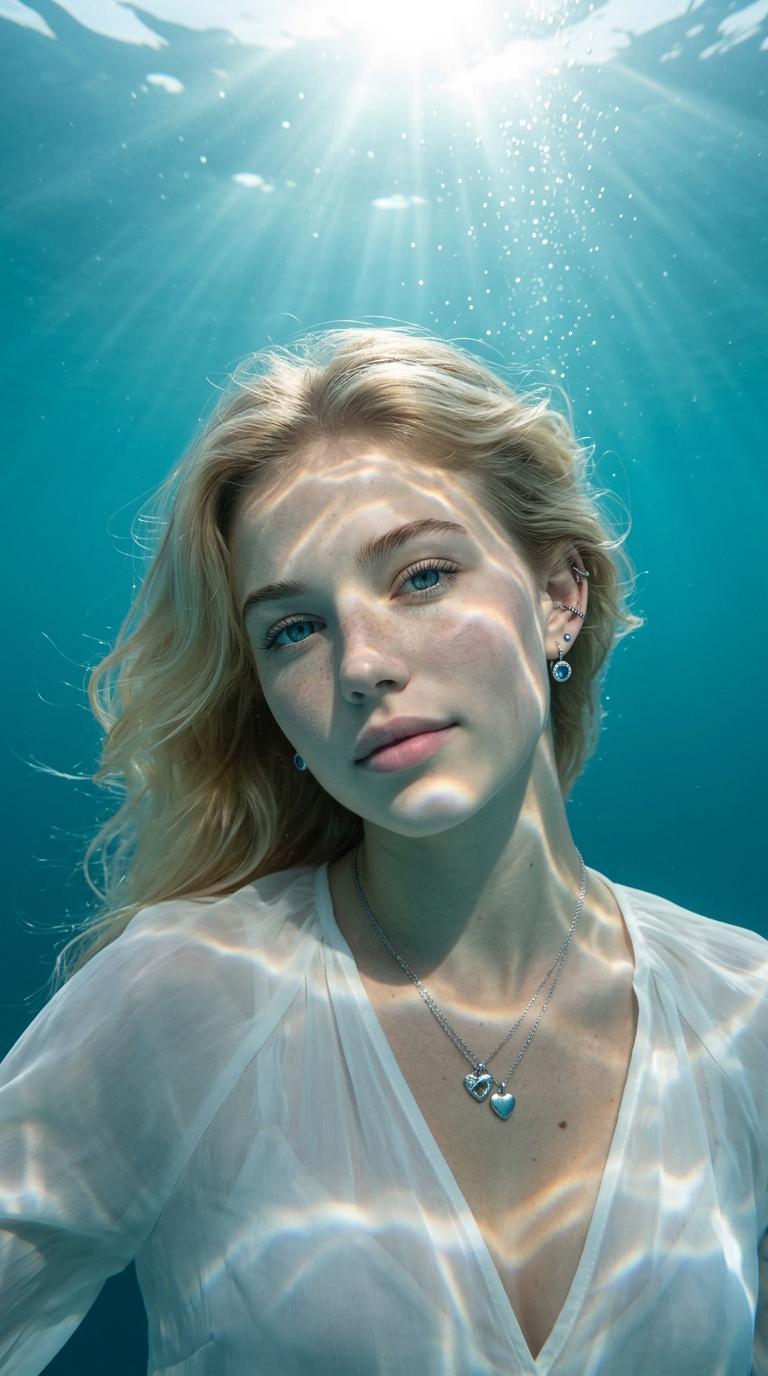
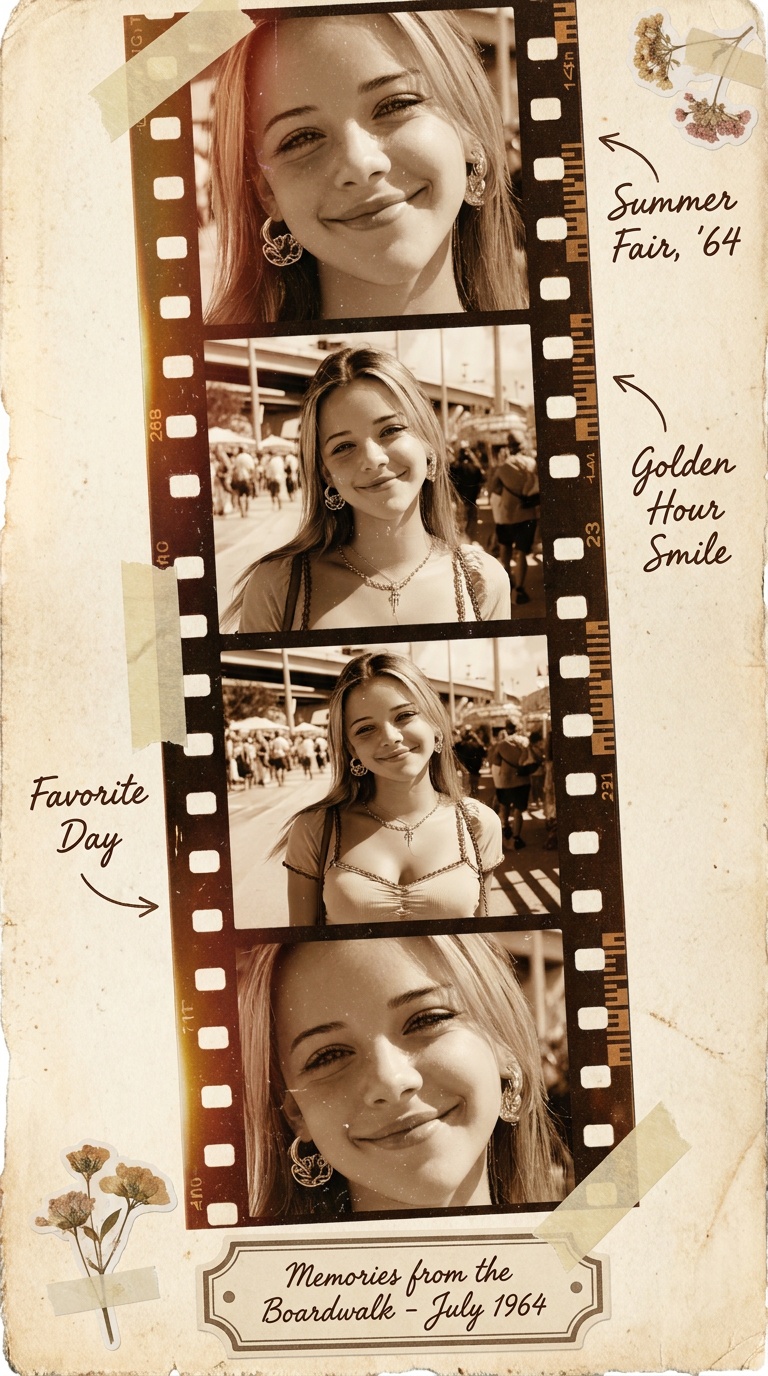
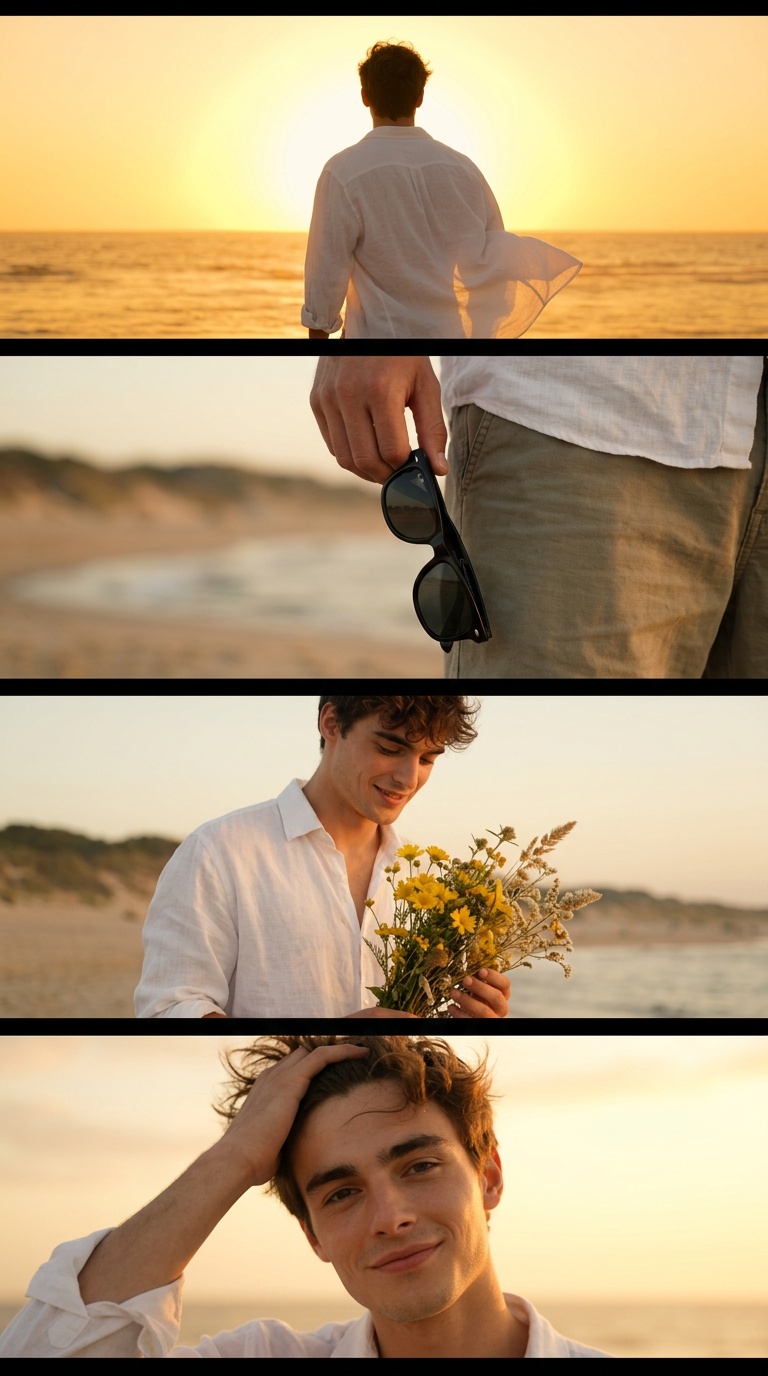
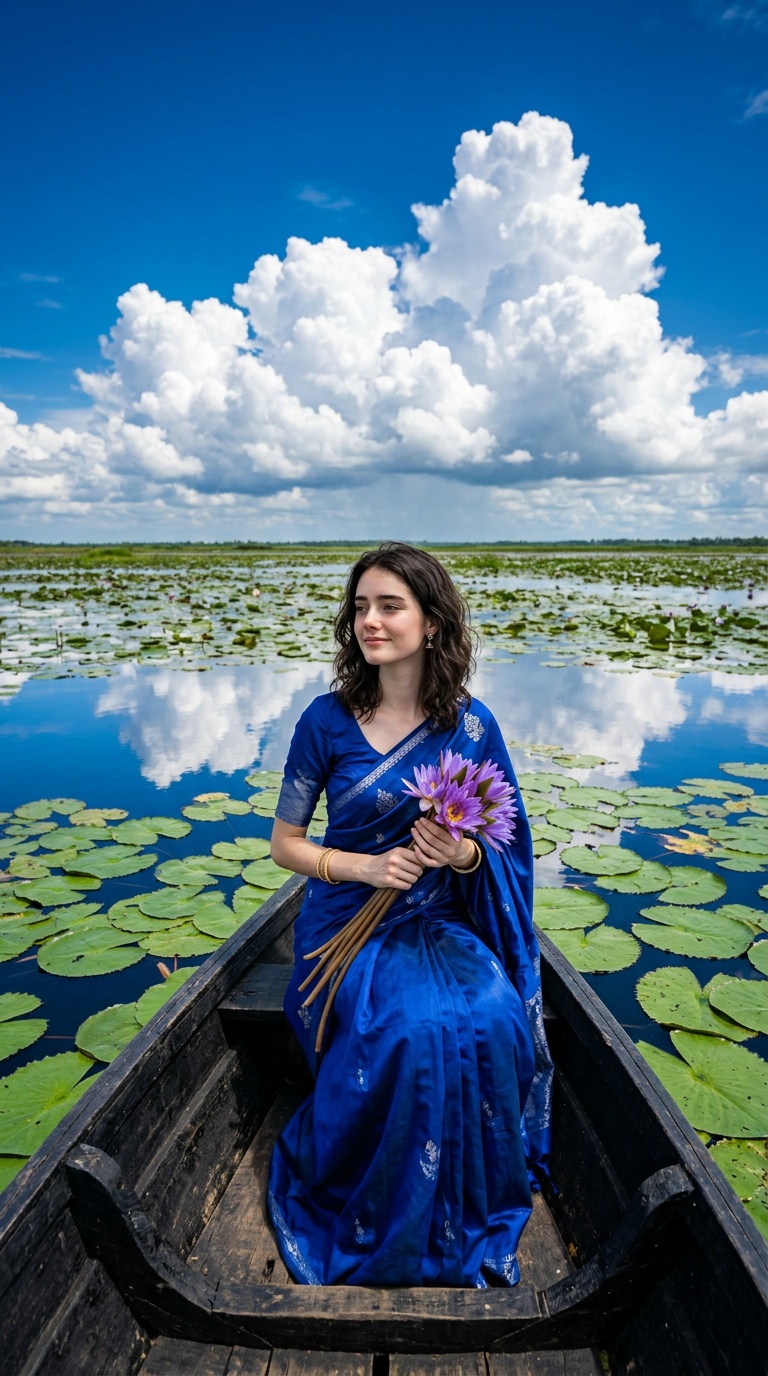
Every card is a real Vikas editing result. Open one to read and copy its full prompt, or pick it above the generator to run it on your own photo.
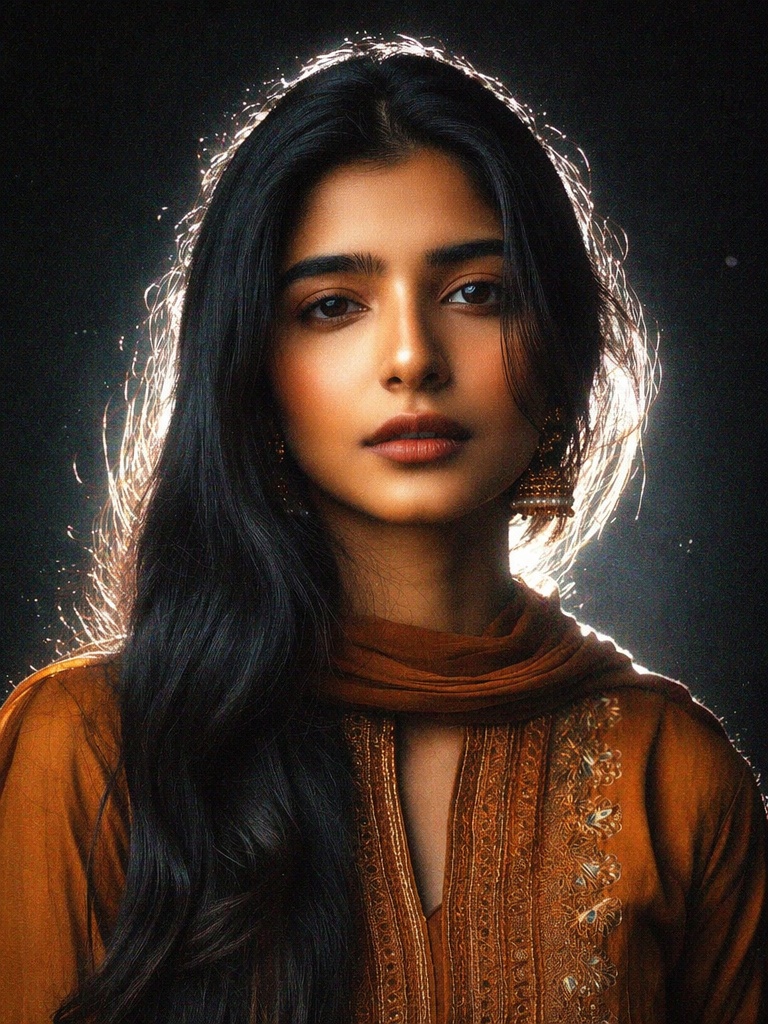
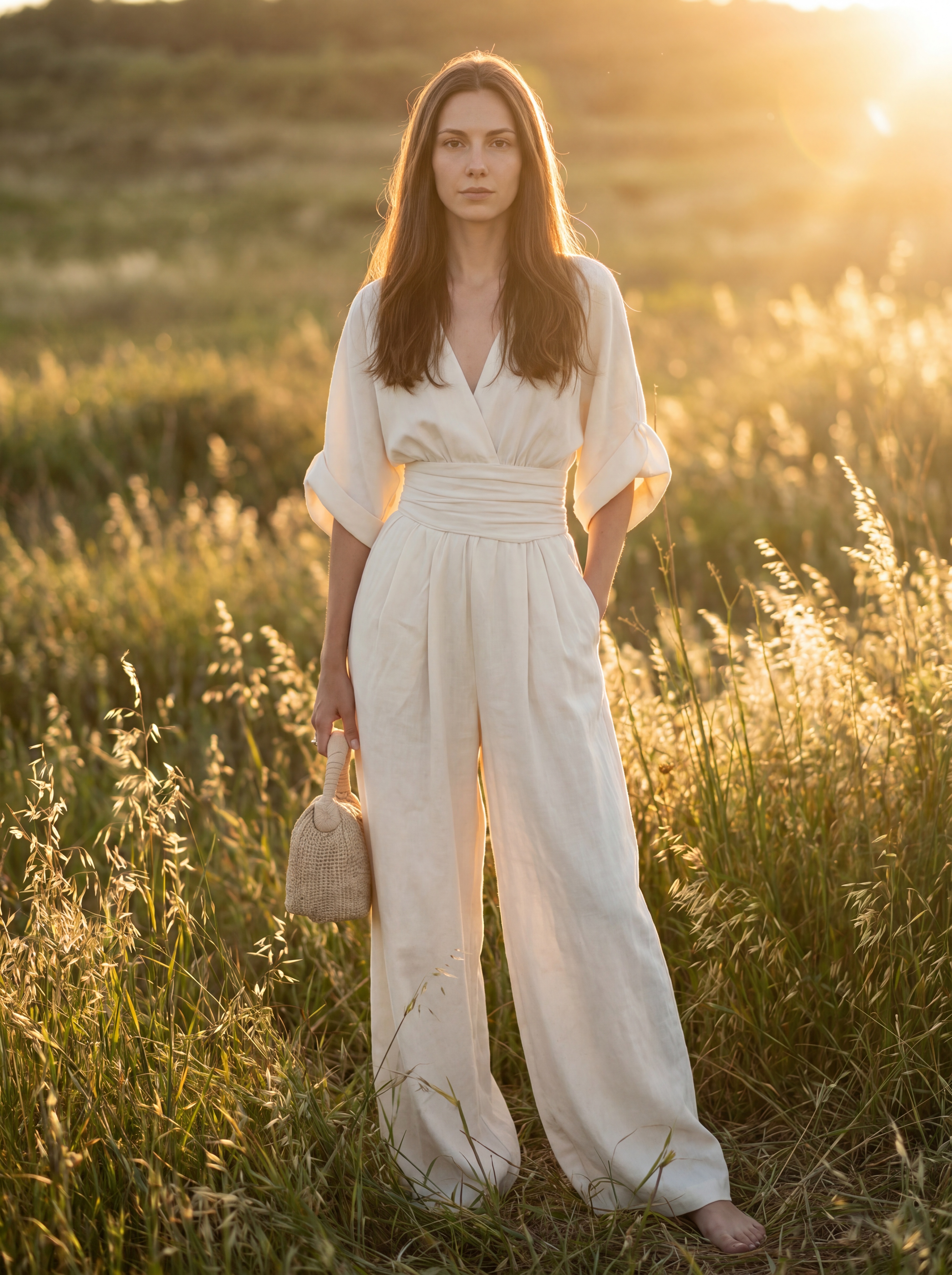
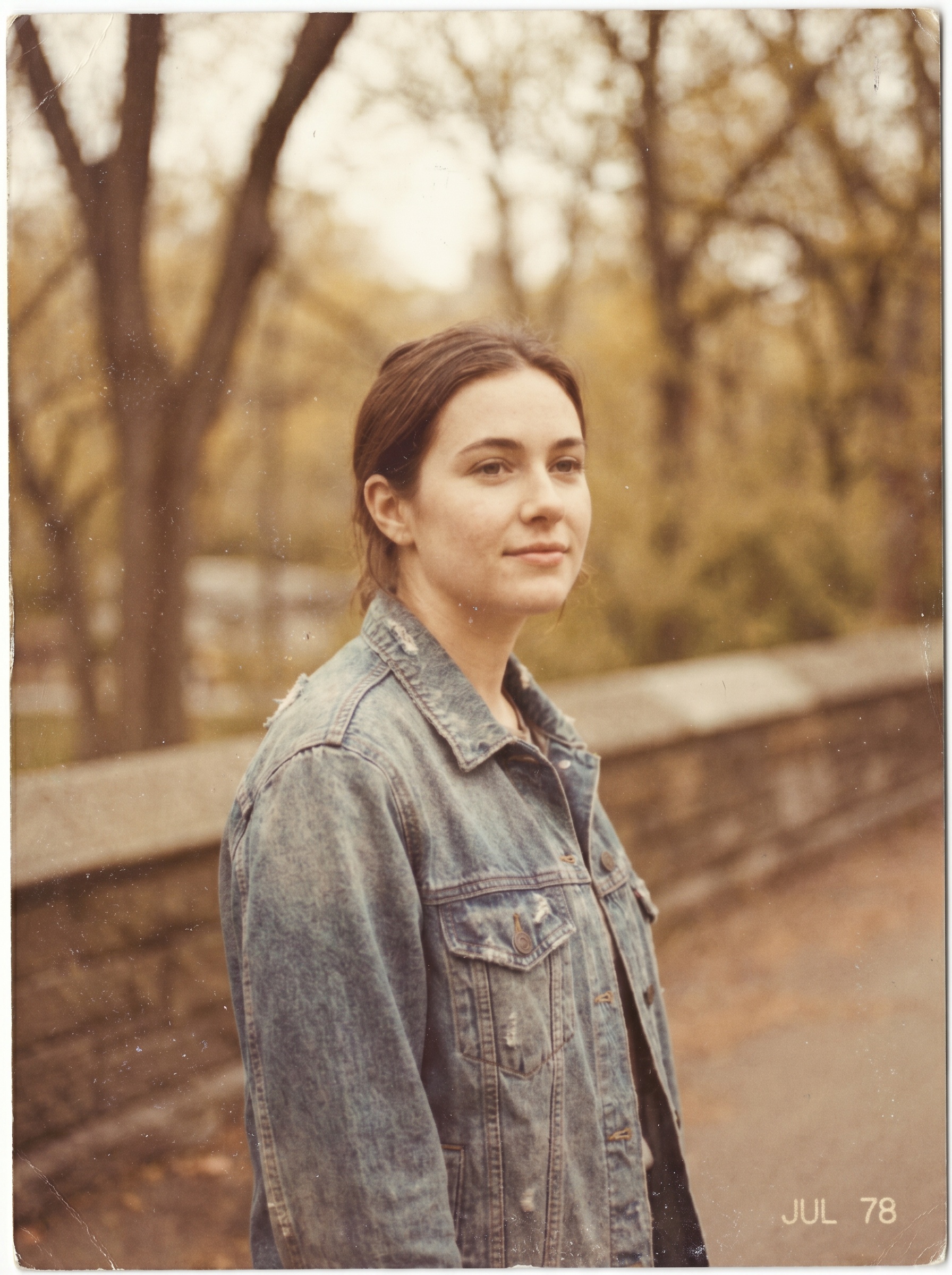
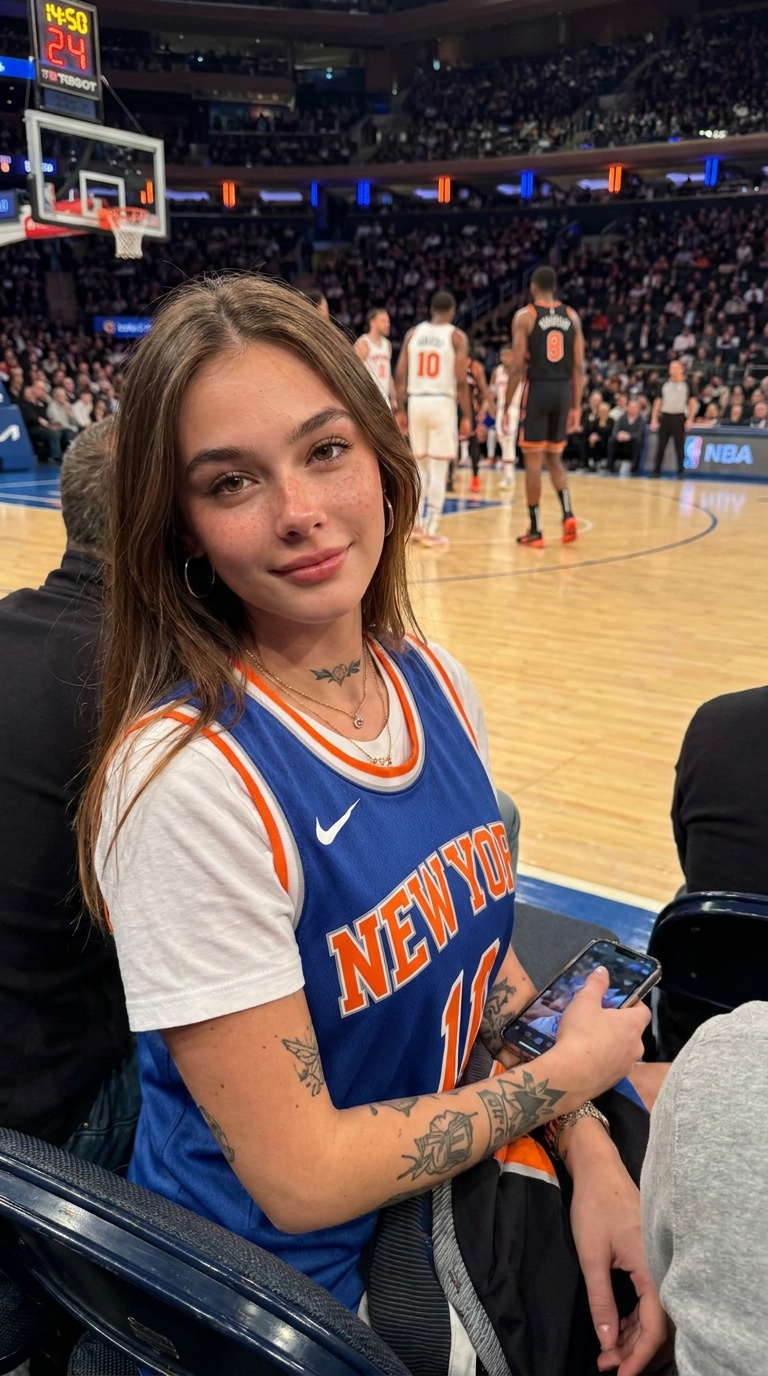
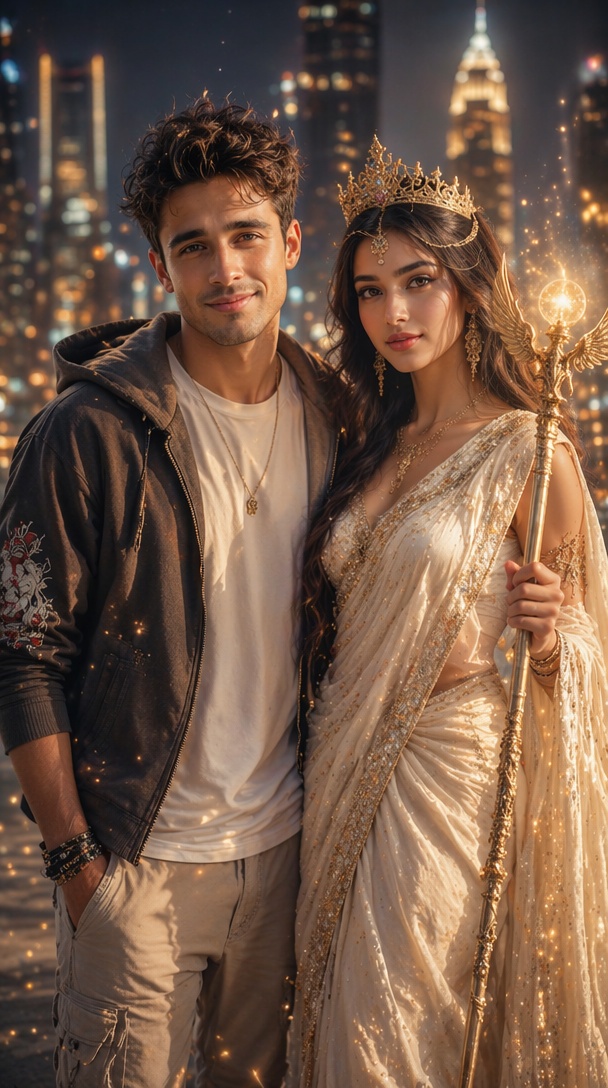
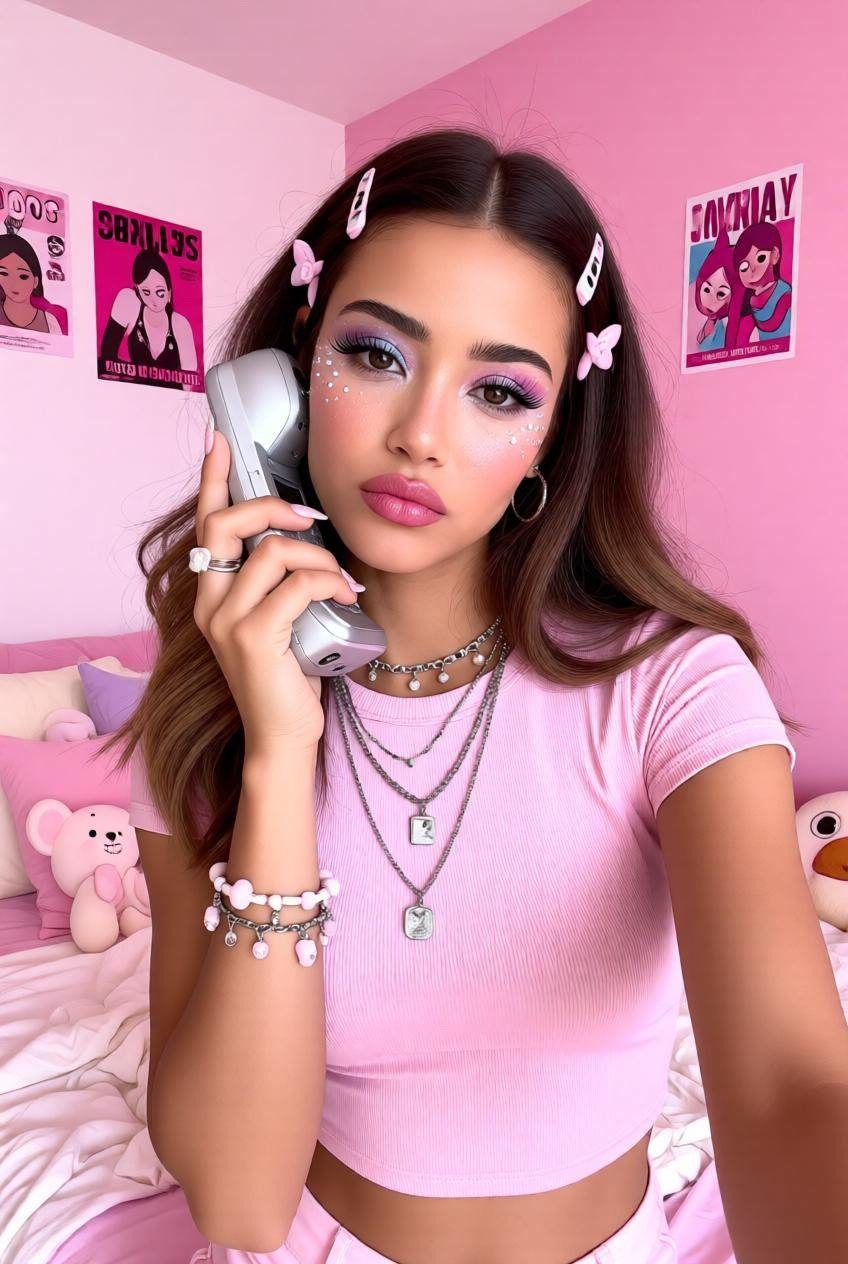
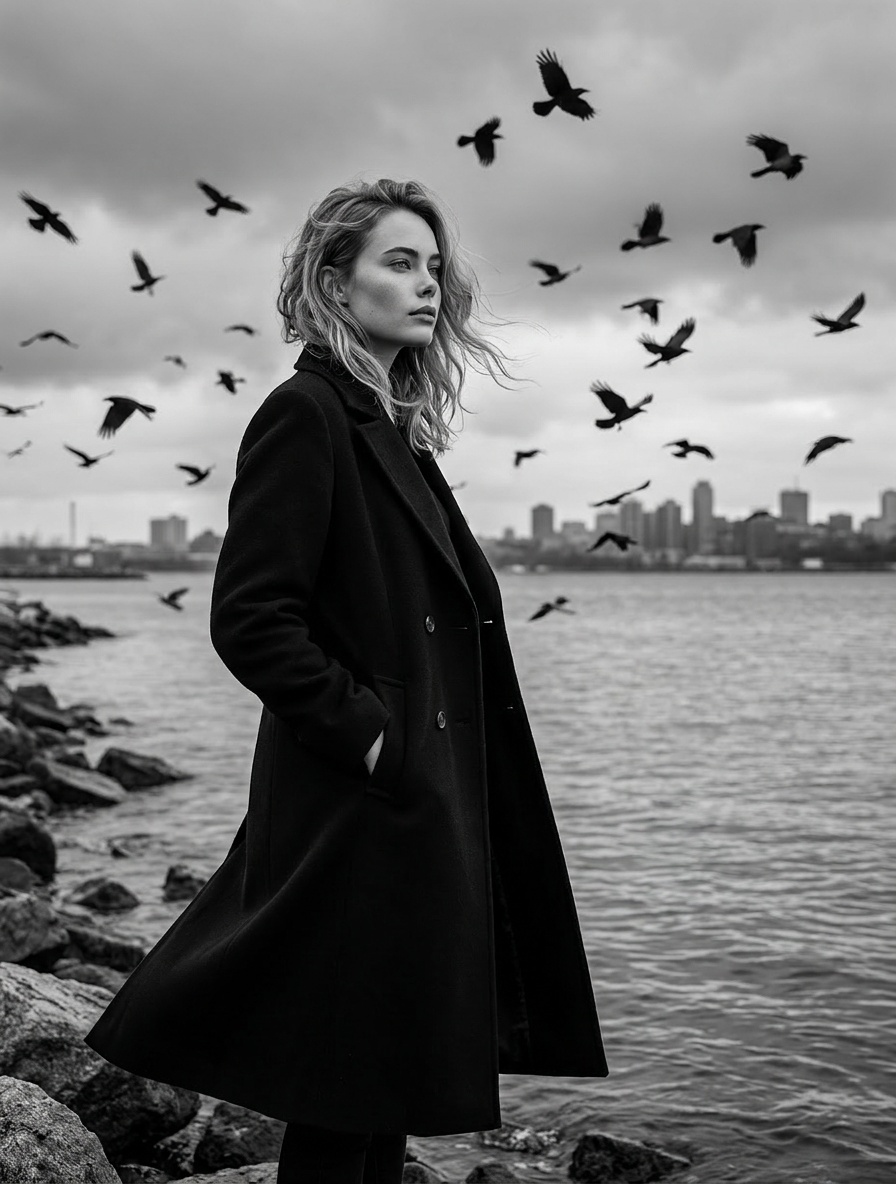
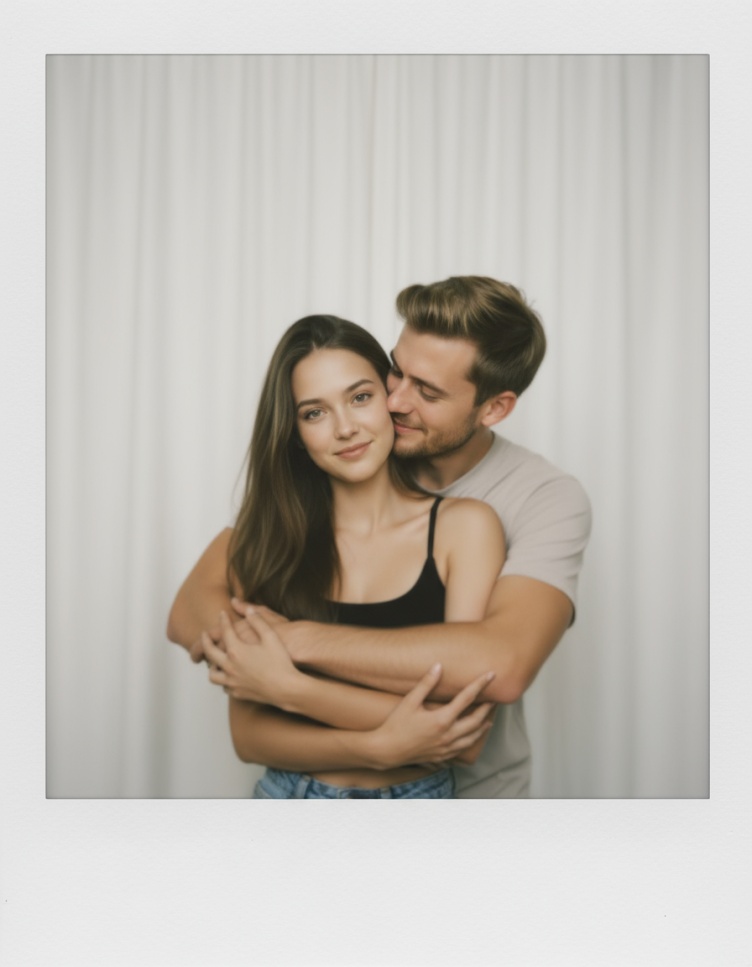
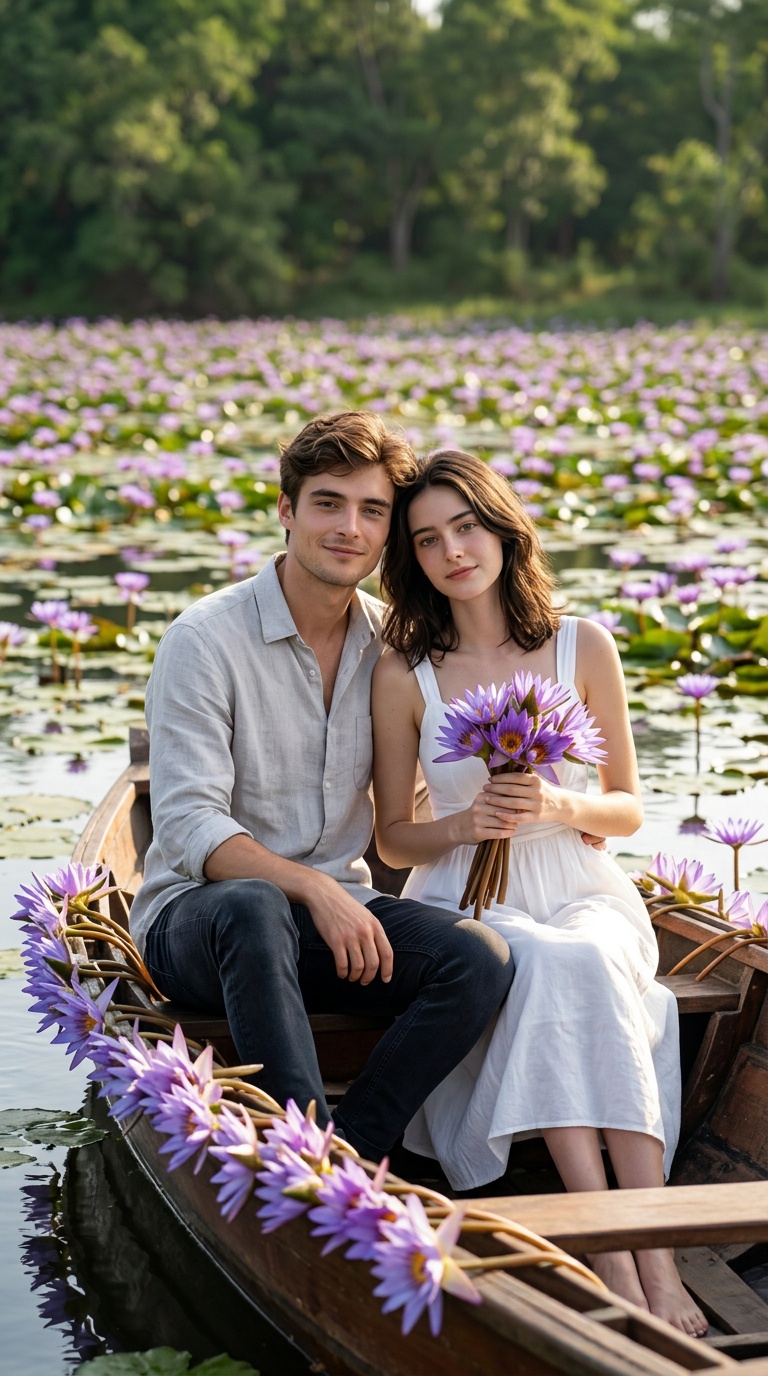
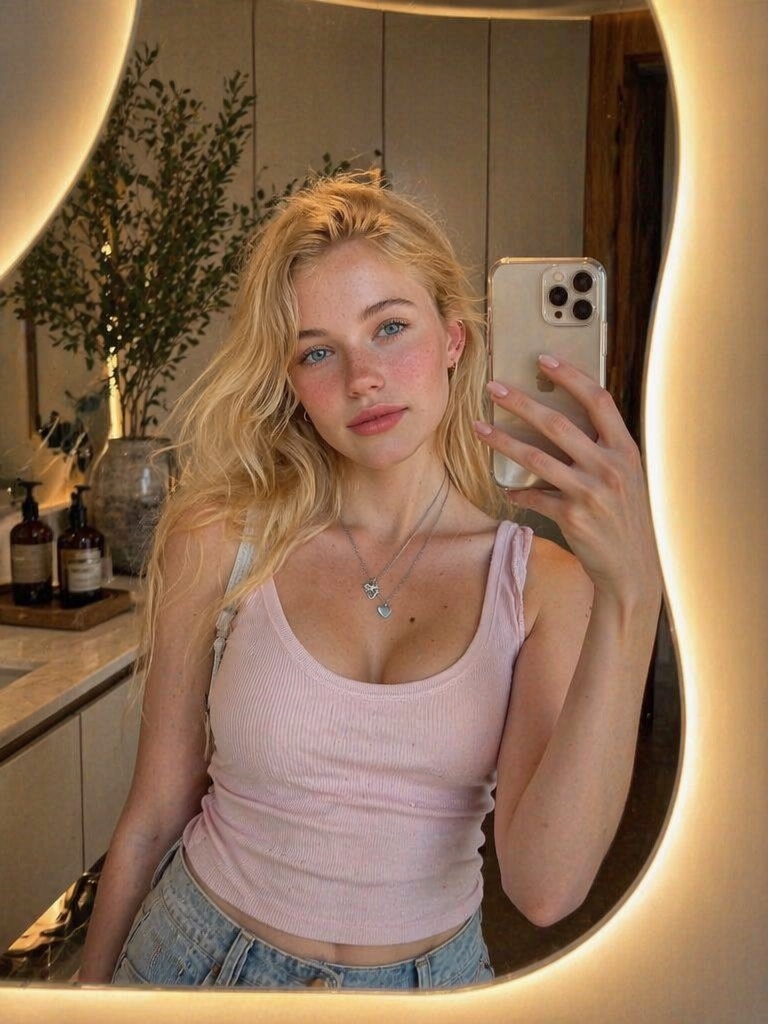
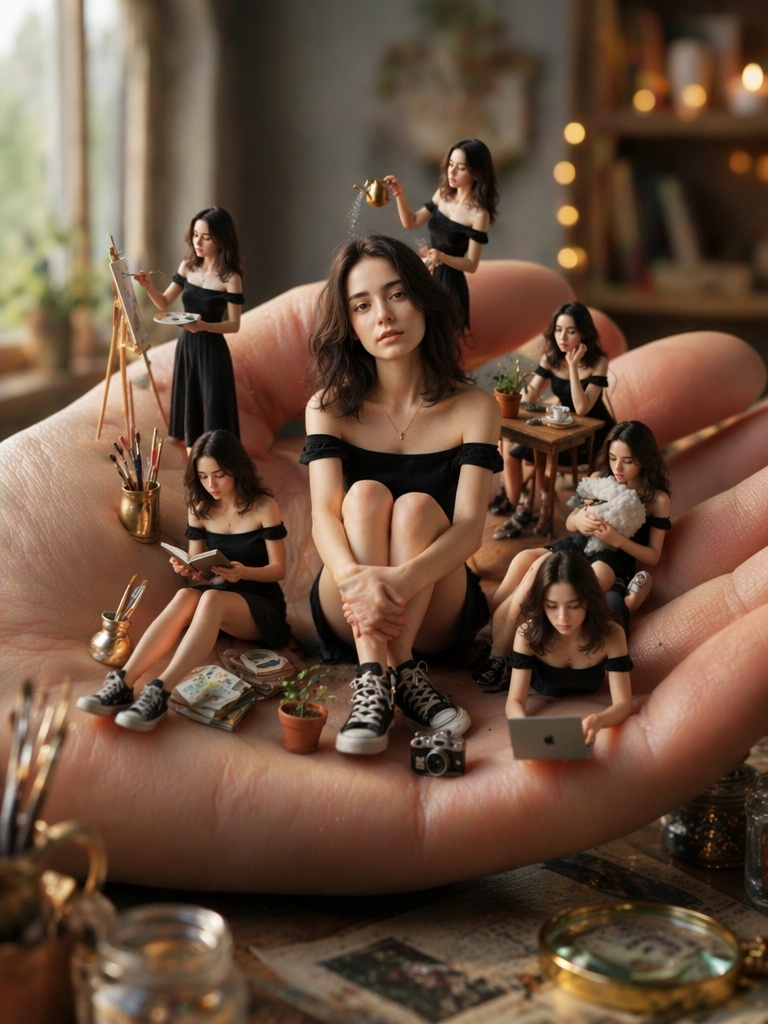
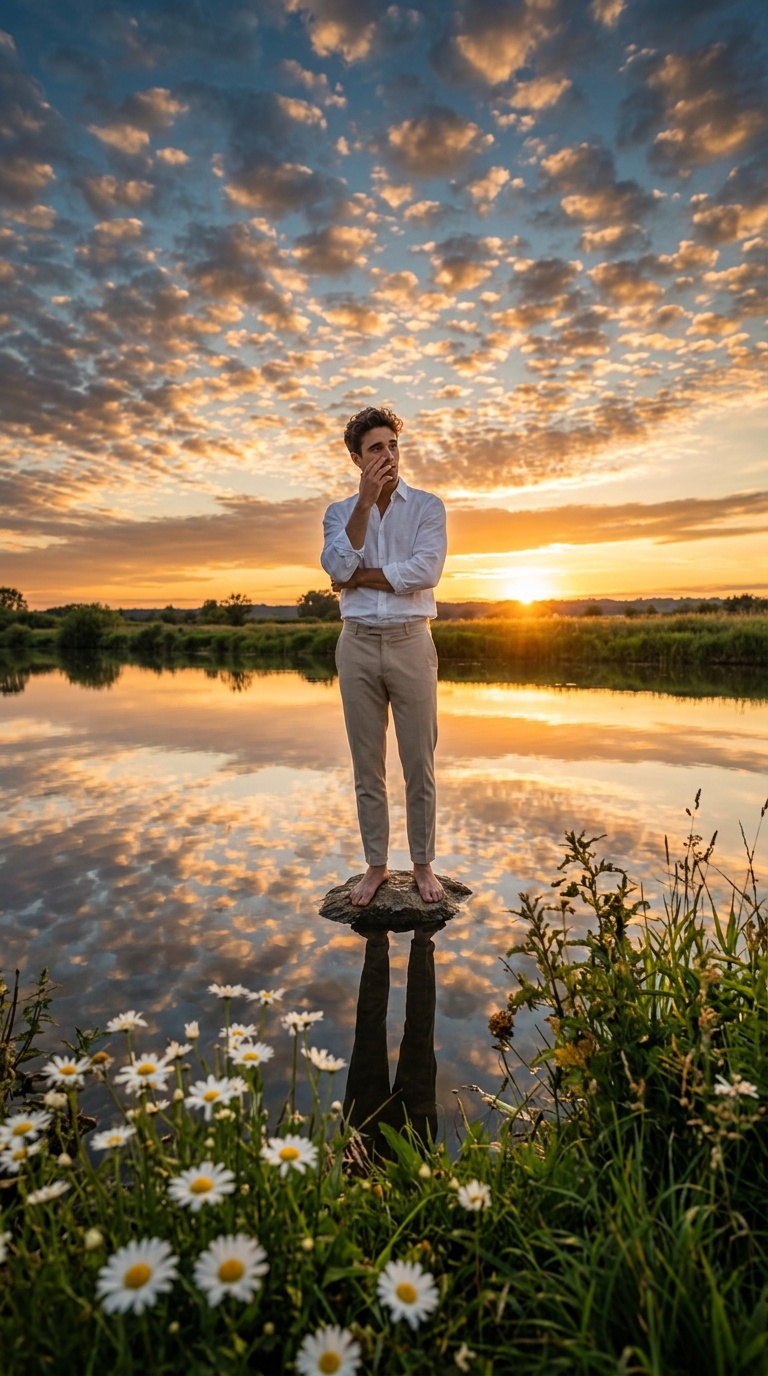

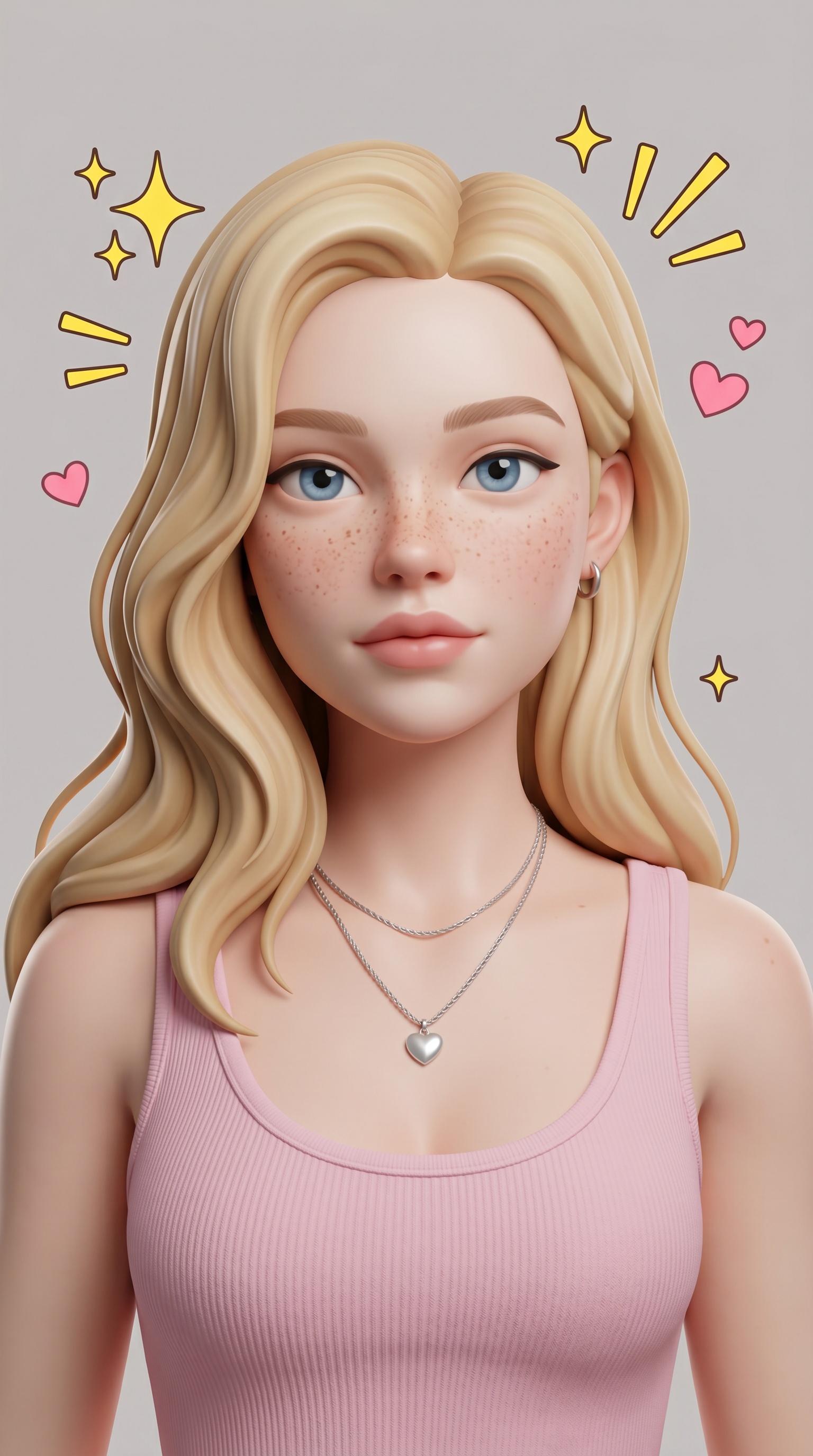
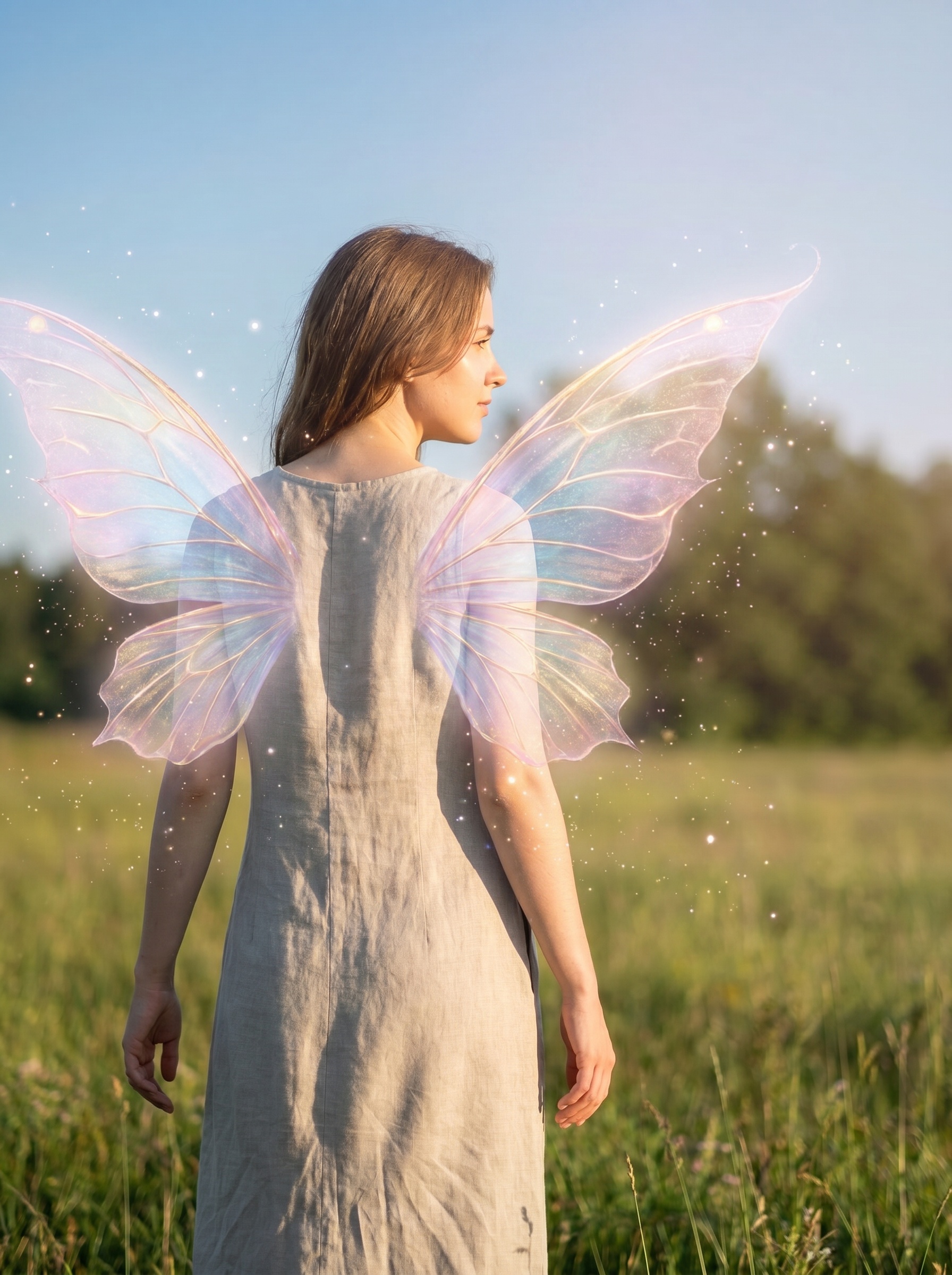
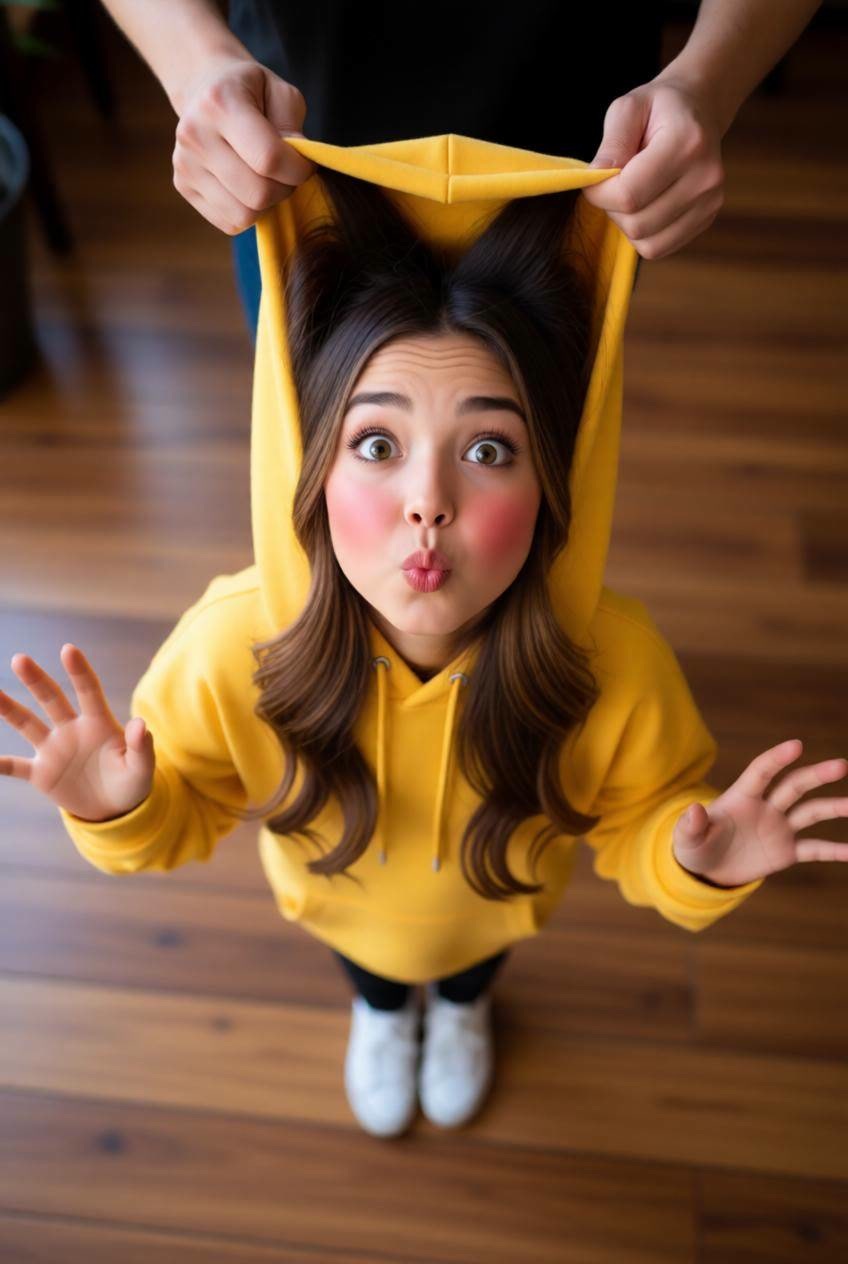
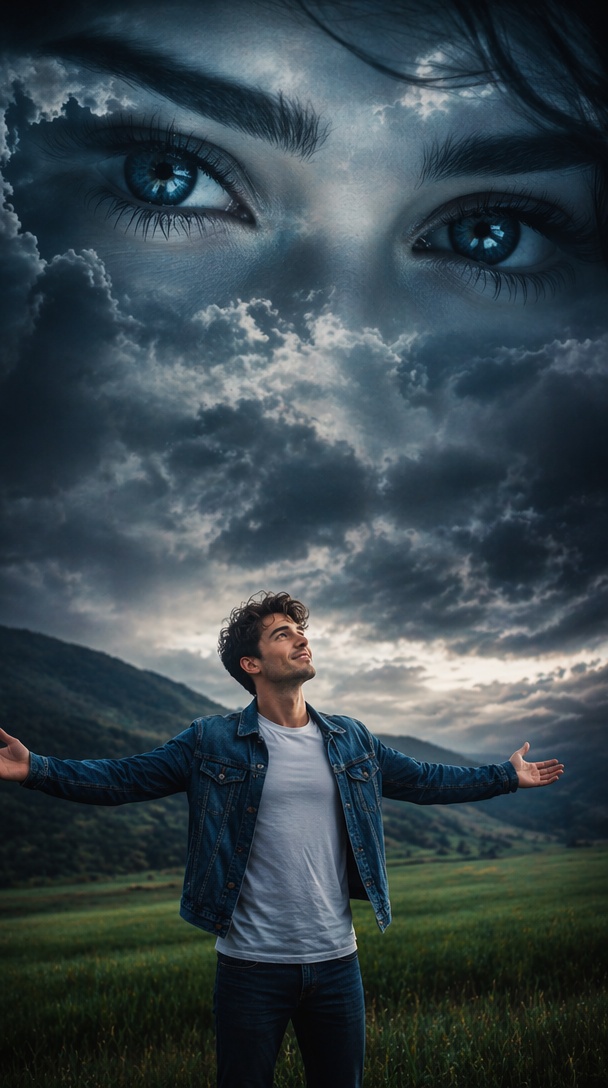
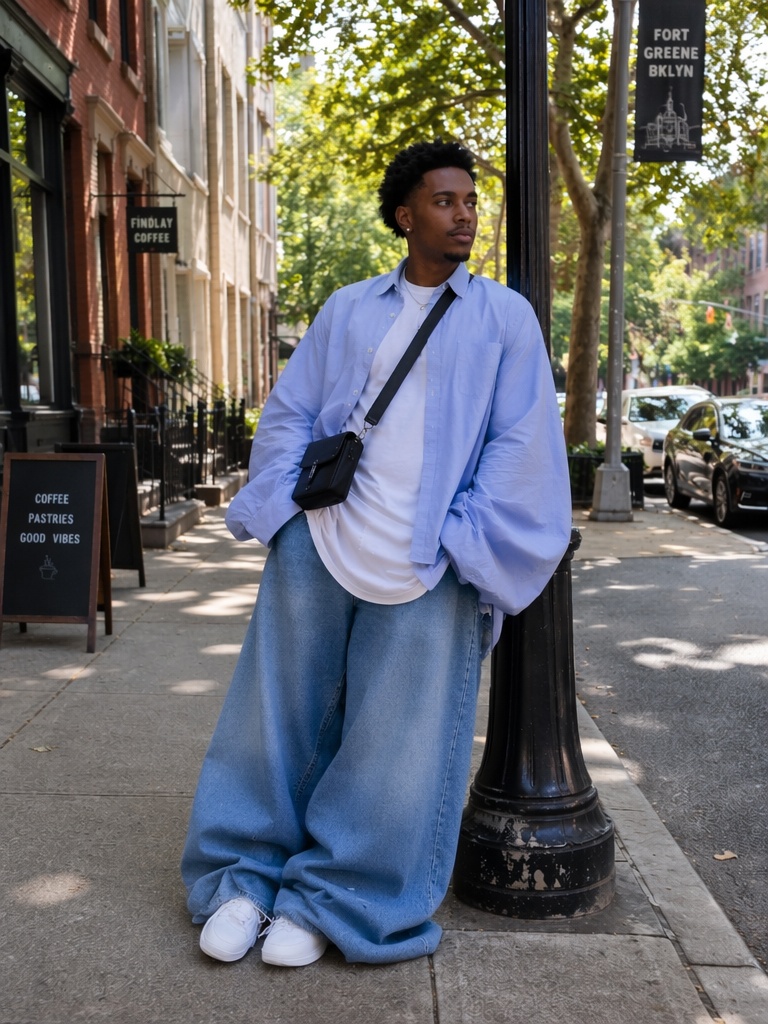
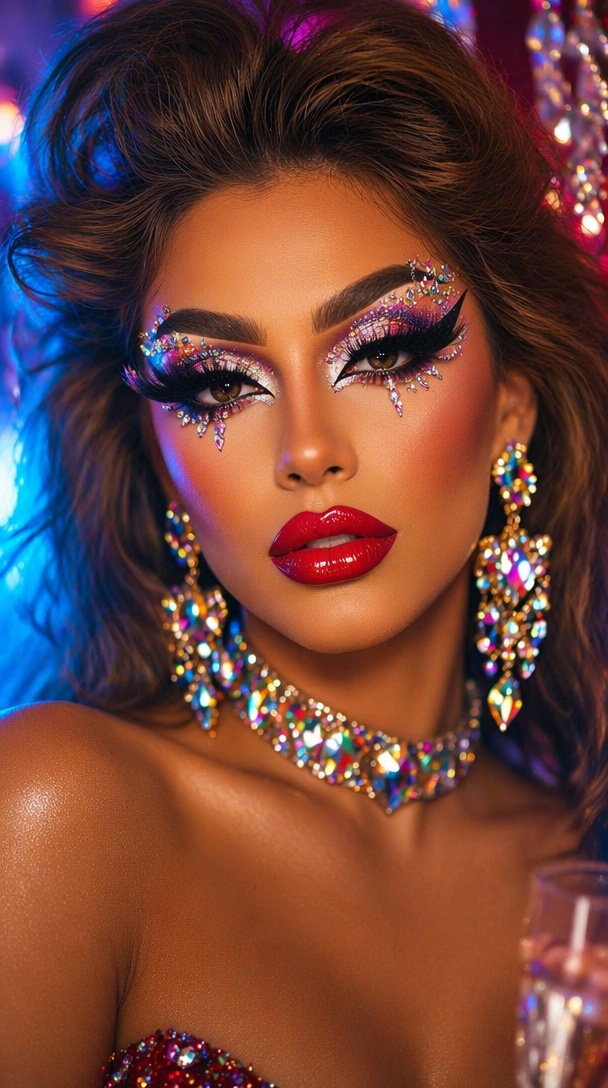
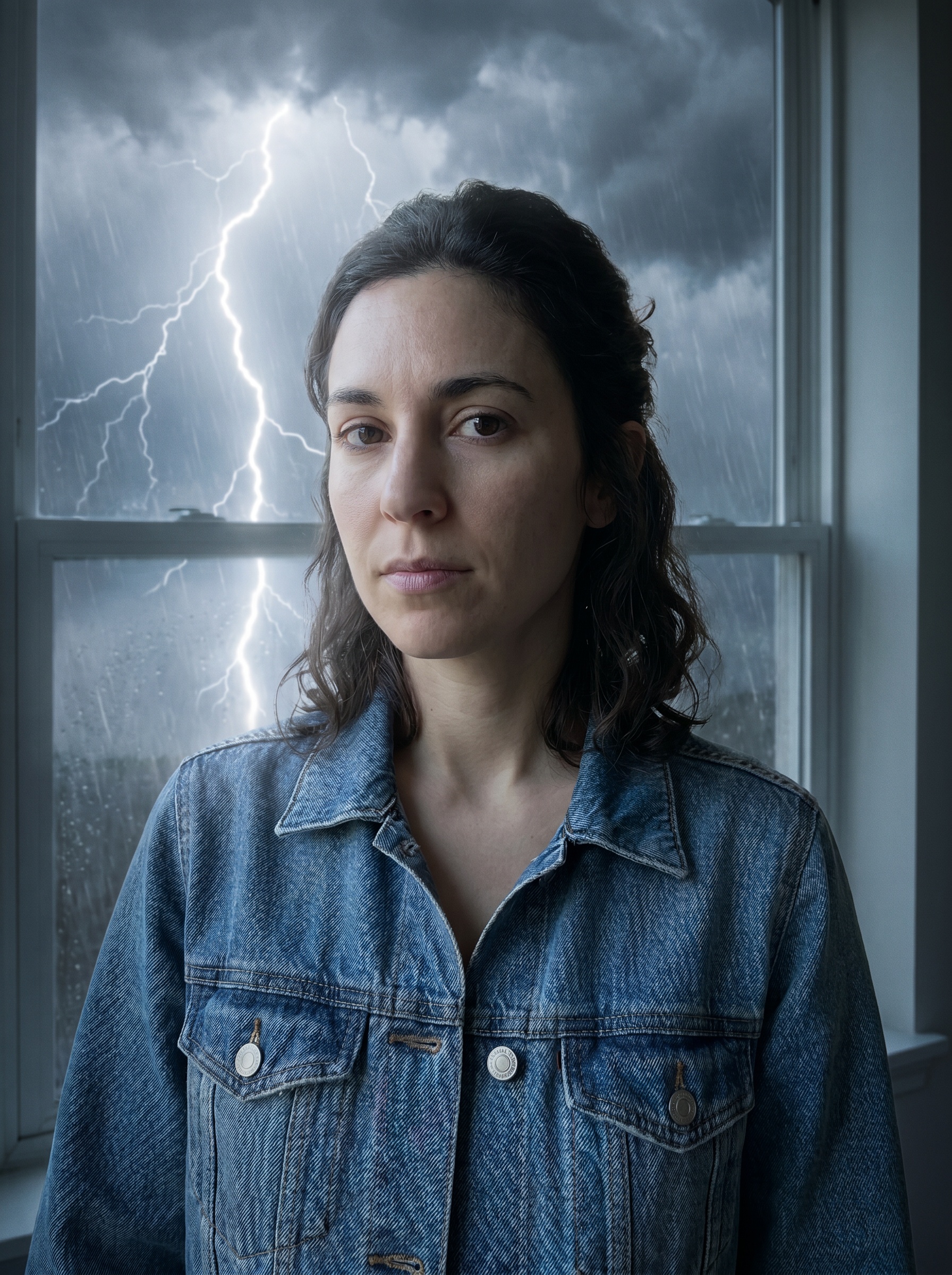
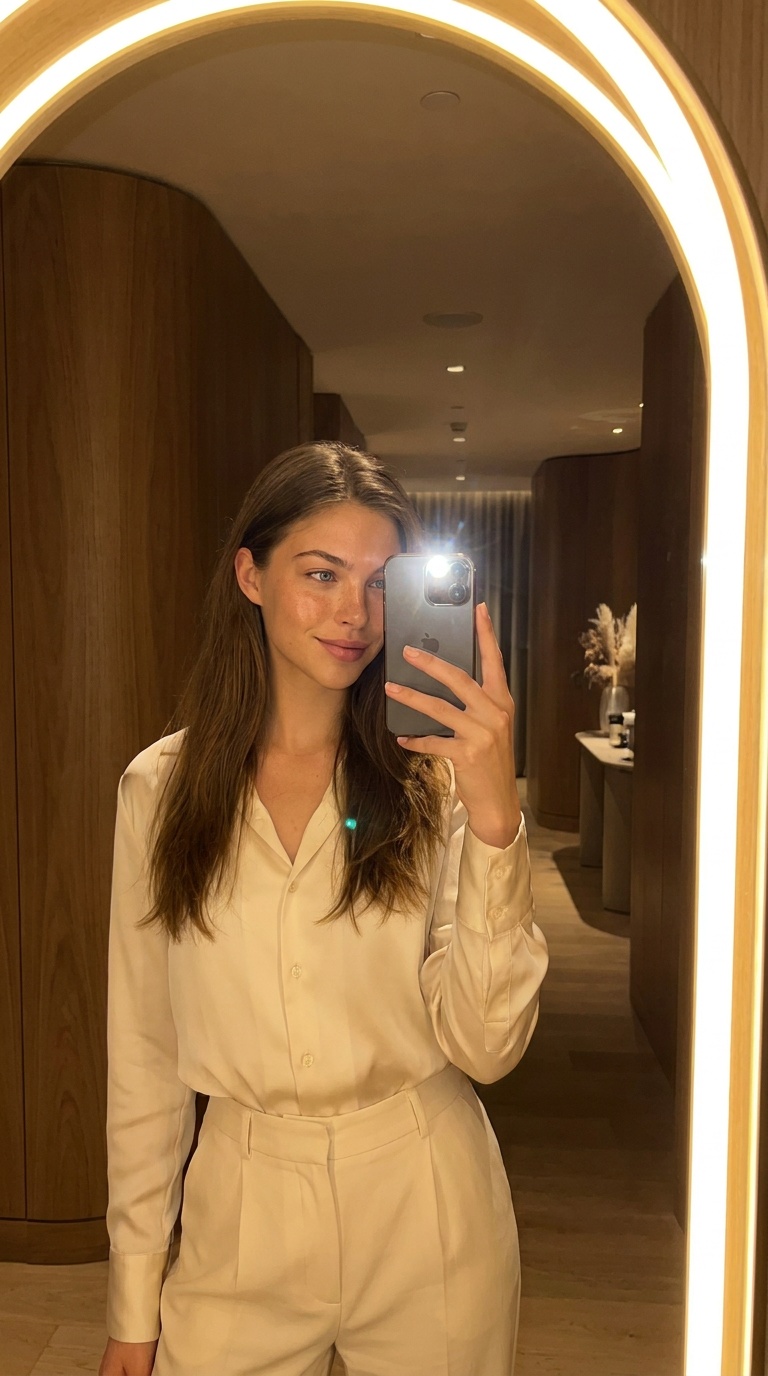
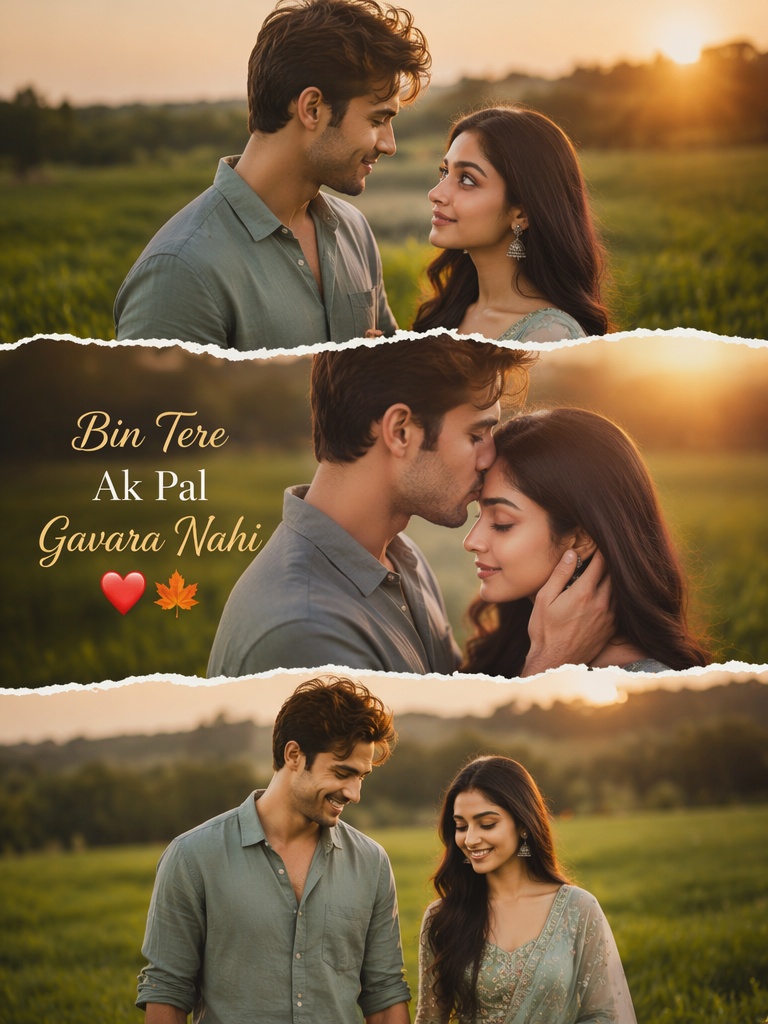
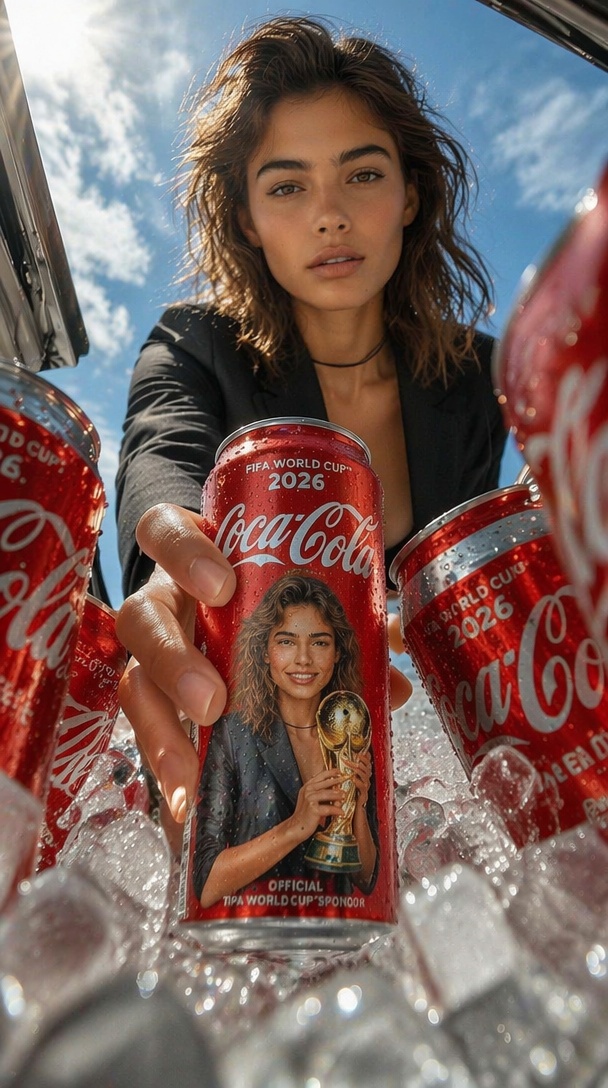
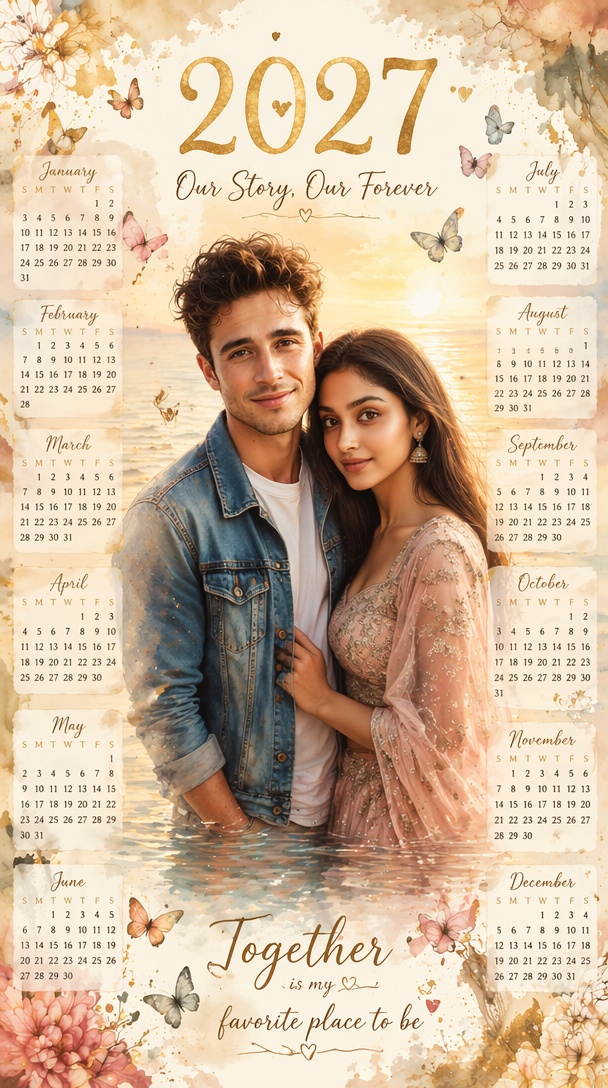
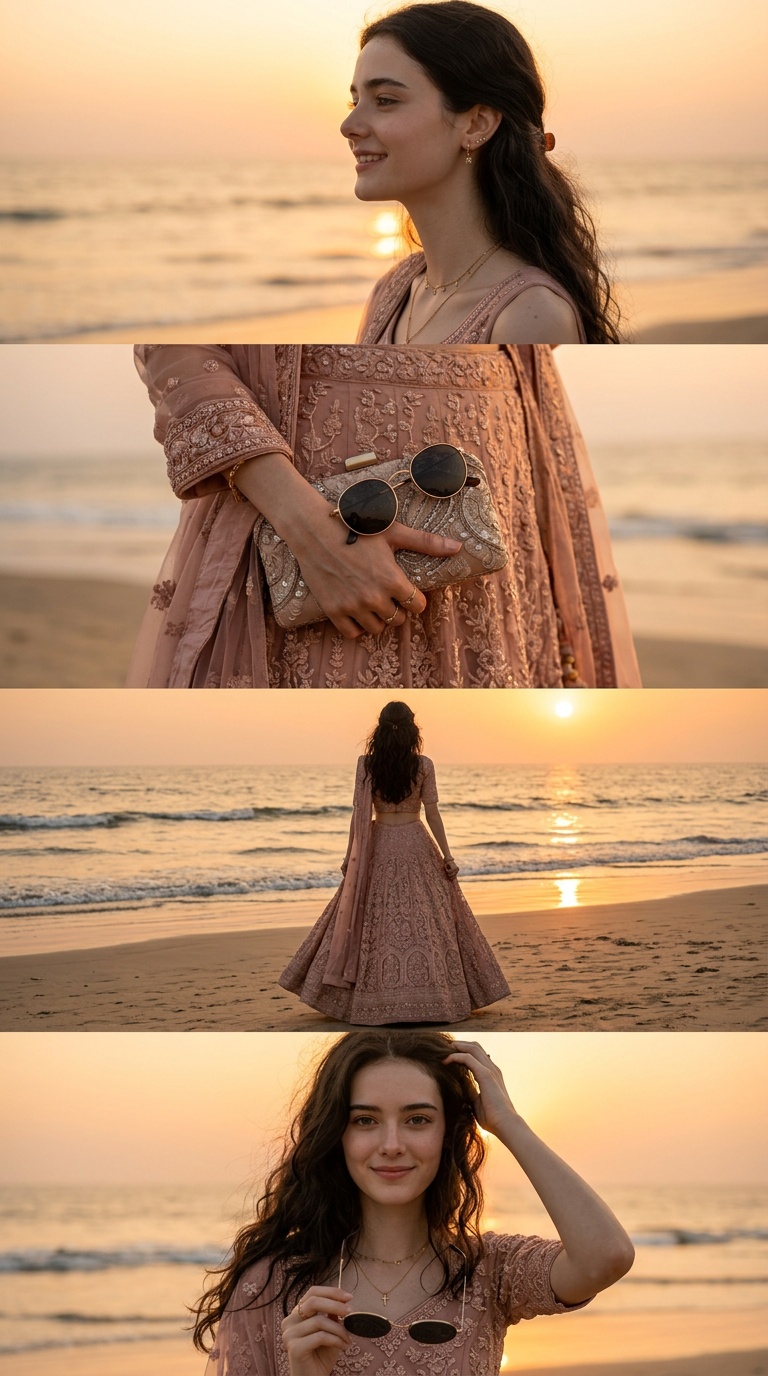
How to make a Vikas editing AI photo
- 01
Choose a style
Pick a Vikas editing style from the strip above the generator or from the prompt gallery below it.
- 02
Upload your photo
Add one clear selfie. The style's prompt loads on its own, and you can tweak it before generating.
- 03
Generate and download
Generate, download the image and post it to Instagram, your Reels cover or WhatsApp status.
How to use a Vikas editing prompt in ChatGPT or Gemini
Each Vikas editing prompt restyles a real photo, so the AI needs your picture as well as the text.
- 01Open a prompt card and copy the full prompt.
- 02In ChatGPT or Gemini, attach one clear photo of yourself.
- 03Paste the prompt and send. If your face drifts, add "keep my face exactly the same" and try again.
What photo works best for Vikas editing?
These prompts restyle the light, background and colour around you, so the AI needs a clean view of the face it should keep.
- One person, face clearly visibleA front or three-quarter angle with nothing covering your eyes keeps the likeness closest.
- Even light and sharp focusA daylight selfie gives the model real skin tone and detail to work from. In a dark, blurry shot those details get invented.
- Group shots and heavy filtersSeveral faces blur which person to keep, and a beauty filter already on the photo gets baked into the result.
Vikas Editing AI Prompts FAQs
What is a Vikas editing AI prompt?
It is a text instruction for an AI image model that restyles your photo in the cinematic, Instagram-ready look made popular by Indian editing creators such as Editing by Vikas: dramatic light, film grain, moody colour and polished portraits.
Do these prompts work in ChatGPT and Gemini?
Yes. Vikas editing prompts are written for image editing, so attach your photo in ChatGPT or Gemini, paste the full prompt and send. On this page you can also run the same prompt on your photo without switching apps.
Are Vikas editing AI prompts free?
Copying any prompt and using it elsewhere is free. Generating on this page uses credits from your account; the pricing page lists current plans.
Is this the official Editing by Vikas website?
No. This page is not affiliated with or endorsed by Editing by Vikas or any creator using the Vikas name. It collects prompts in that popular style and lets you run them on your own photo.
Will the AI keep my face the same?
The prompts ask the model to preserve your identity, and a clear, front-facing photo gives it the best chance, but any generation can change small details. If your face drifts, generate again or add a line asking to keep your face exactly the same.
Can I post a Vikas editing photo on Instagram?
Yes. Download the image and post it to Instagram, a Reels cover or WhatsApp status. Only edit photos of other people with their consent.
Make your Vikas editing photo now
Choose a style, upload one clear selfie and download an edit made for your feed.
Create my Vikas-style photo